 BleacherProof™
Pro-level designs.
Five-minute edits.
Layered templates for photographers who shoot teams at volume. Every design is built to look finished with anyone's photos, and every file works the same way, so once you've done one player the rest of the roster goes fast.
Built for working photographers by working photographers.
- 46 designs
- Memory Mate 8x10s · Memory Mate 5x7s · Memory Mates · Player Posters · Senior Banners · Stat Cards · Player Photos · Trading Cards · Game Day Packs · Graphics Packs
- Unlimited client sessions
In every download
- Print-ready layered PSD. Built at 300 DPI to the size your lab prints, with bleed where the product needs it.
- Live text everywhere. Names, numbers, positions and team lines stay editable. Every font is in the download, free and open source.
- One-click team colors. Double-click a color square and the whole design follows, shading and all.
- Layers that explain themselves. An emoji on each layer says what it wants. If it has no emoji, you never need to touch it.
- Player Drop, free. Pick a player photo and Photoshop cuts them out and places them in the slot, hair and all.
- A START HERE guide. One page written for that exact file, plus print notes and a plain-English license.
How they work
- PhotosRun Player Drop, or drop your photo into the slot.
- WordsType the names, numbers and team lines.
- ColorsDouble-click a square. Pick the team color.
- ExportSave a JPG at 300 DPI and send it to your lab.
Same four steps in every template. Doing a whole team? Player Drop Batch builds every player from a folder of photos.
Watch each step ↓Pick your design.
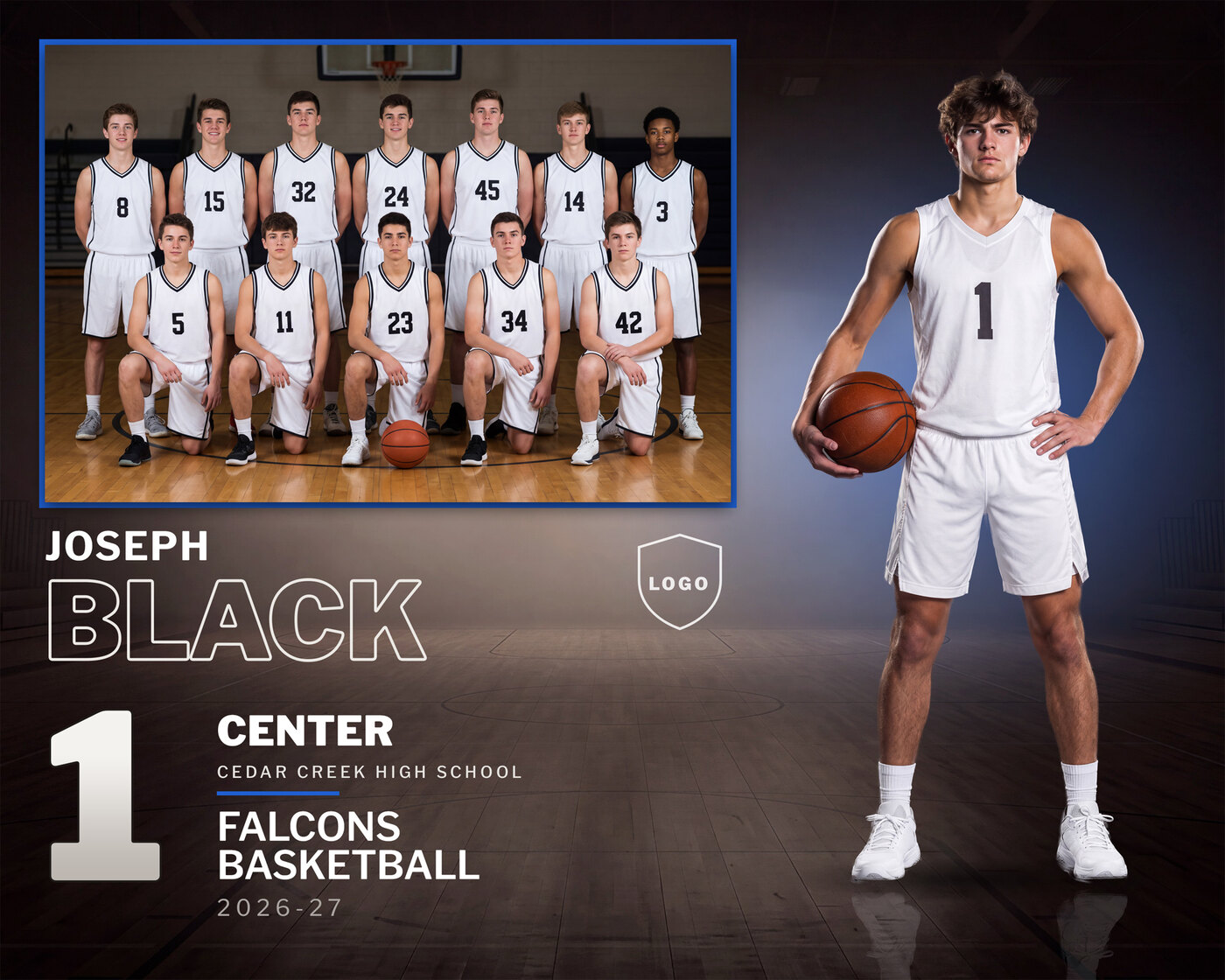
Memory Mate 8x10
$20$15Arena design · 10 x 8 inches at 300 DPI, 3000 x 2400 px
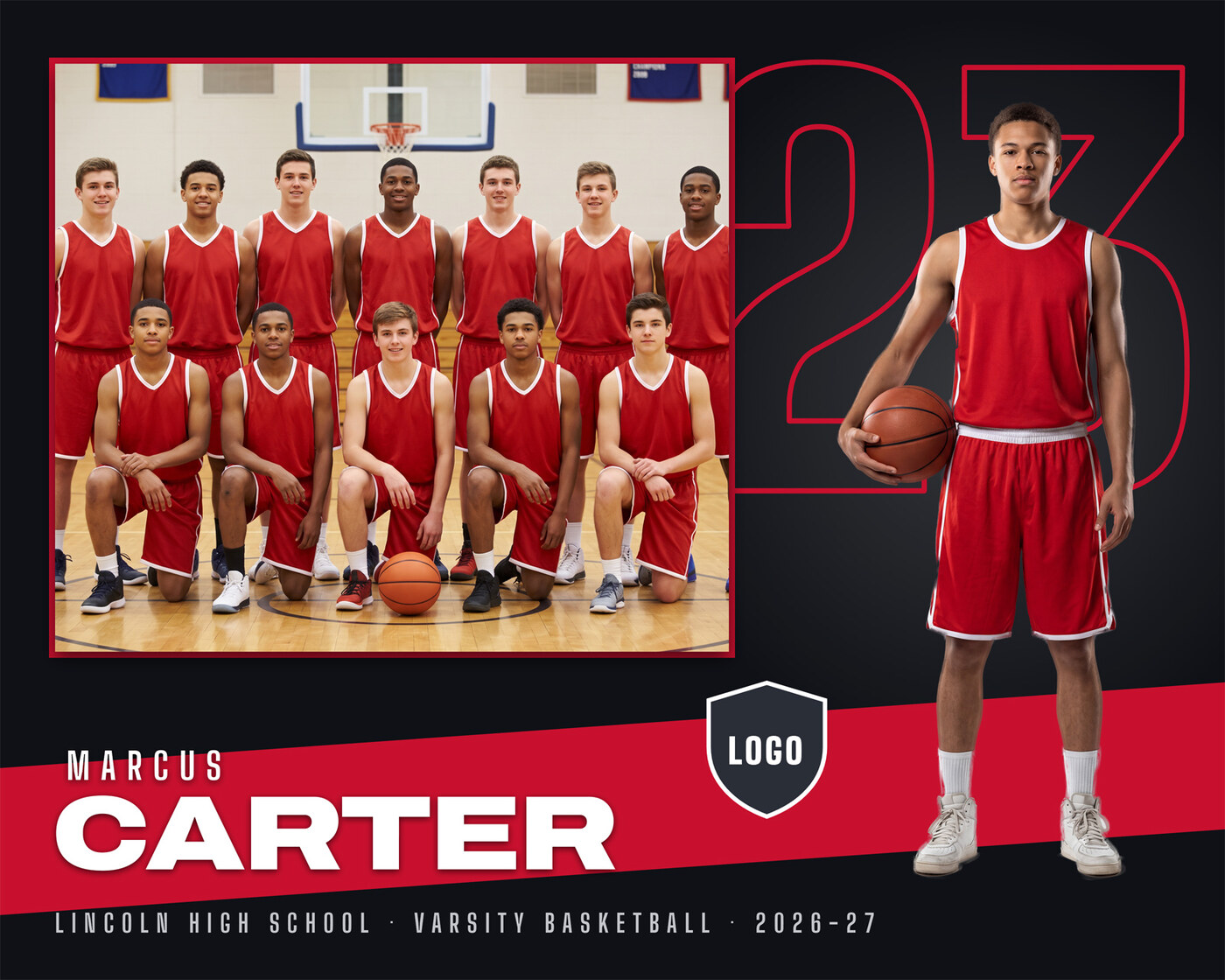
Memory Mate 8x10
$20$15Spotlight design · 10 x 8 inches at 300 DPI, 3000 x 2400 px
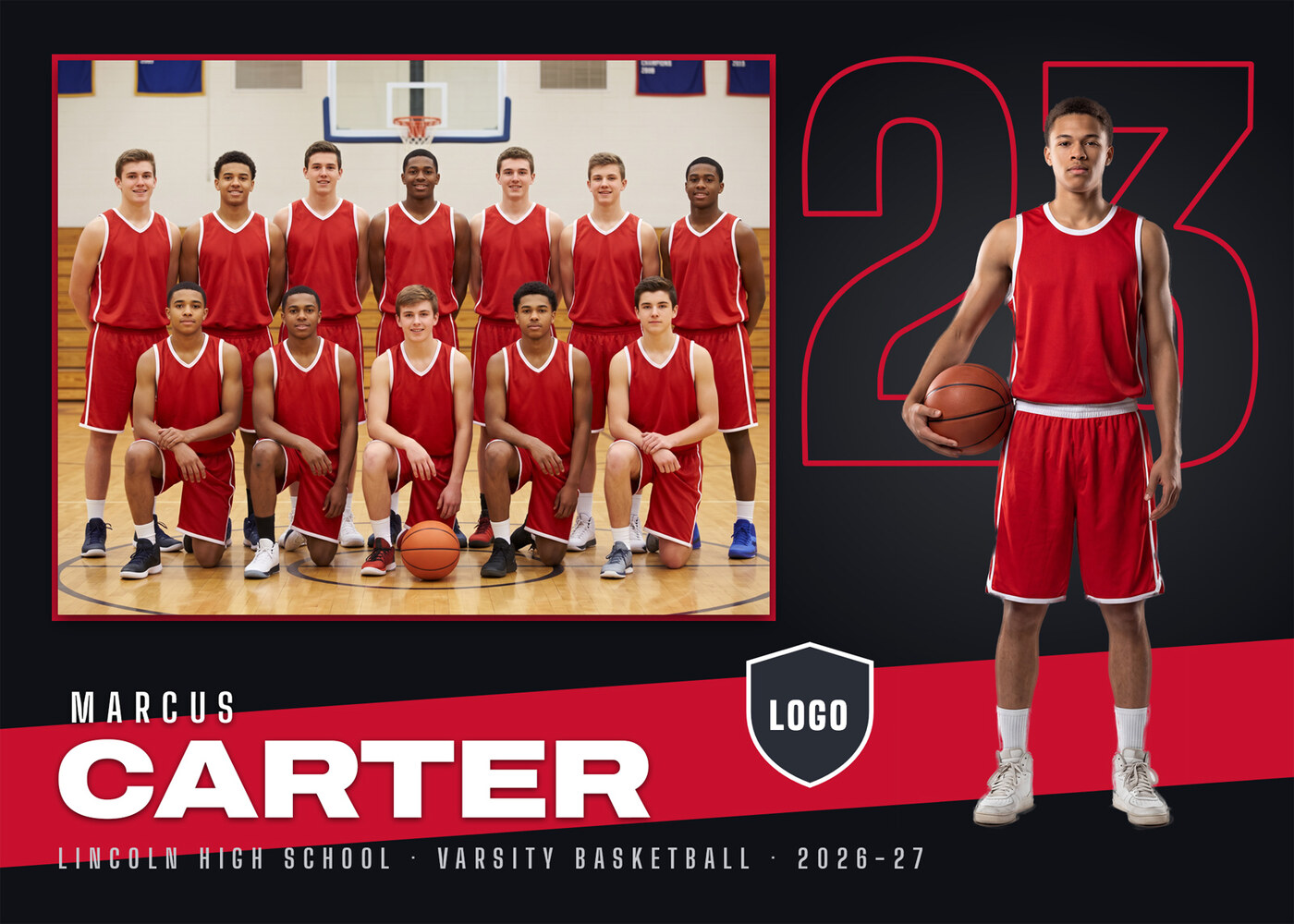
Memory Mate 5x7
$20$15Spotlight design · 7 x 5 inches at 300 DPI, 2100 x 1500 px
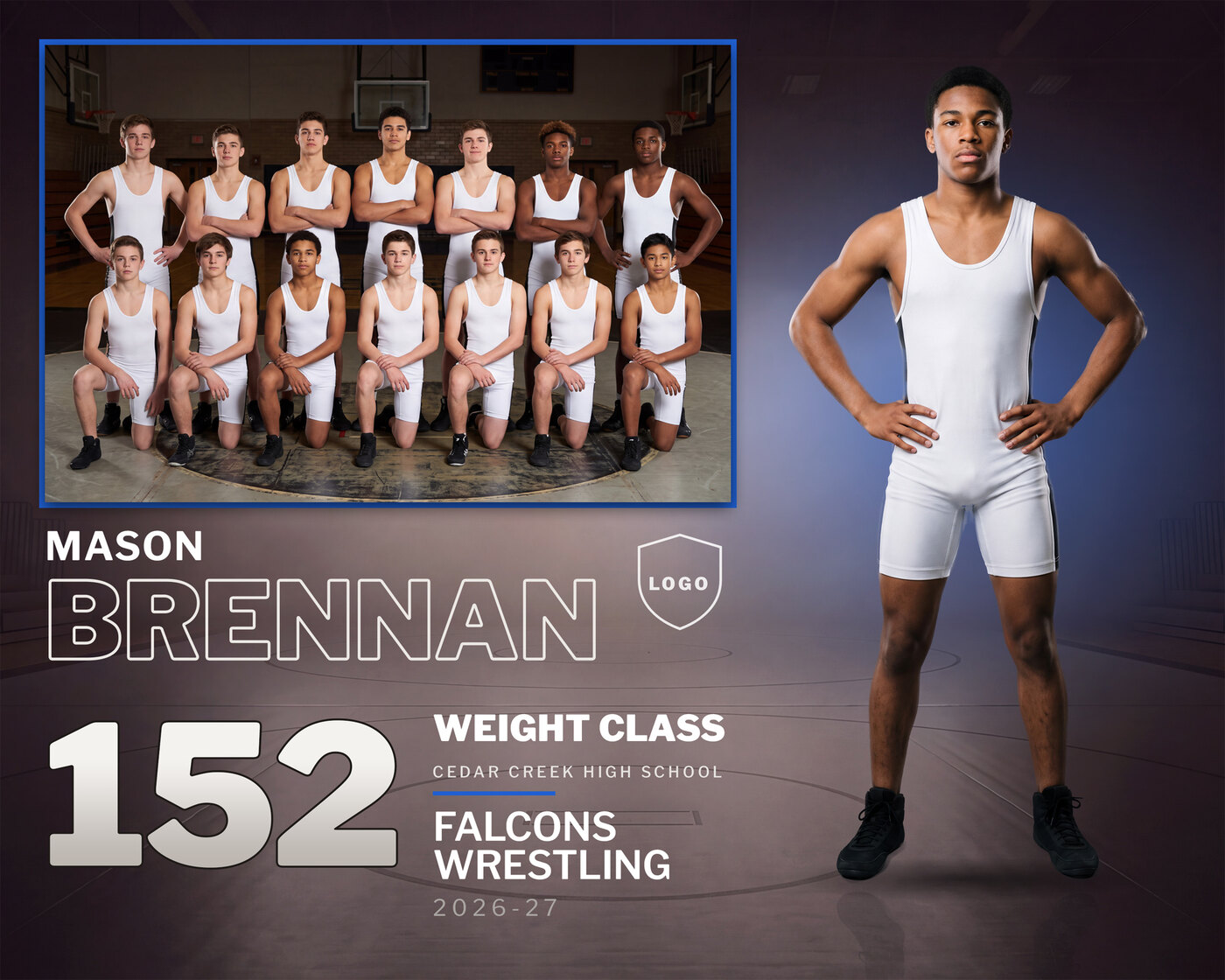
Memory Mate 8x10
$20$15Arena design · 10 x 8 inches at 300 DPI, 3000 x 2400 px
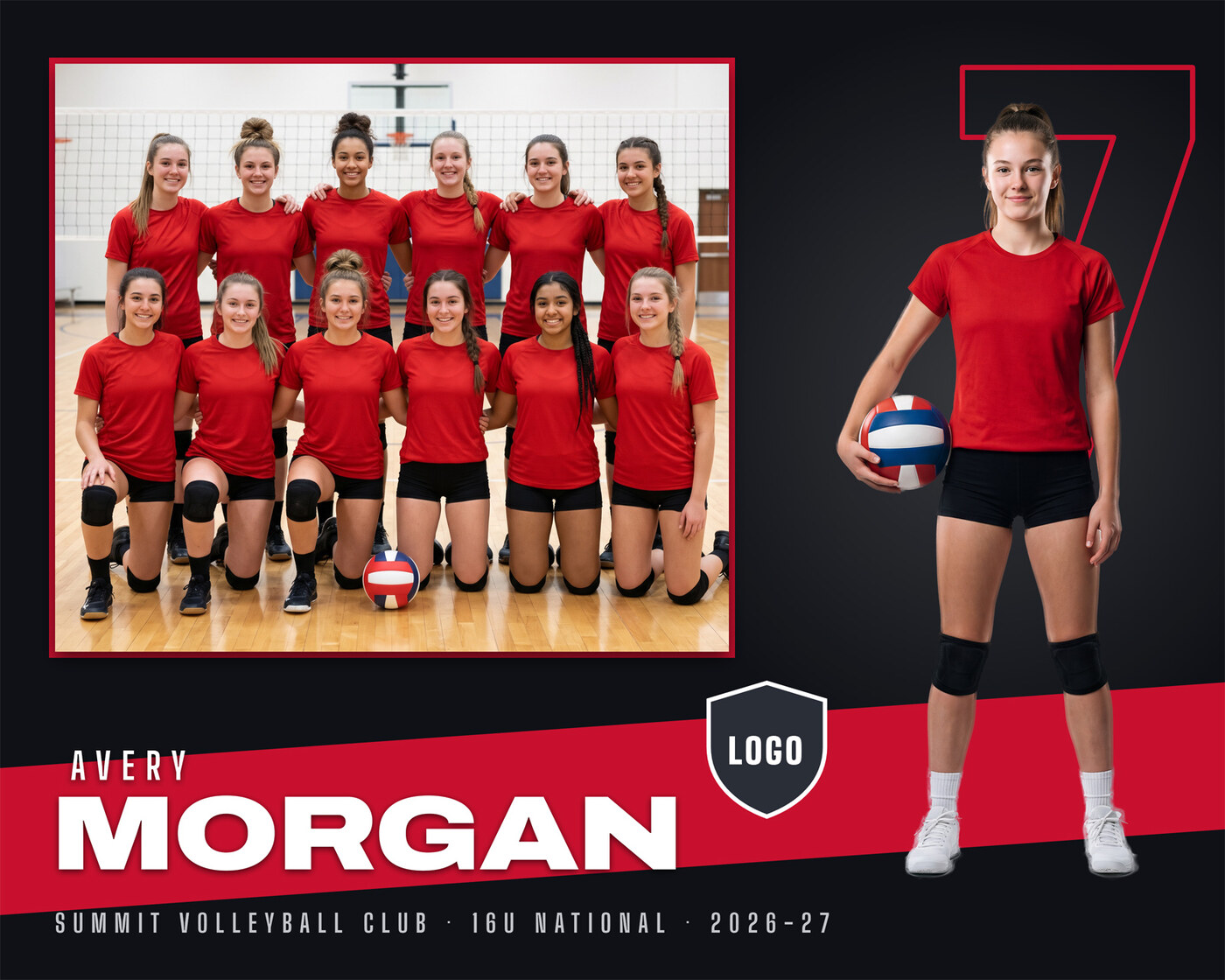
Memory Mate 8x10
$20$15Spotlight design · 10 x 8 inches at 300 DPI, 3000 x 2400 px
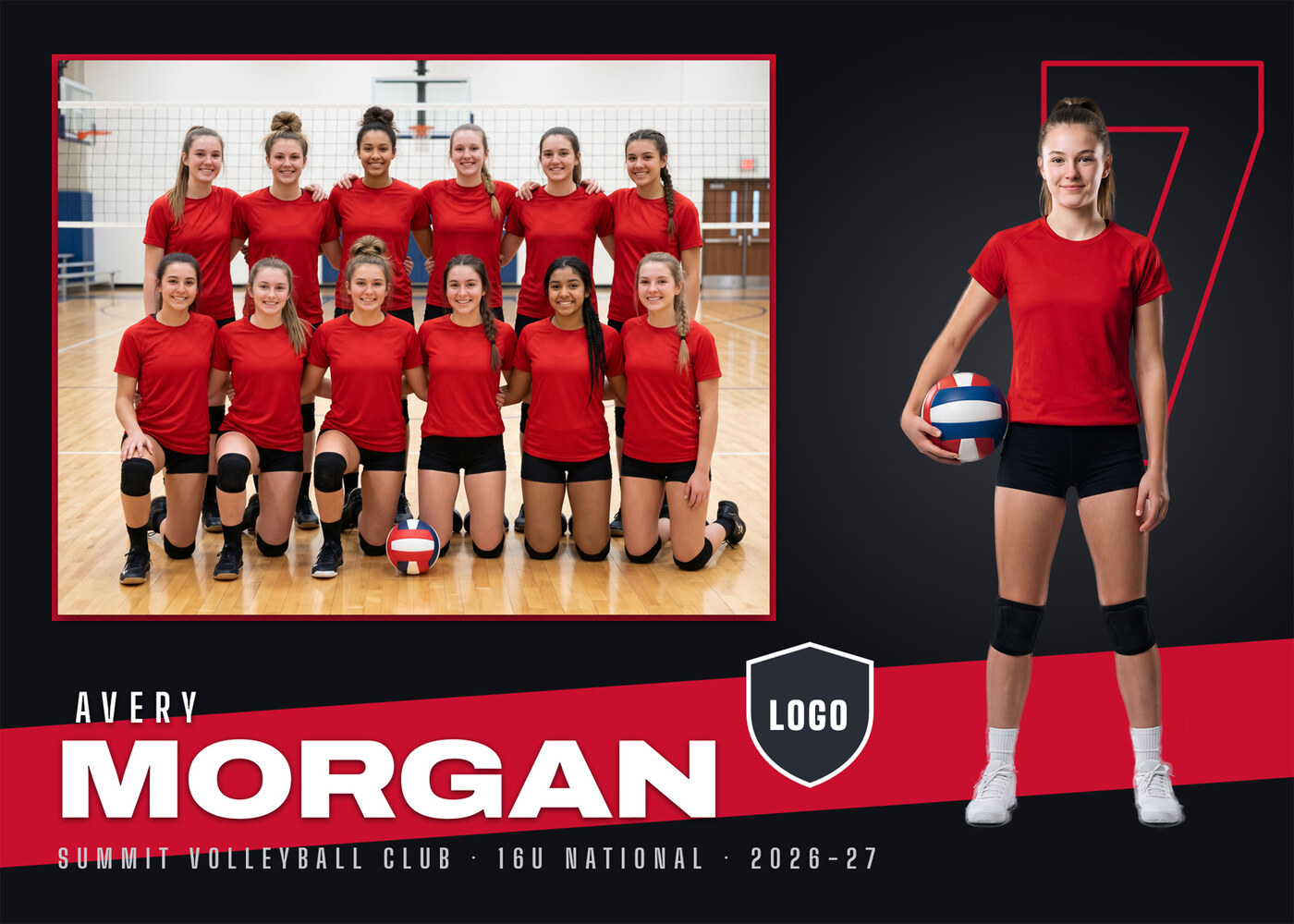
Memory Mate 5x7
$20$15Spotlight design · 7 x 5 inches at 300 DPI, 2100 x 1500 px
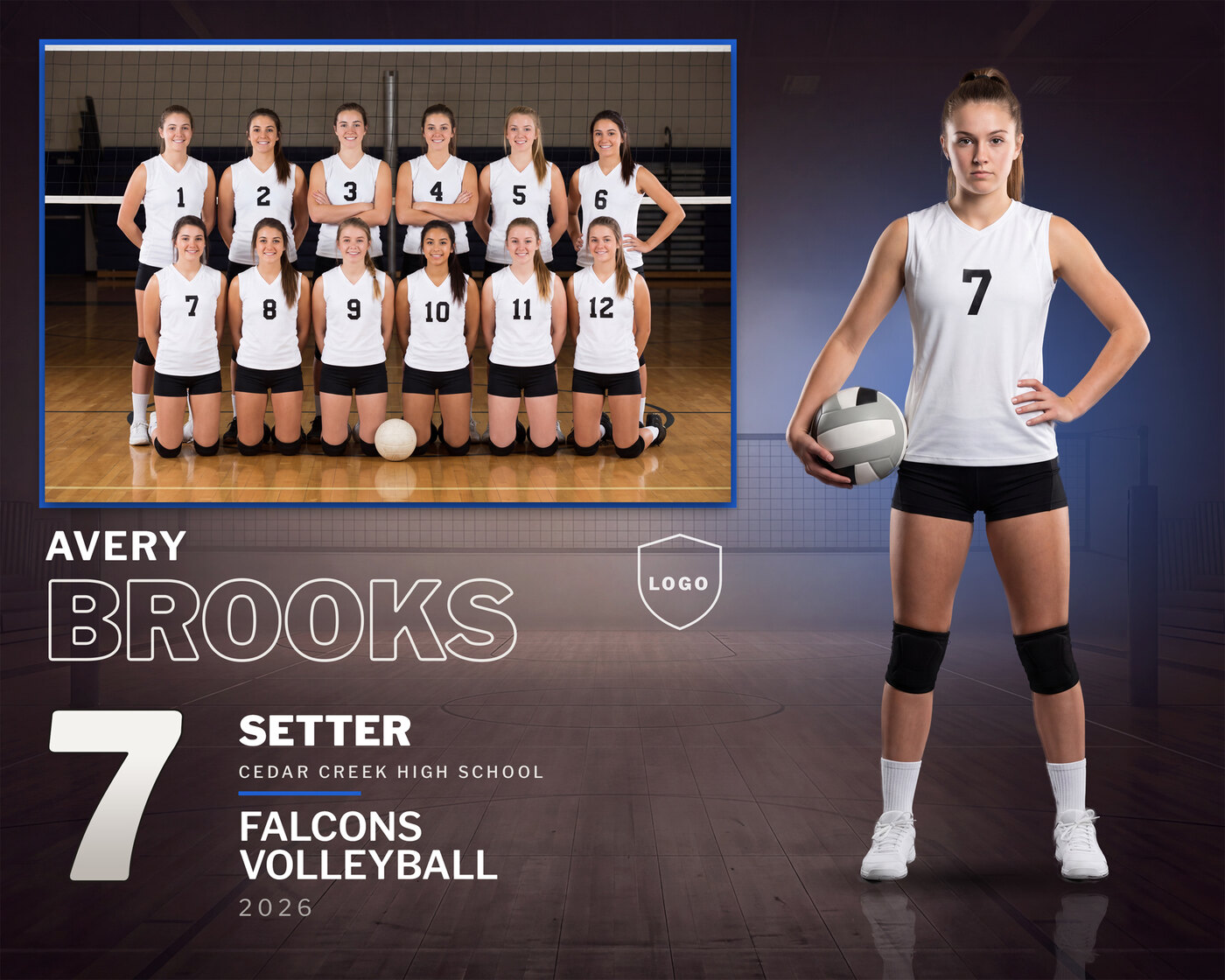
Memory Mate 8x10
$20$15Arena design · 10 x 8 inches at 300 DPI, 3000 x 2400 px
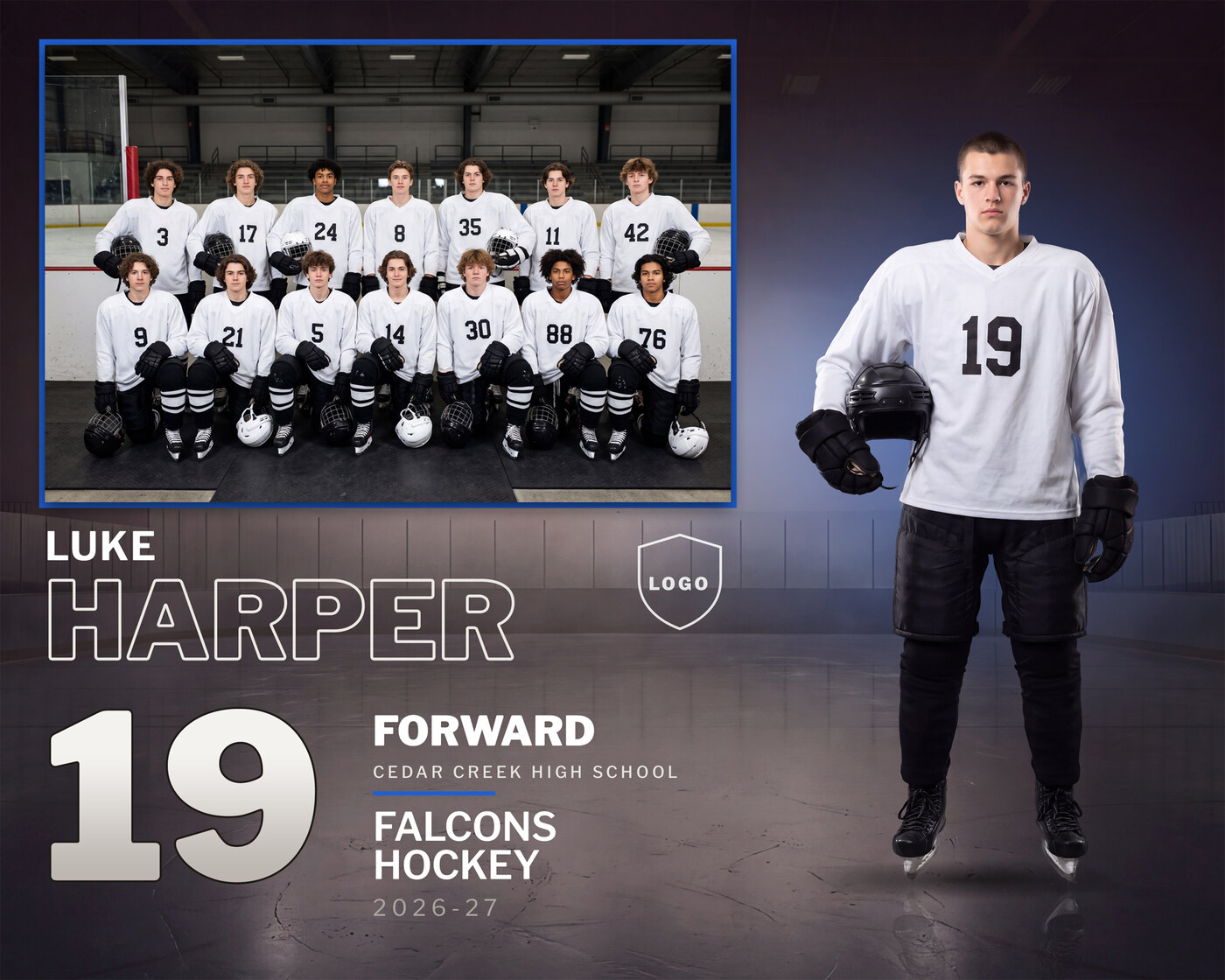
Memory Mate 8x10
$20$15Arena design · 10 x 8 inches at 300 DPI, 3000 x 2400 px
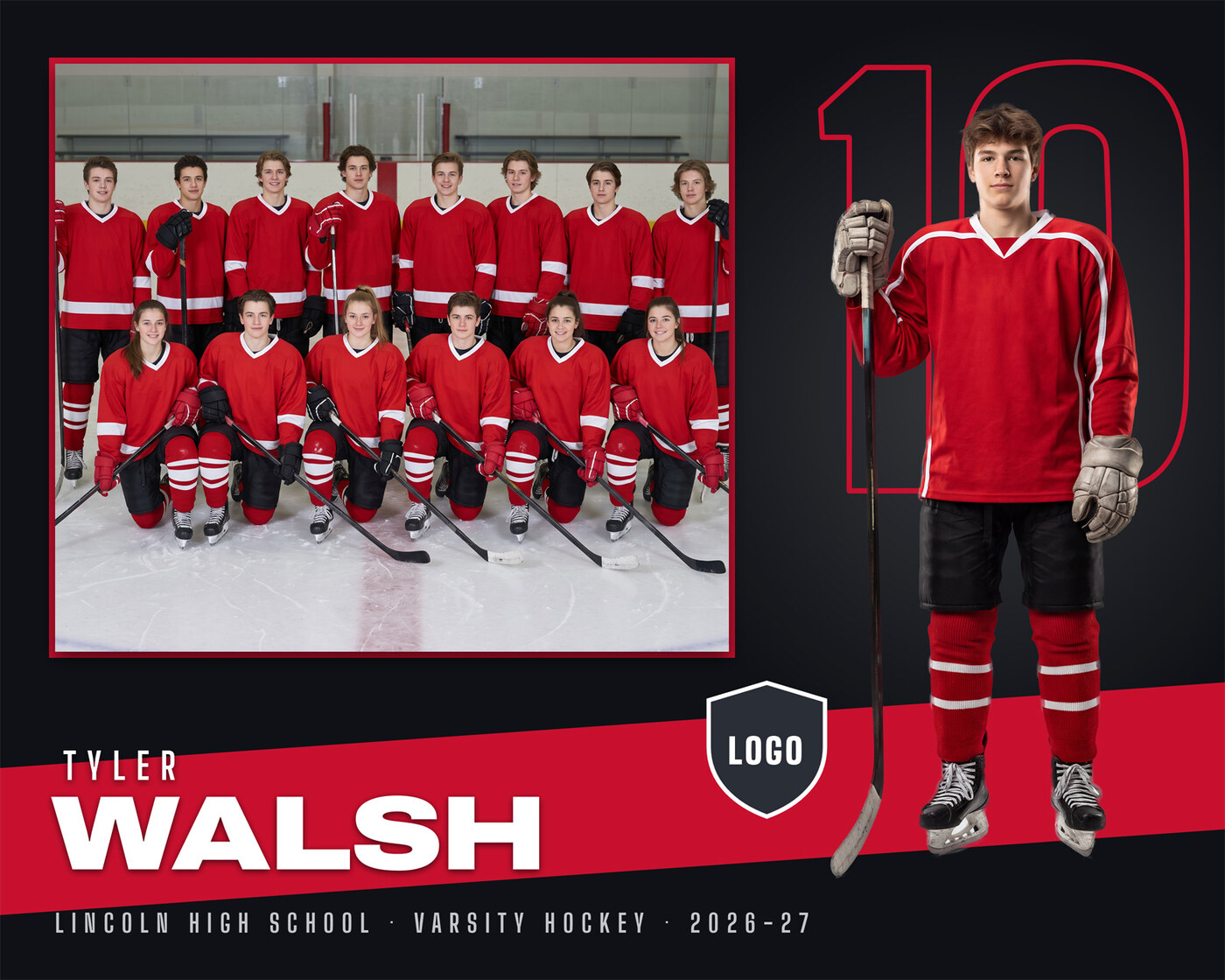
Memory Mate 8x10
$20$15Spotlight design · 10 x 8 inches at 300 DPI, 3000 x 2400 px
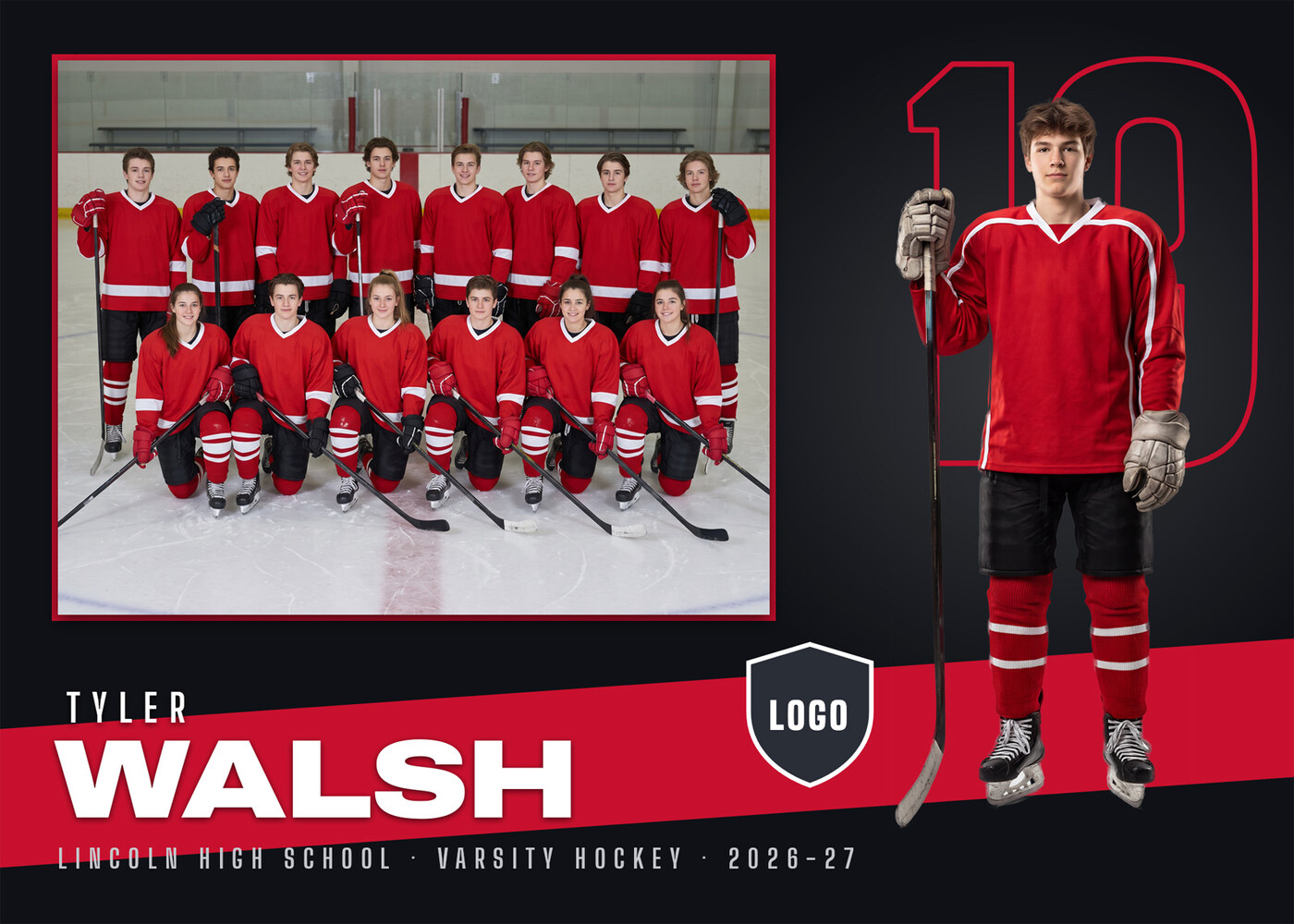
Memory Mate 5x7
$20$15Spotlight design · 7 x 5 inches at 300 DPI, 2100 x 1500 px
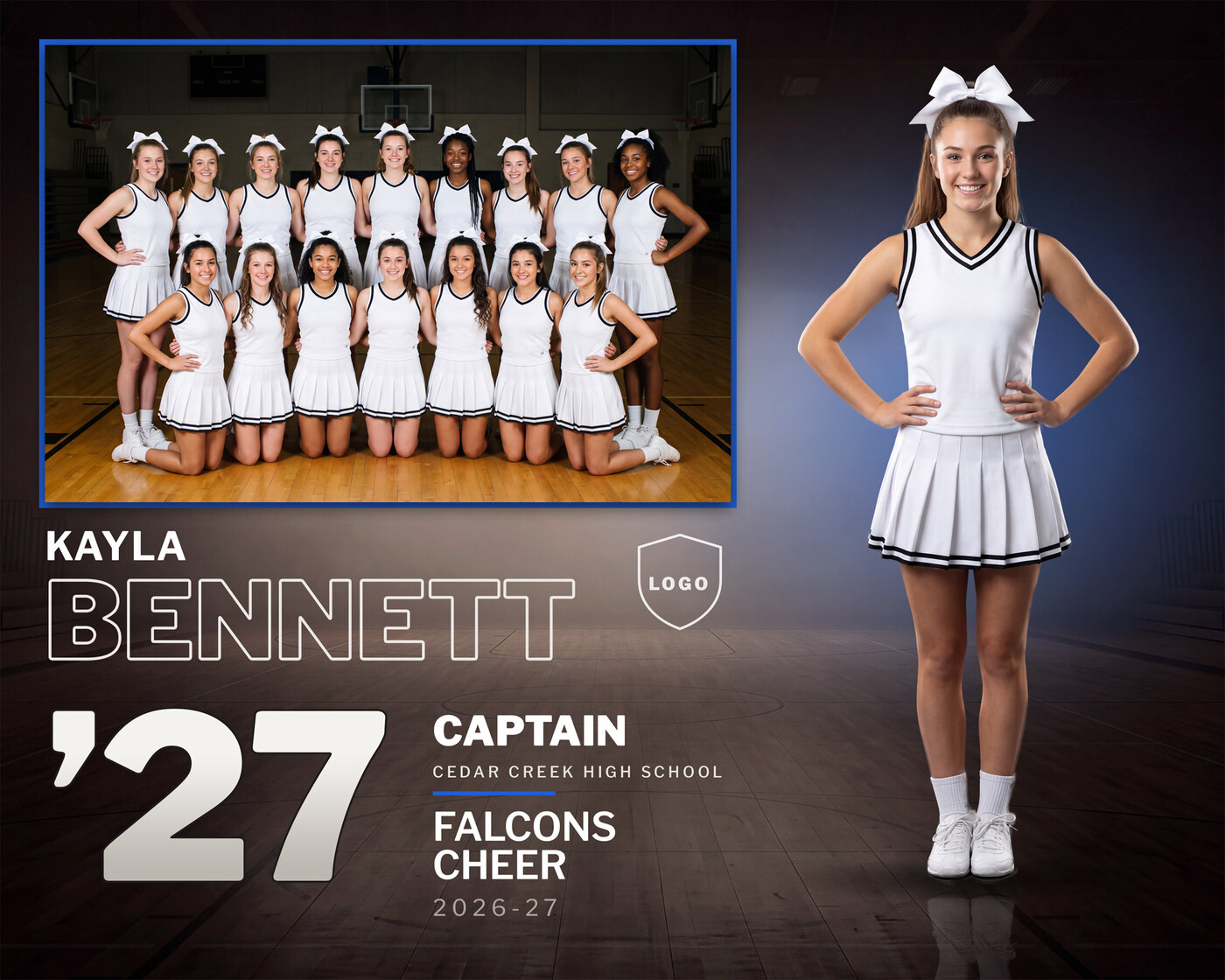
Memory Mate 8x10
$20$15Arena design · 10 x 8 inches at 300 DPI, 3000 x 2400 px
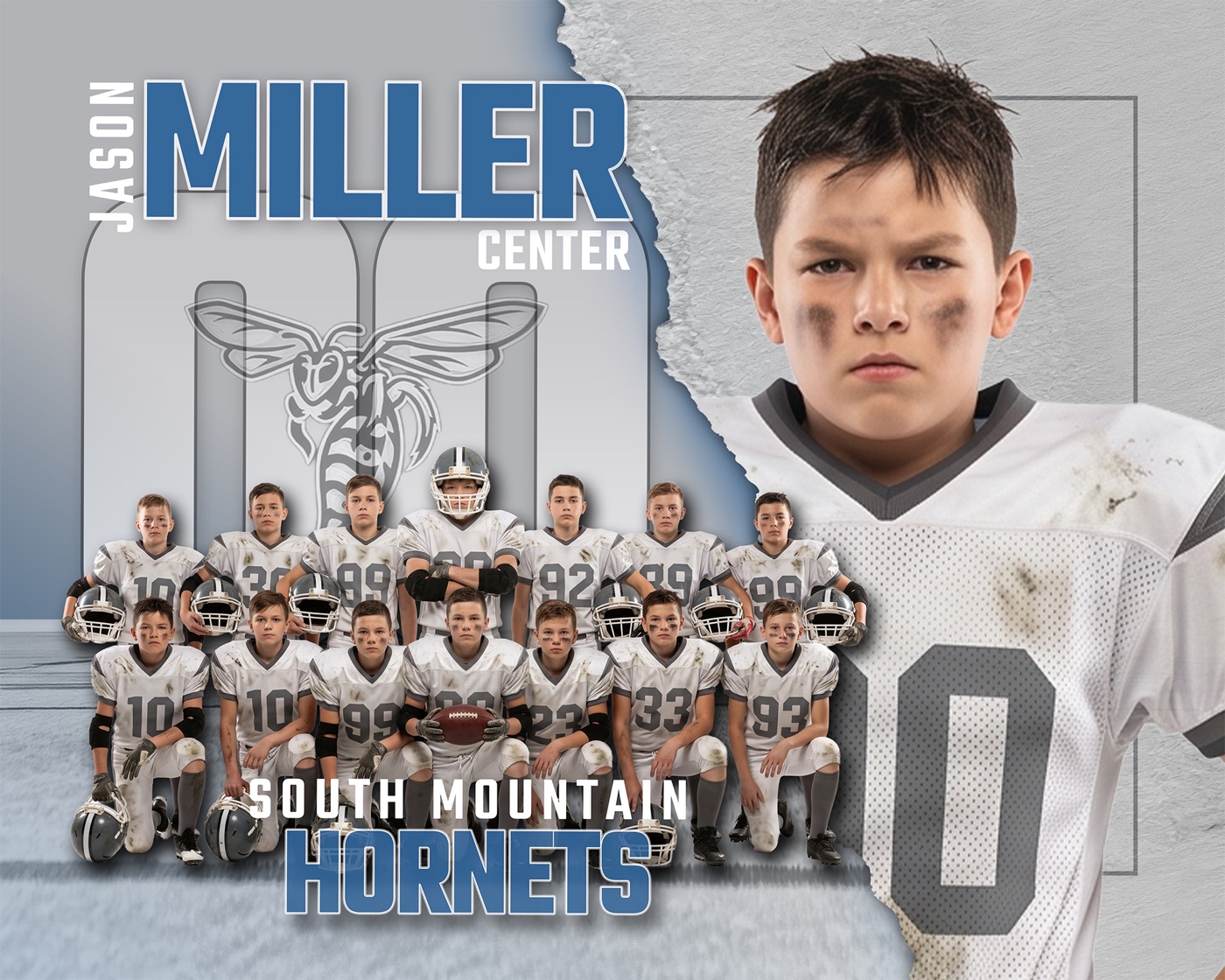
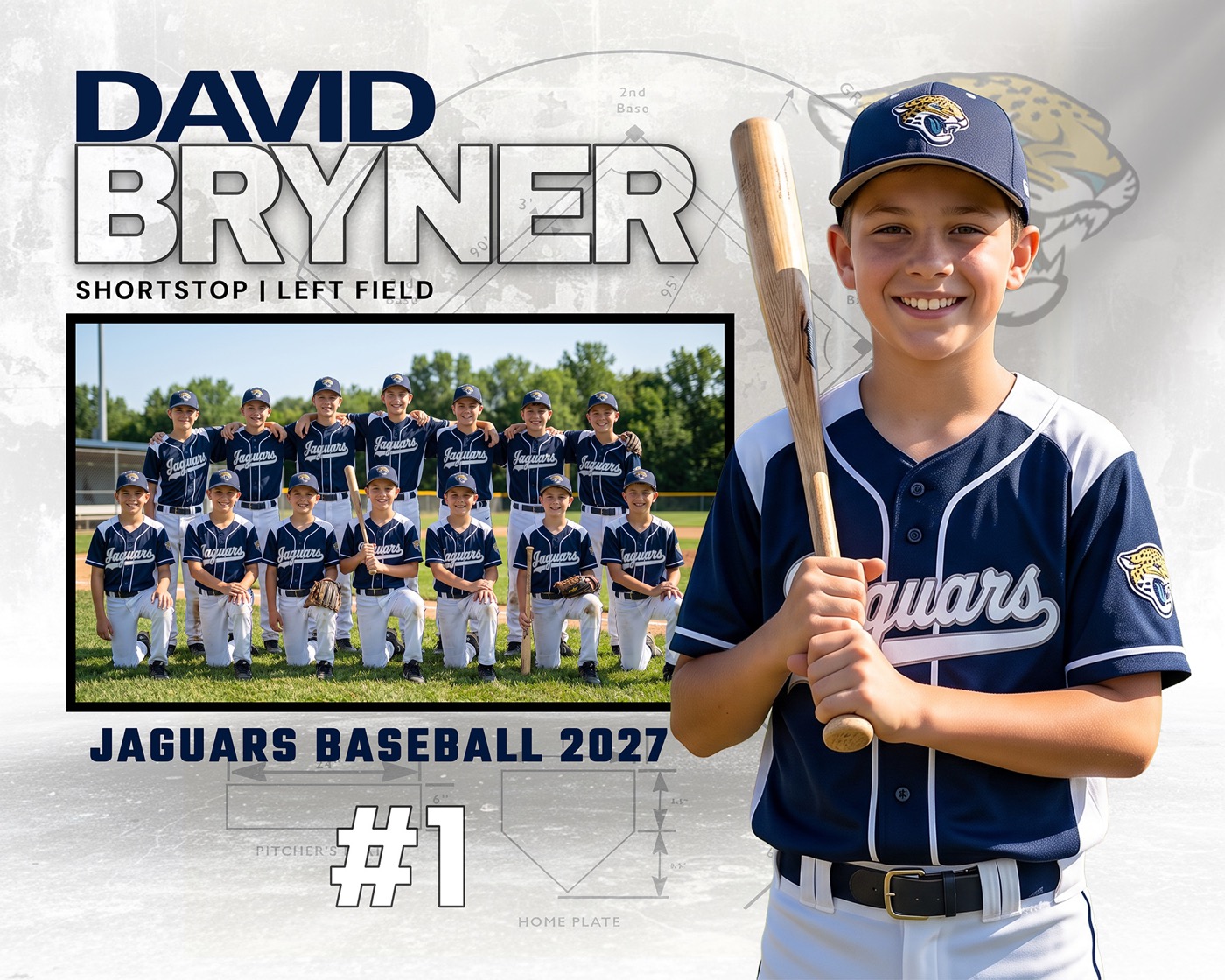
Memory Mate
$20$15Torn paper design · 20 x 16 at 300 DPI
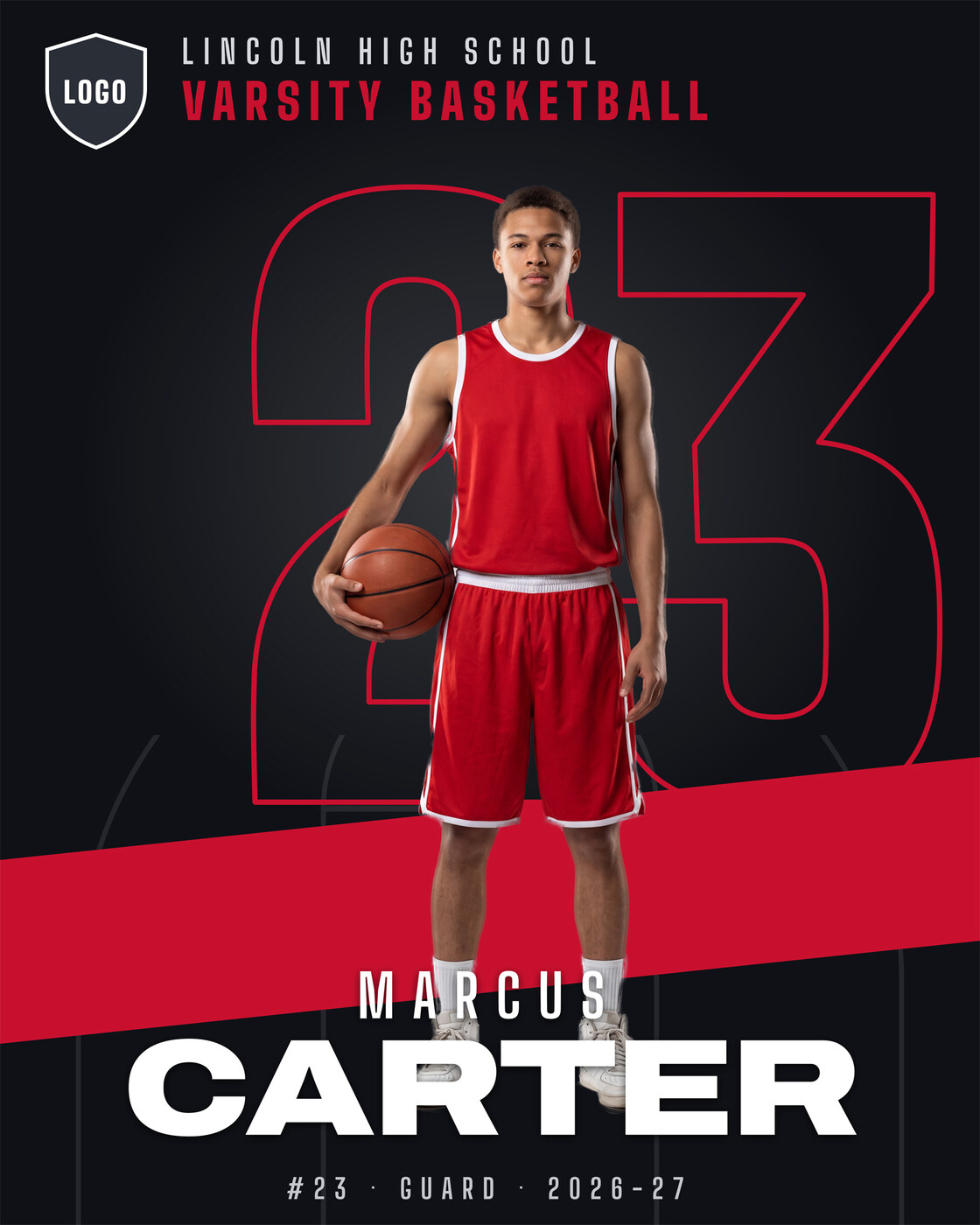
Memory Mate
$20$15Blueprint design · 20 x 16 at 300 DPI
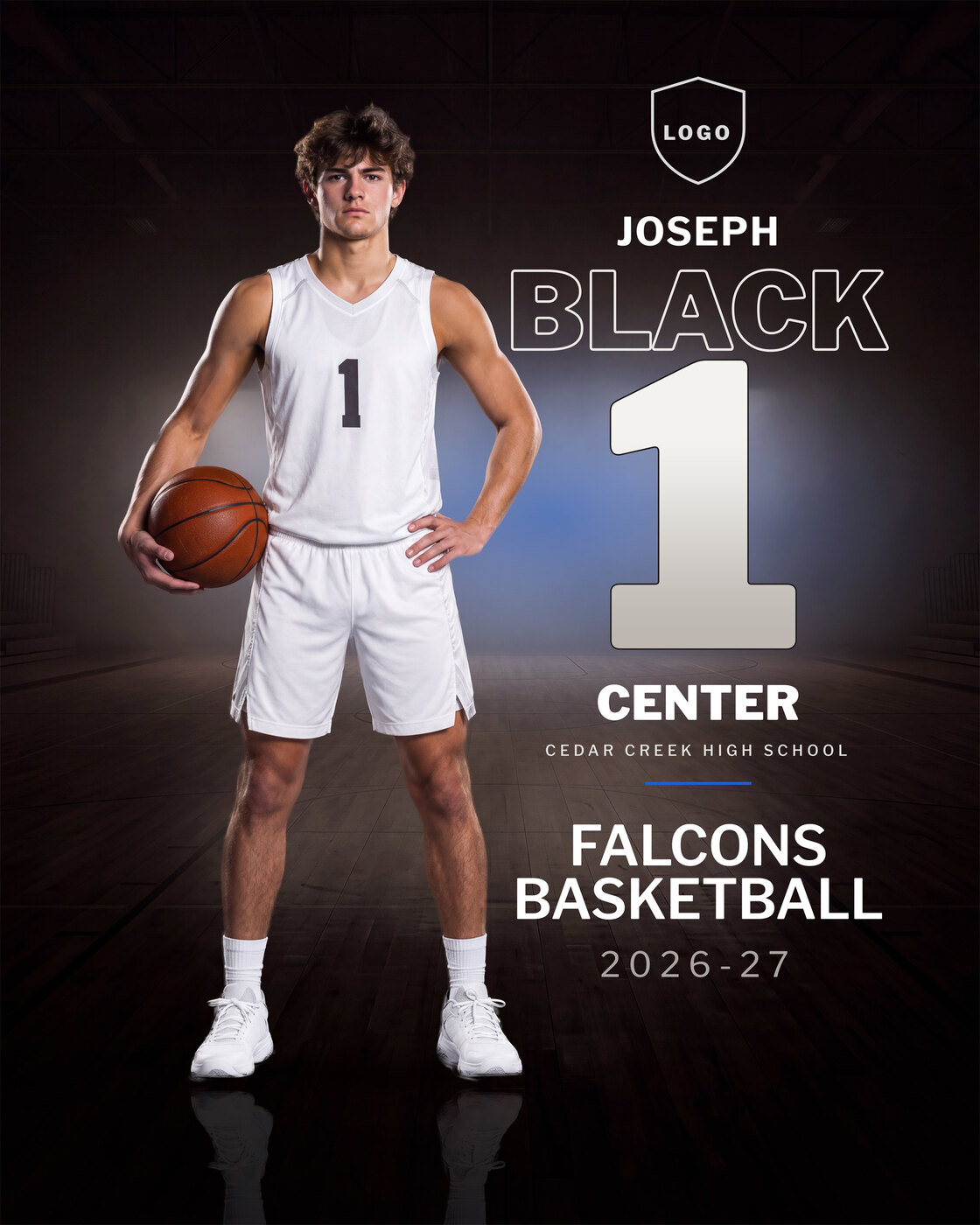
Player Poster
$20$15Spotlight design · 16 x 20 inches at 300 DPI, 4800 x 6000 px
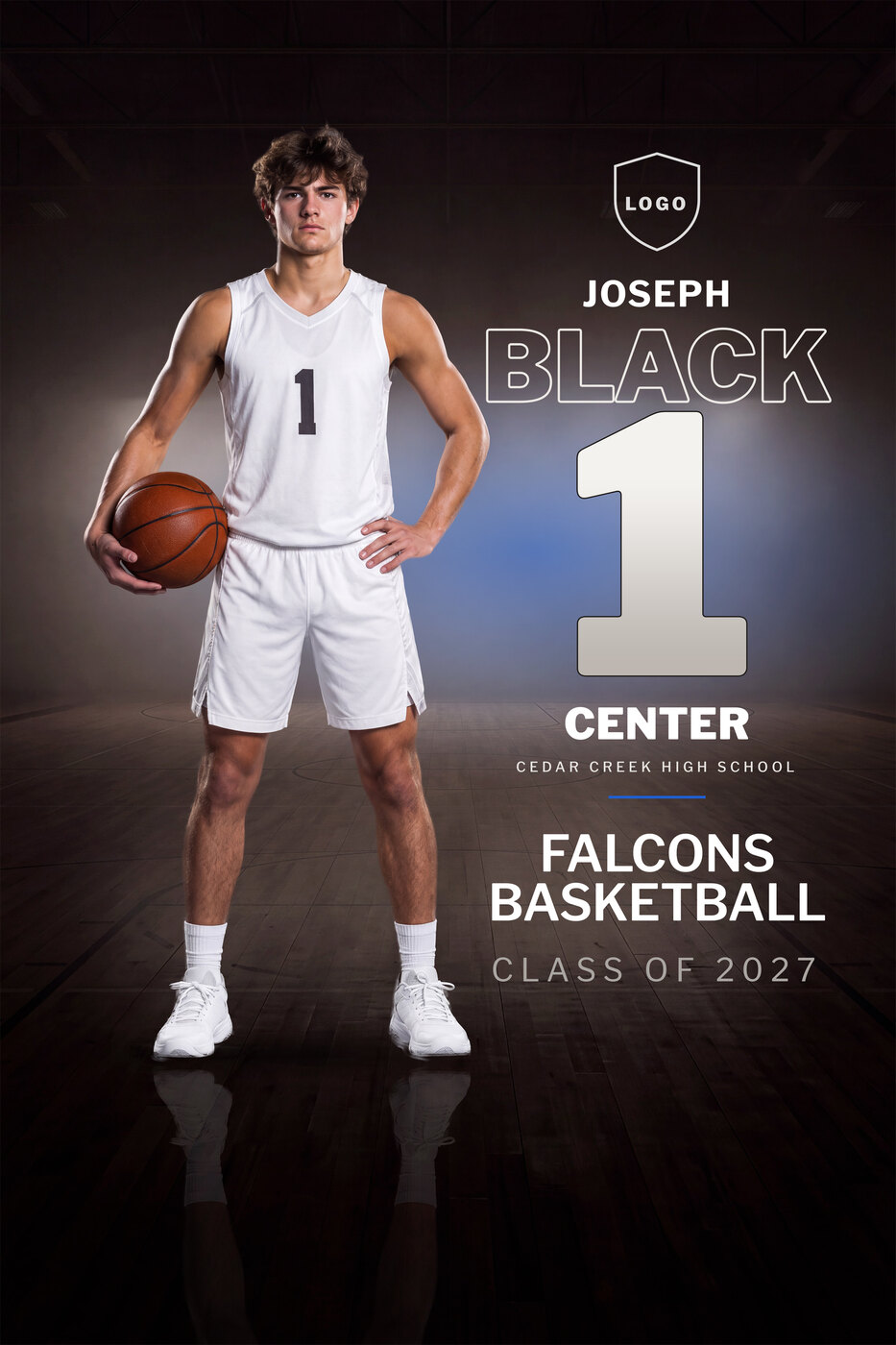
Player Poster
$20$15Arena design · 16 x 20 inches at 300 DPI, 4800 x 6000 px
Senior Banner
$20$15Arena design · 24 x 36 inches at 150 DPI, 3600 x 5400 px, built for large-format printing
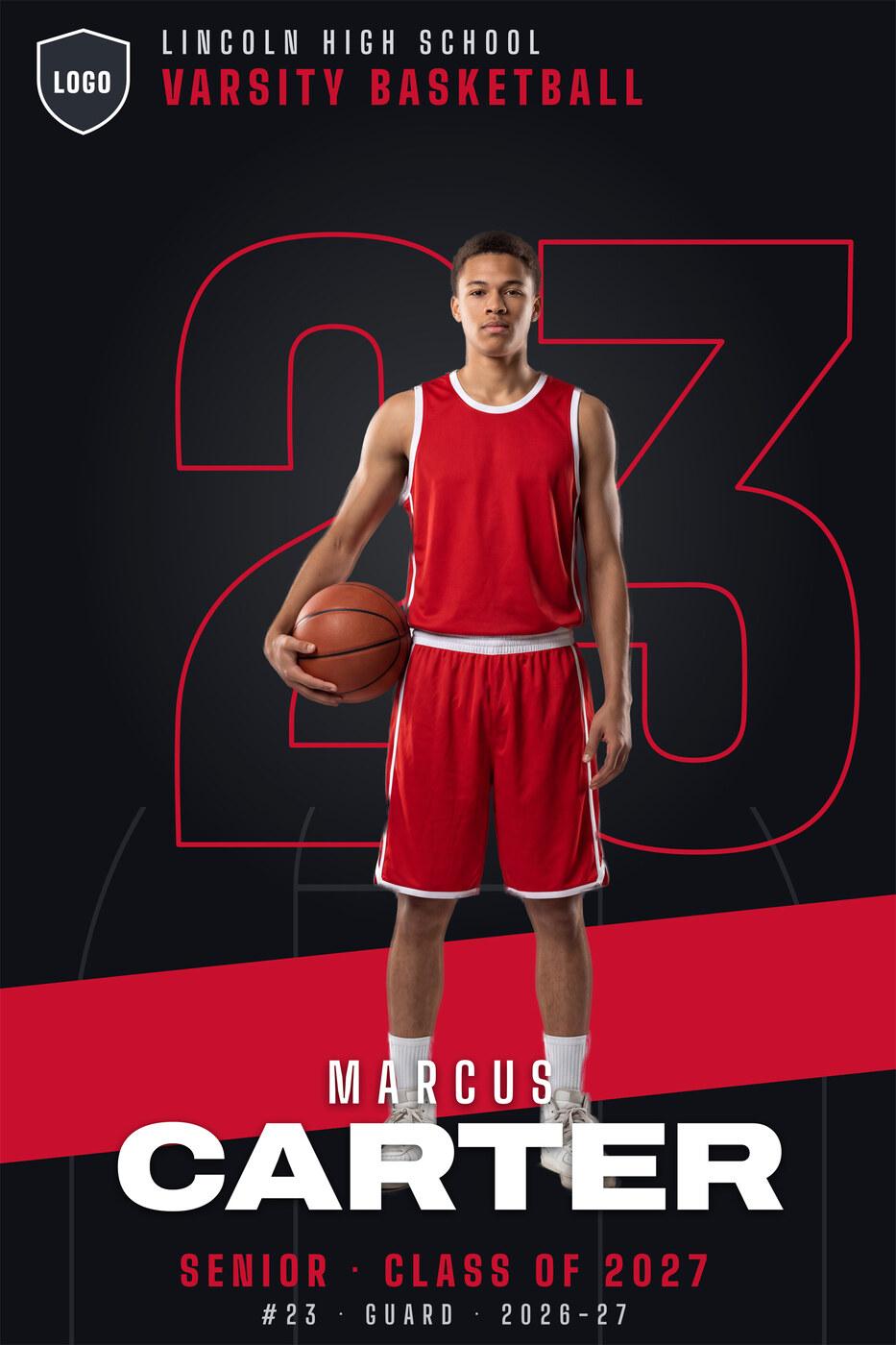
Senior Banner
$20$15Spotlight design · 24 x 36 inches at 150 DPI, 3600 x 5400 px, built for large-format printing
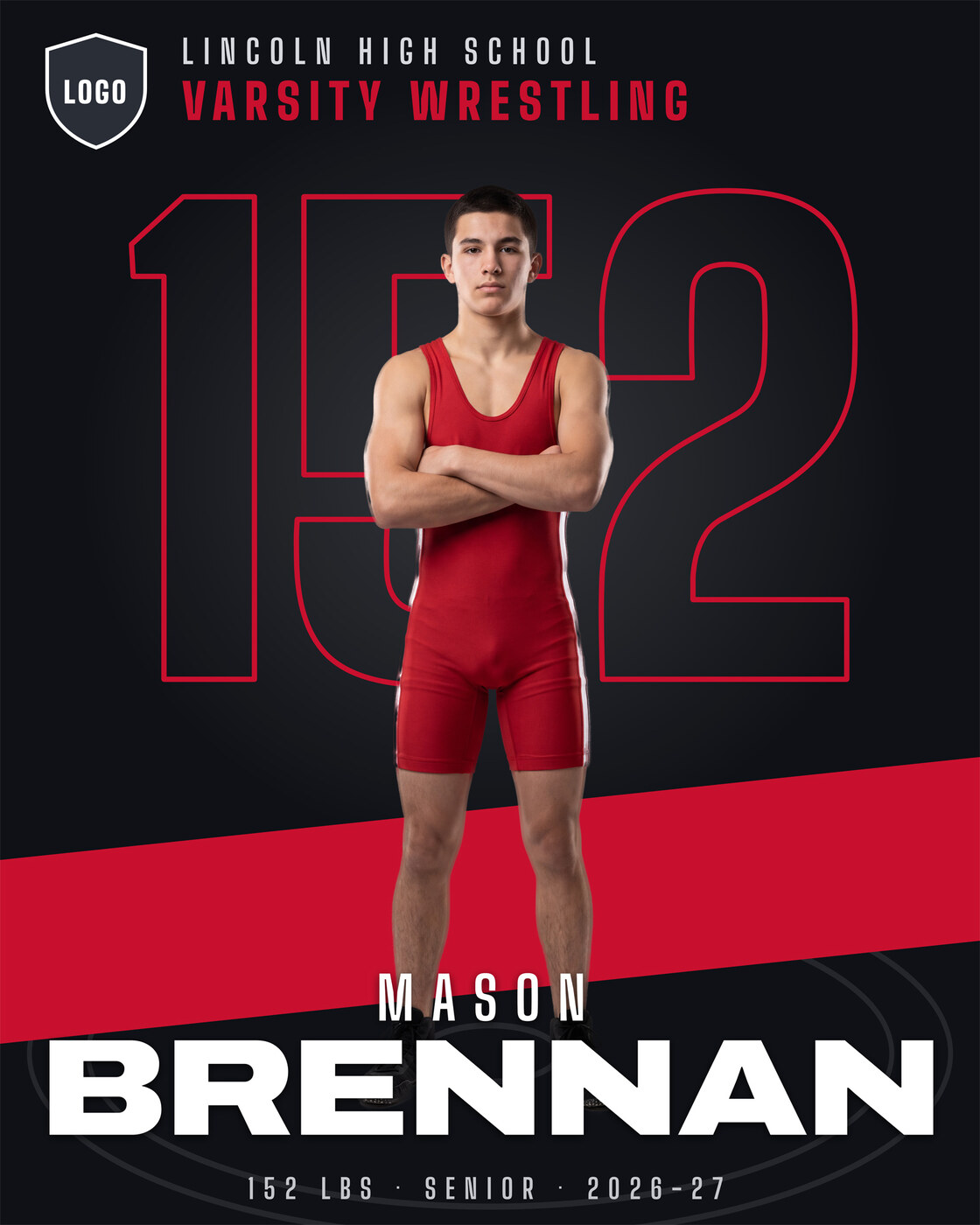
Player Poster
$20$15Spotlight design · 16 x 20 inches at 300 DPI, 4800 x 6000 px
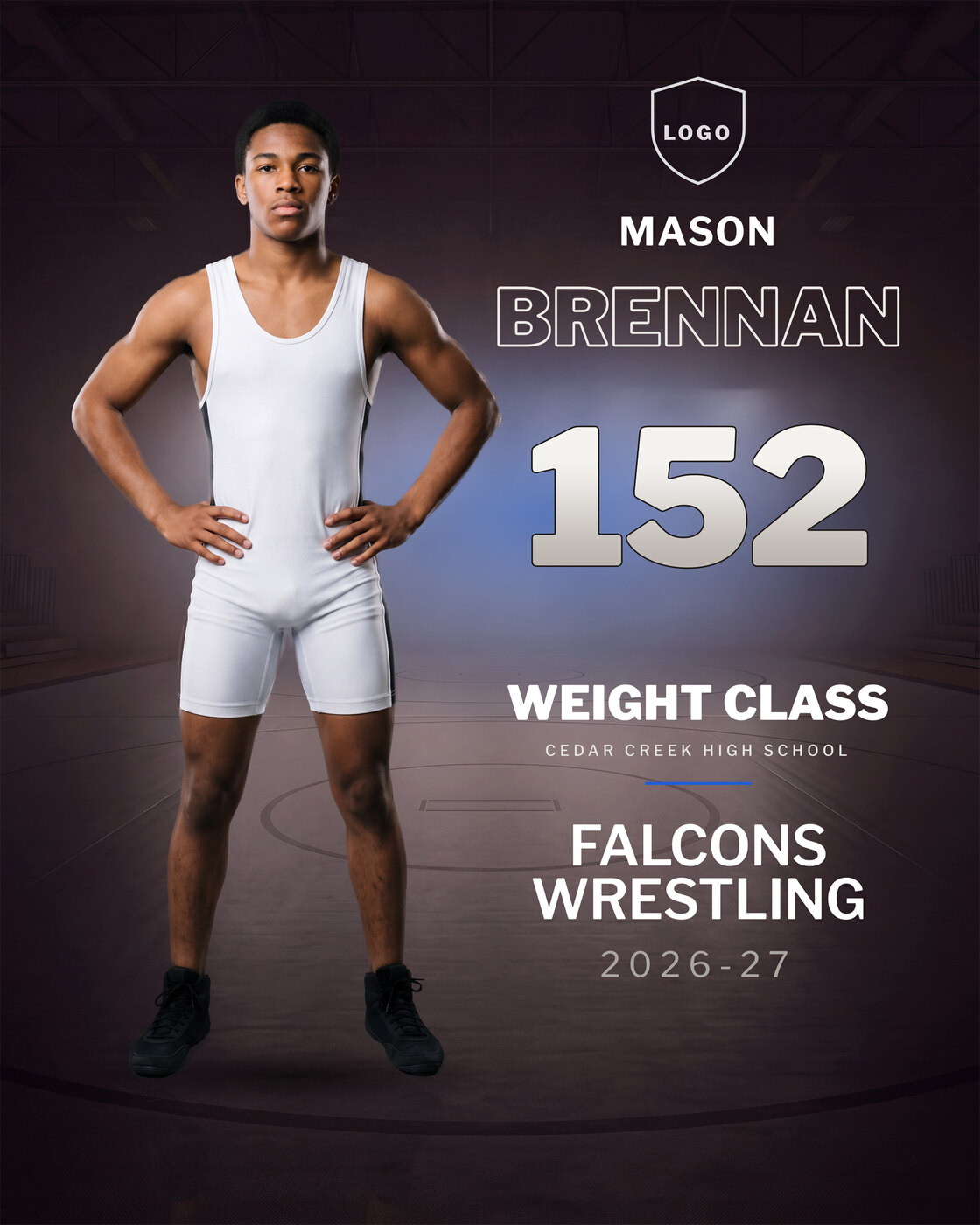
Player Poster
$20$15Arena design · 16 x 20 inches at 300 DPI, 4800 x 6000 px
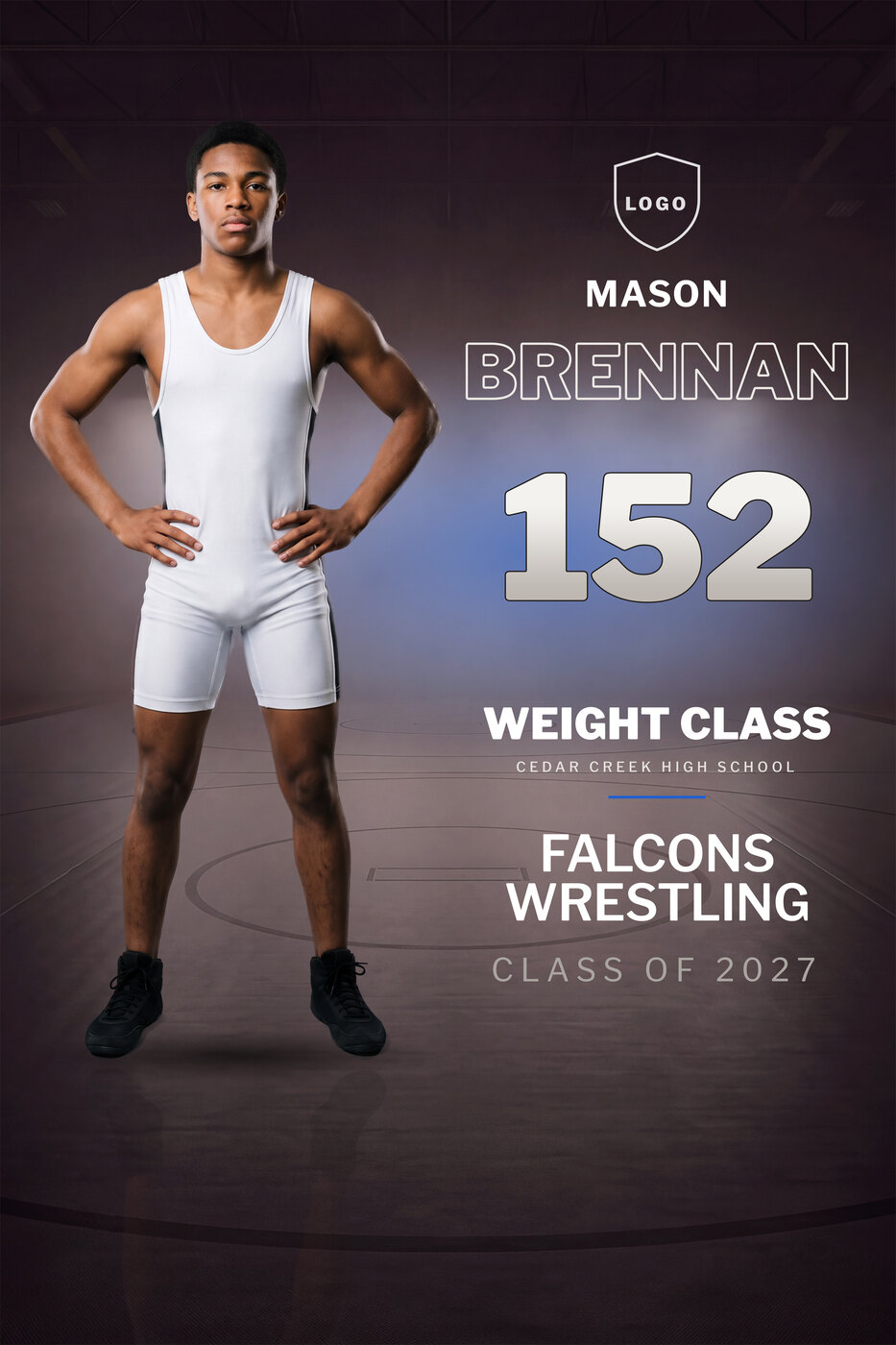
Senior Banner
$20$15Arena design · 24 x 36 inches at 150 DPI, 3600 x 5400 px, built for large-format printing
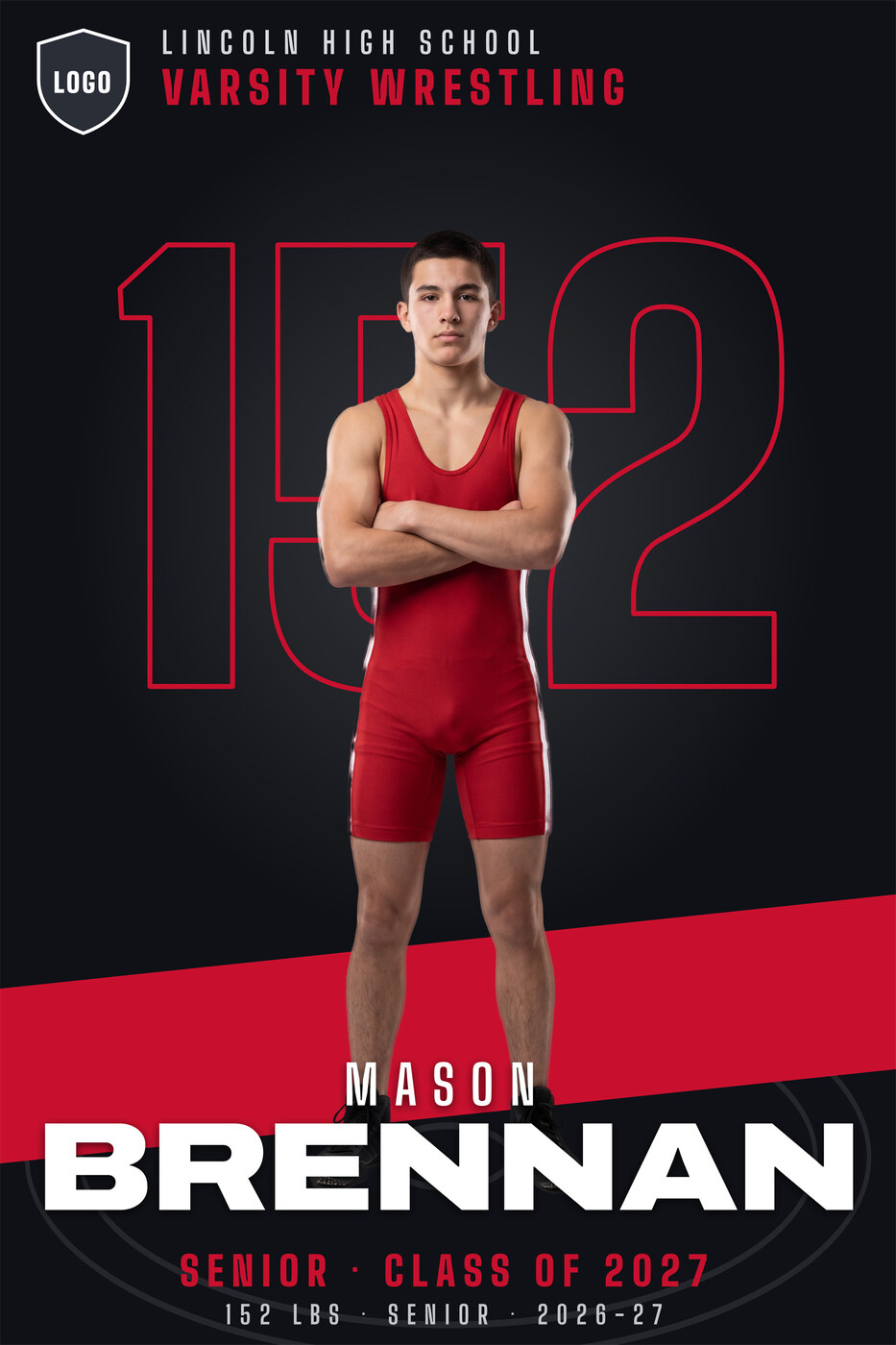
Senior Banner
$20$15Spotlight design · 24 x 36 inches at 150 DPI, 3600 x 5400 px, built for large-format printing
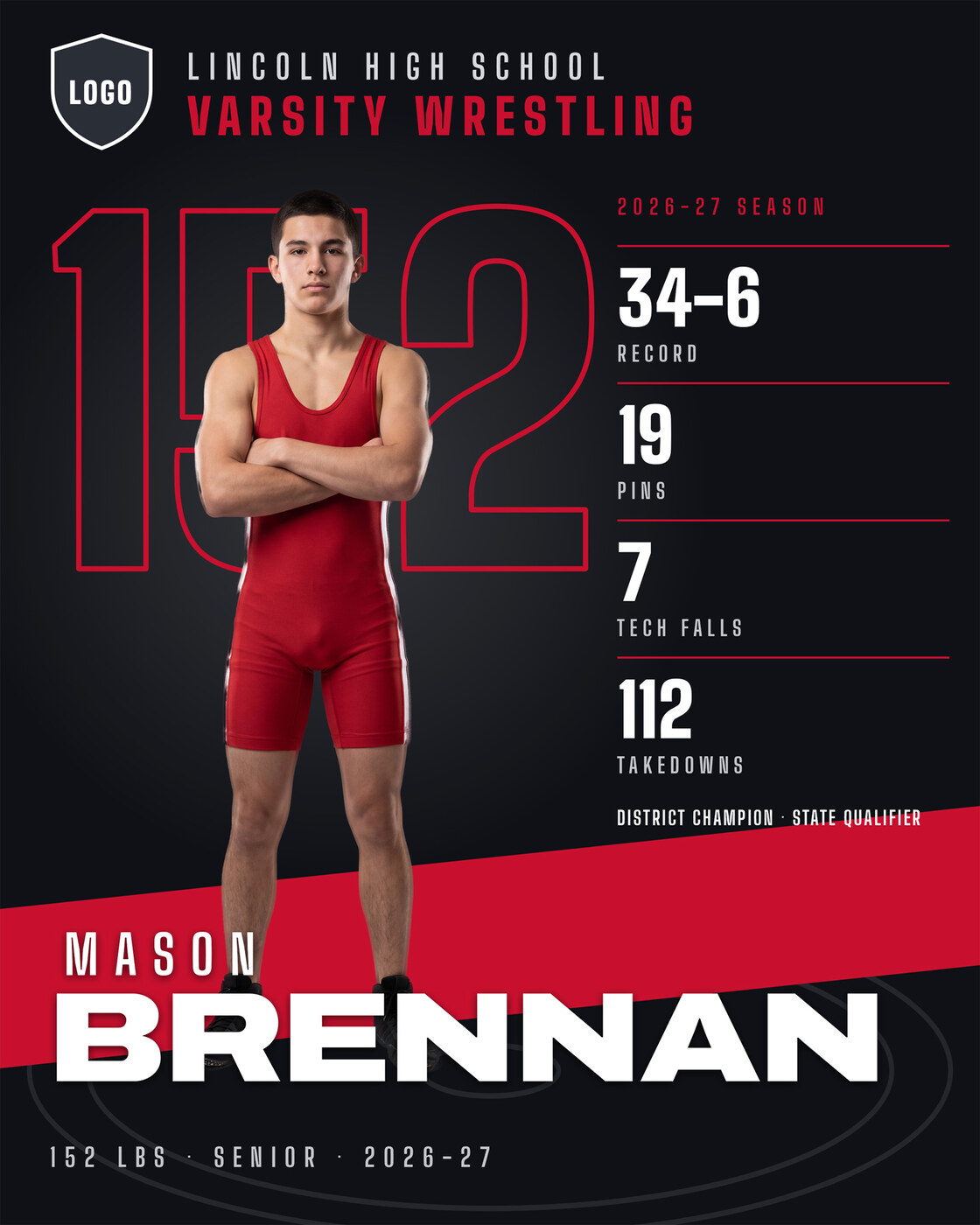
Stat Card
$20$15Spotlight design · 8 x 10 inches at 300 DPI, 2400 x 3000 px, plus a 1080 x 1350 social post
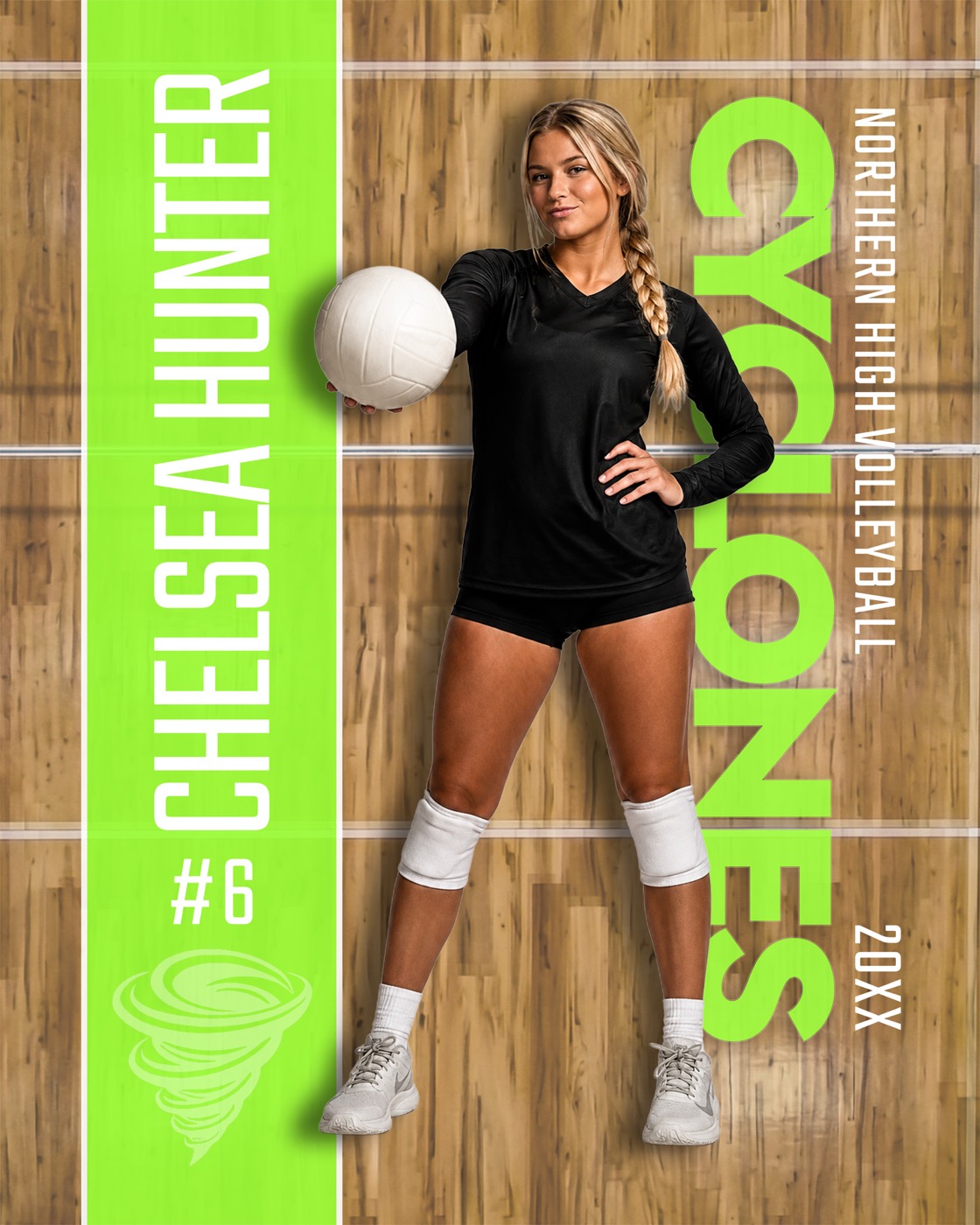
Player Poster
$20$15Court design · 16 x 20 at 300 DPI
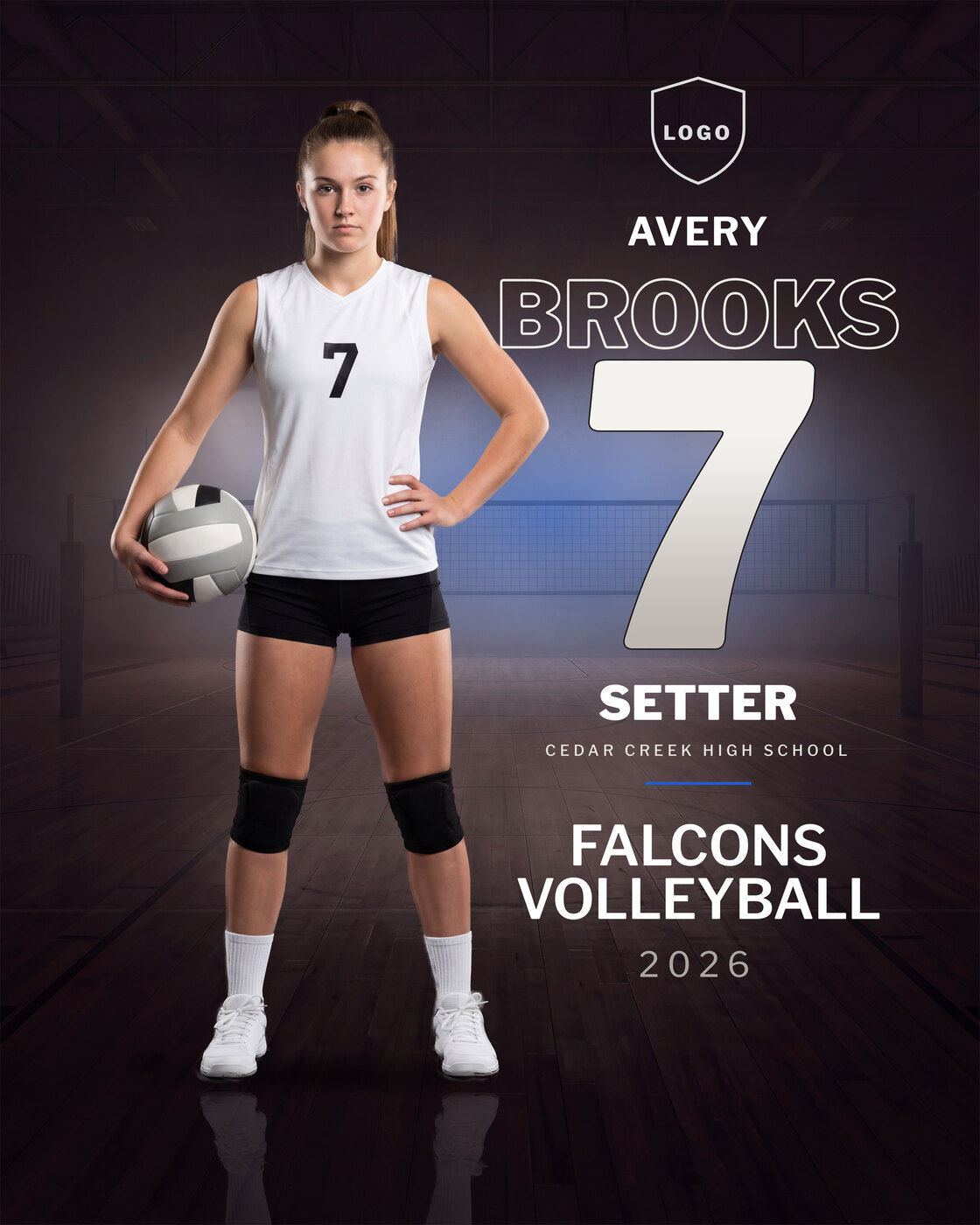
Player Poster
$20$15Arena design · 16 x 20 inches at 300 DPI, 4800 x 6000 px
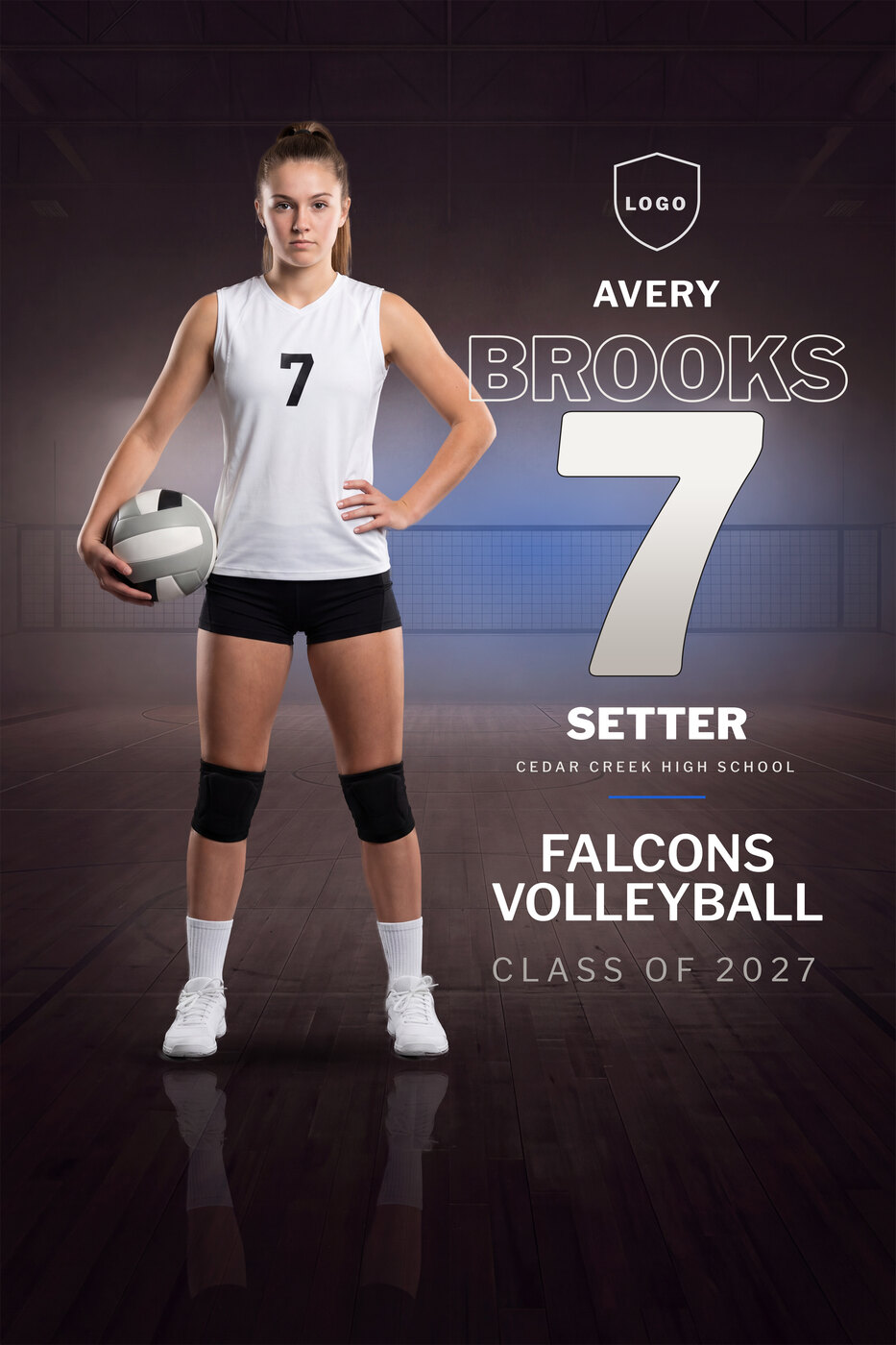
Senior Banner
$20$15Arena design · 24 x 36 inches at 150 DPI, 3600 x 5400 px, built for large-format printing
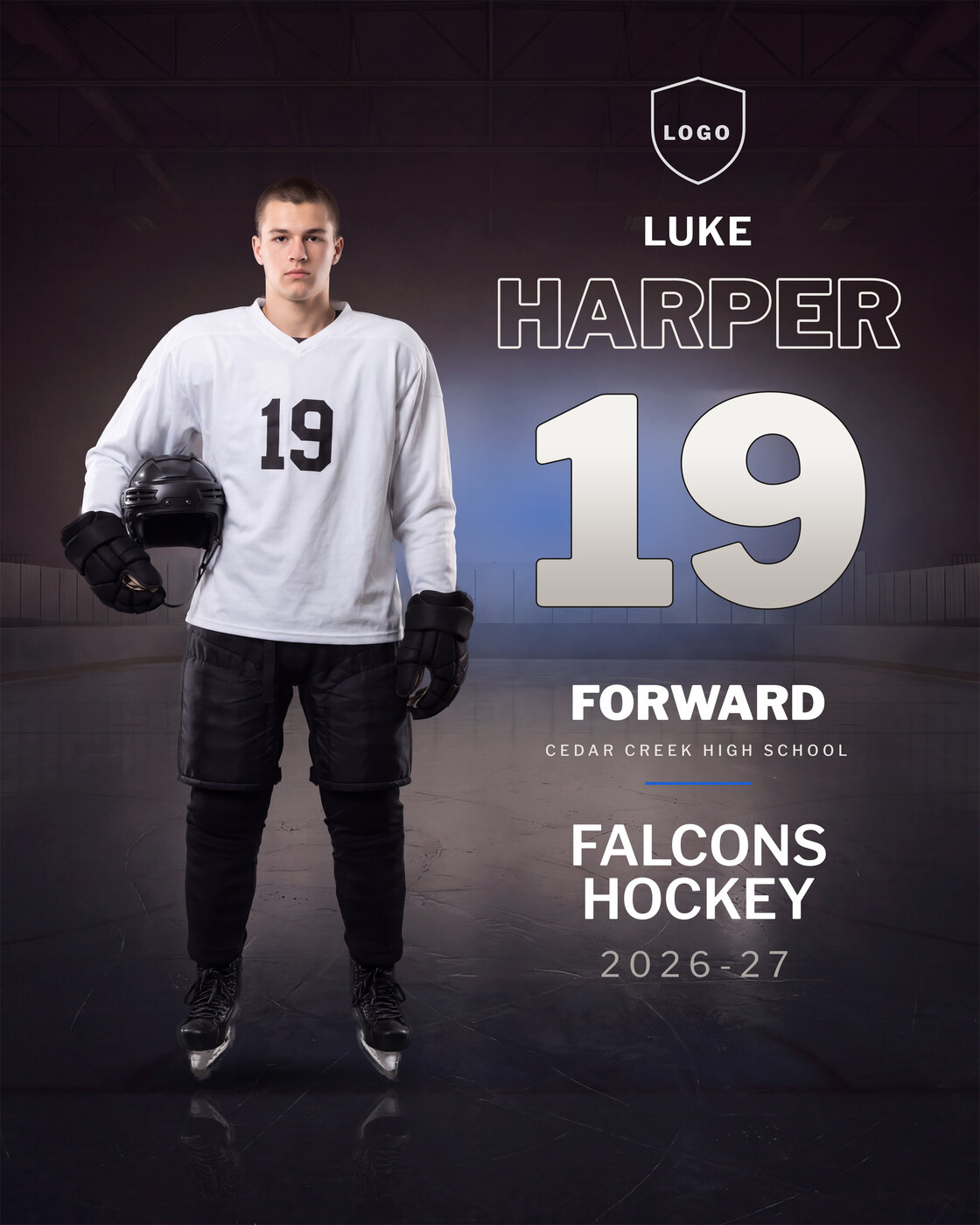
Player Poster
$20$15Arena design · 16 x 20 inches at 300 DPI, 4800 x 6000 px
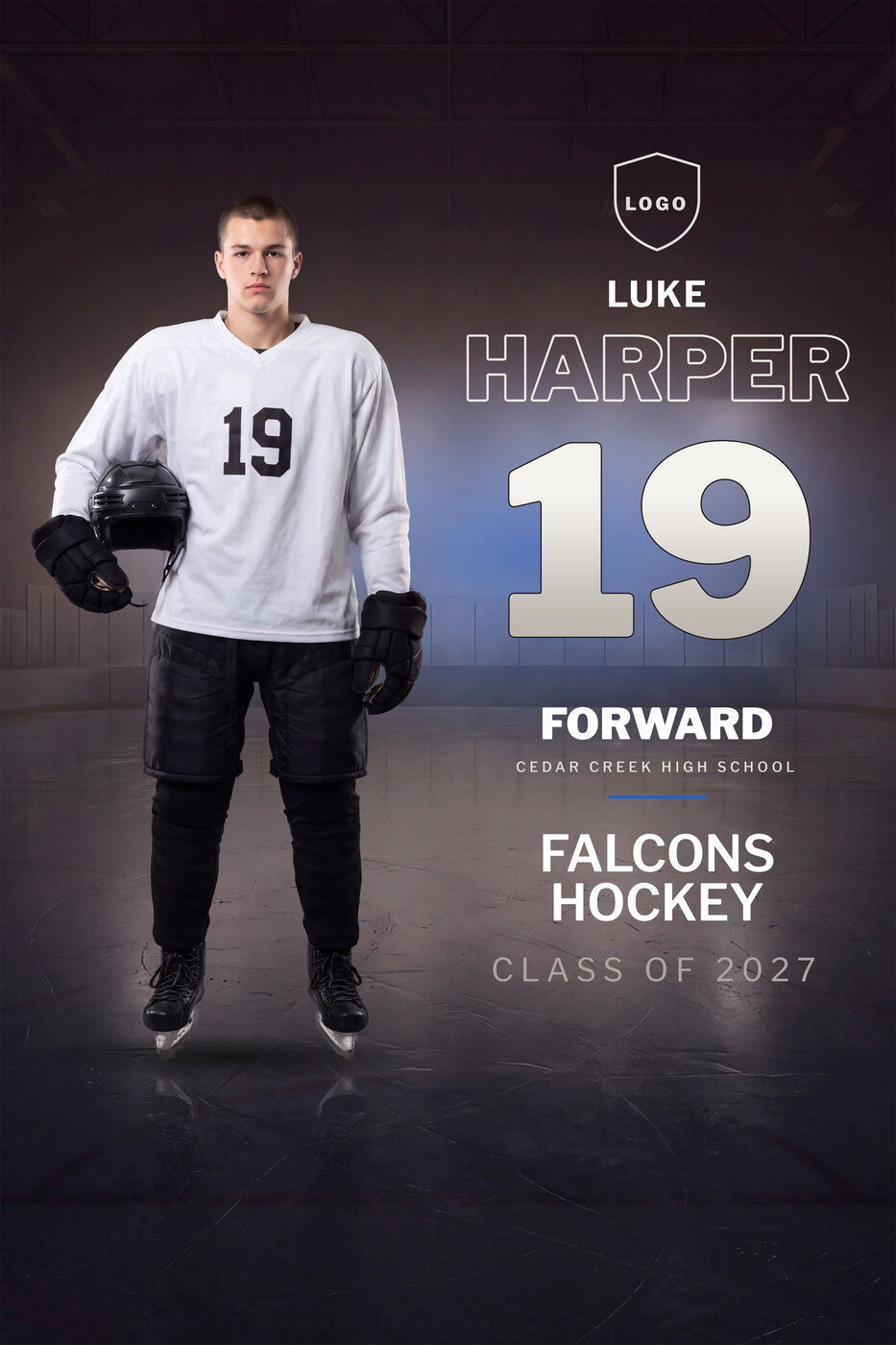
Senior Banner
$20$15Arena design · 24 x 36 inches at 150 DPI, 3600 x 5400 px, built for large-format printing
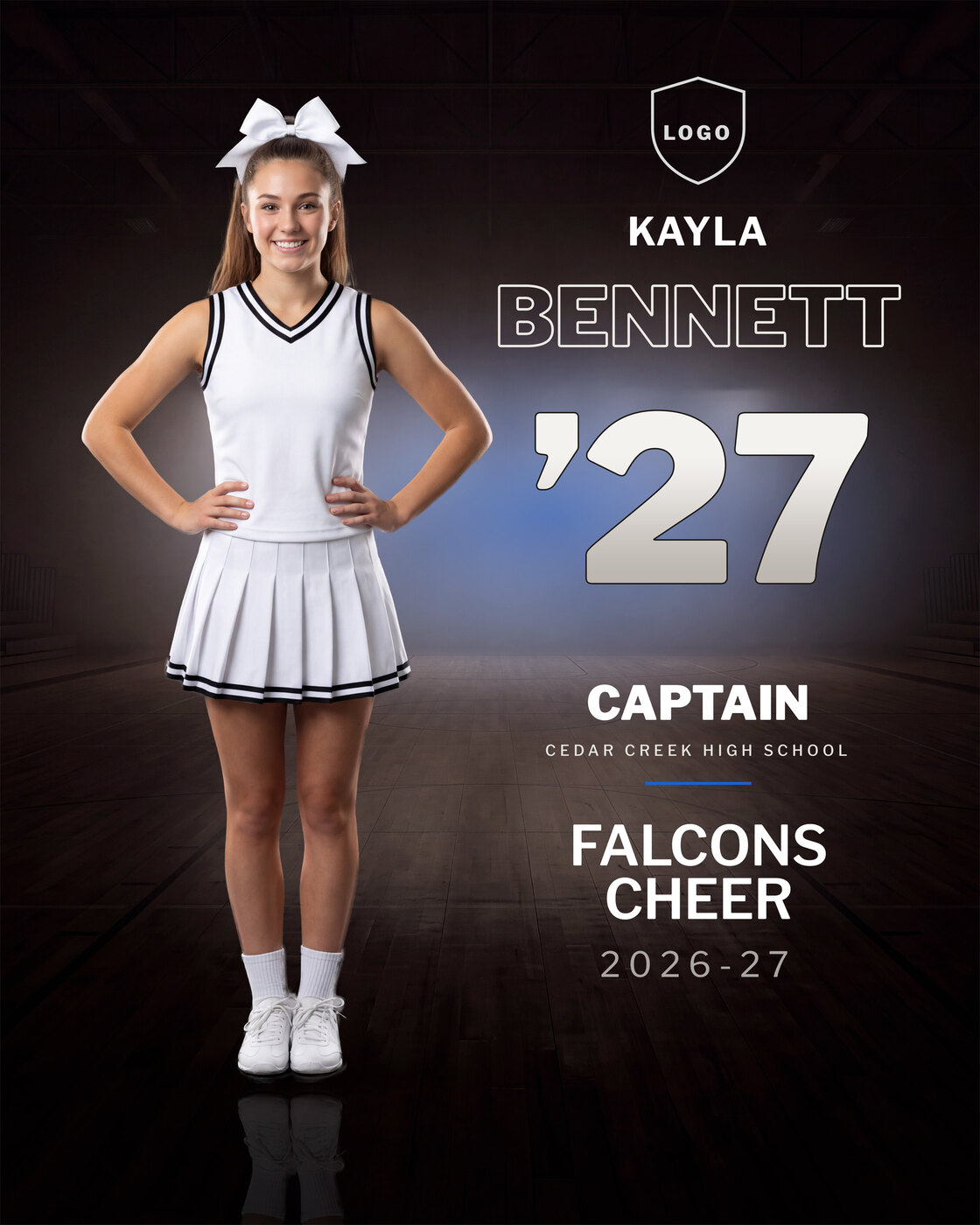
Player Poster
$20$15Arena design · 16 x 20 inches at 300 DPI, 4800 x 6000 px
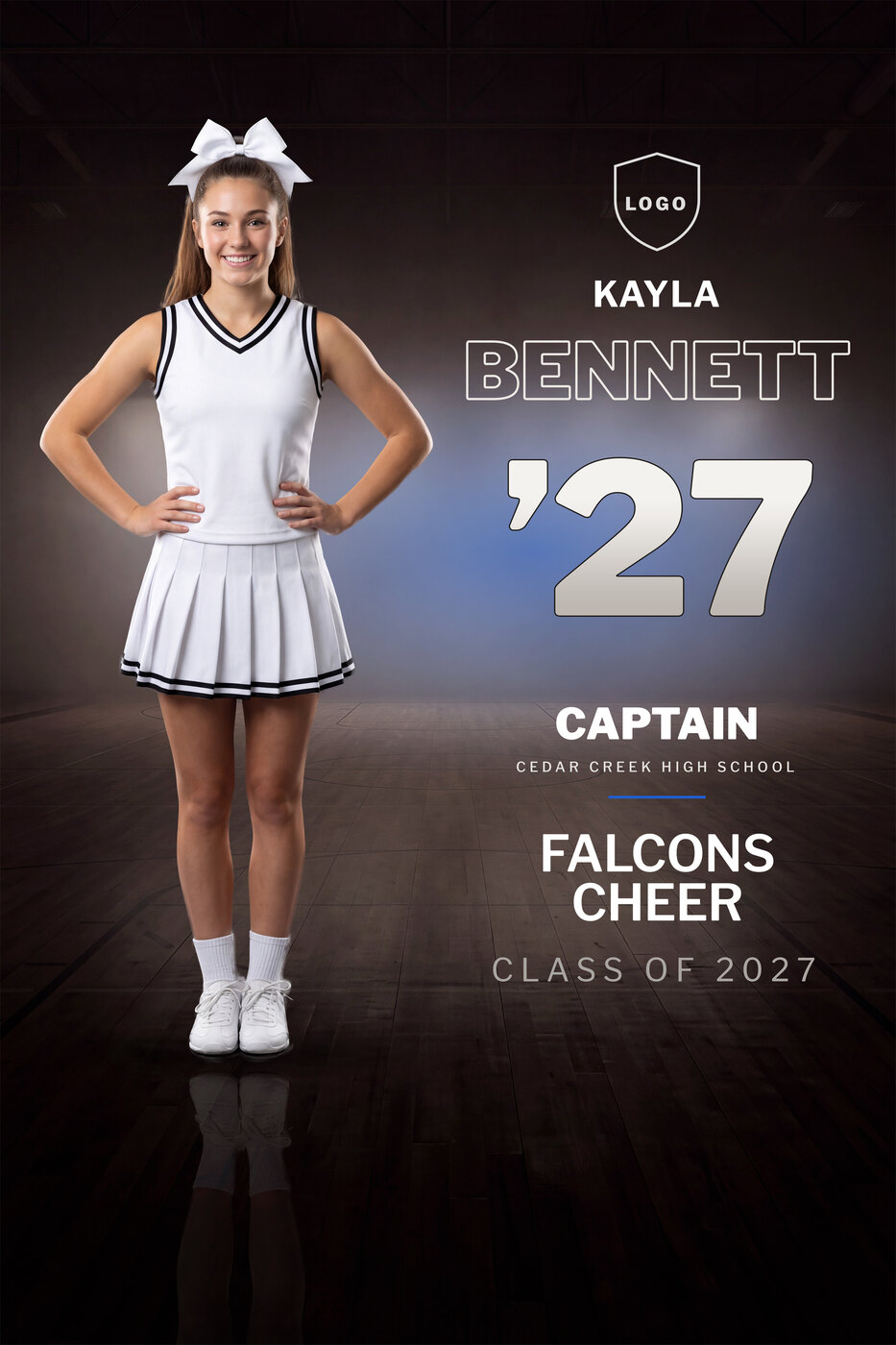
Senior Banner
$20$15Arena design · 24 x 36 inches at 150 DPI, 3600 x 5400 px, built for large-format printing
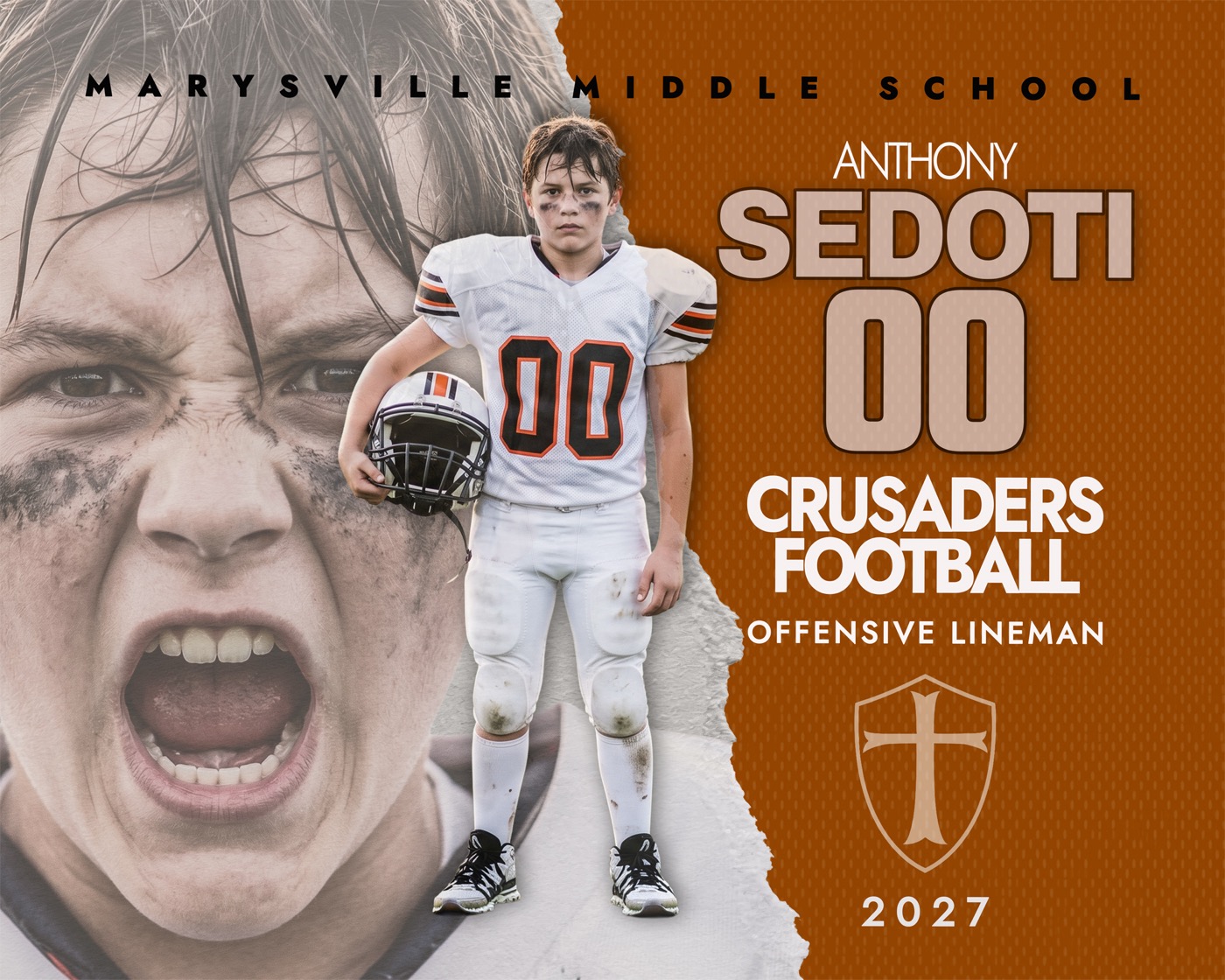
Player Photo
$20$15Torn paper design · 20 x 16 at 300 DPI
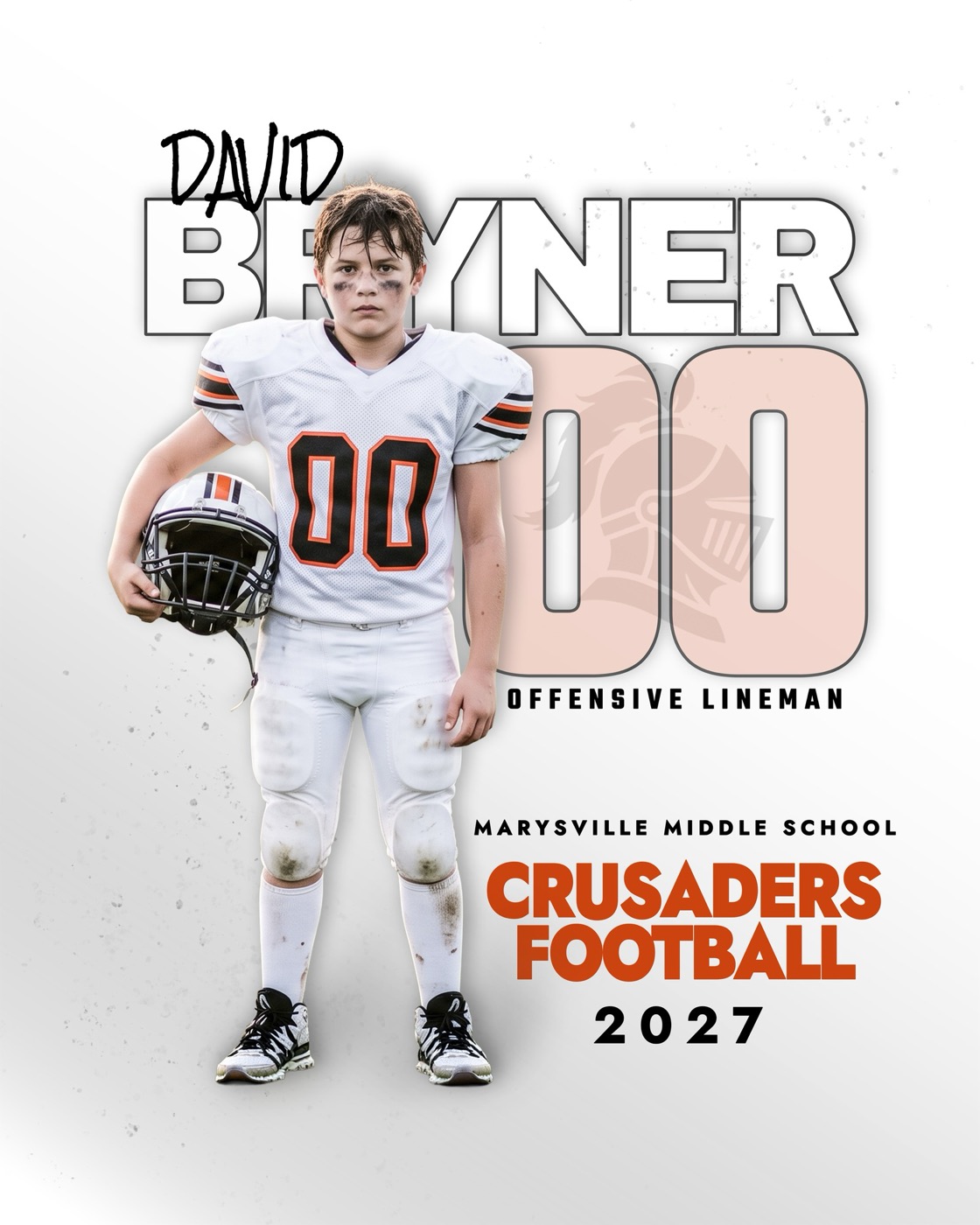
Player Poster
$20$1516 x 20 at 300 DPI
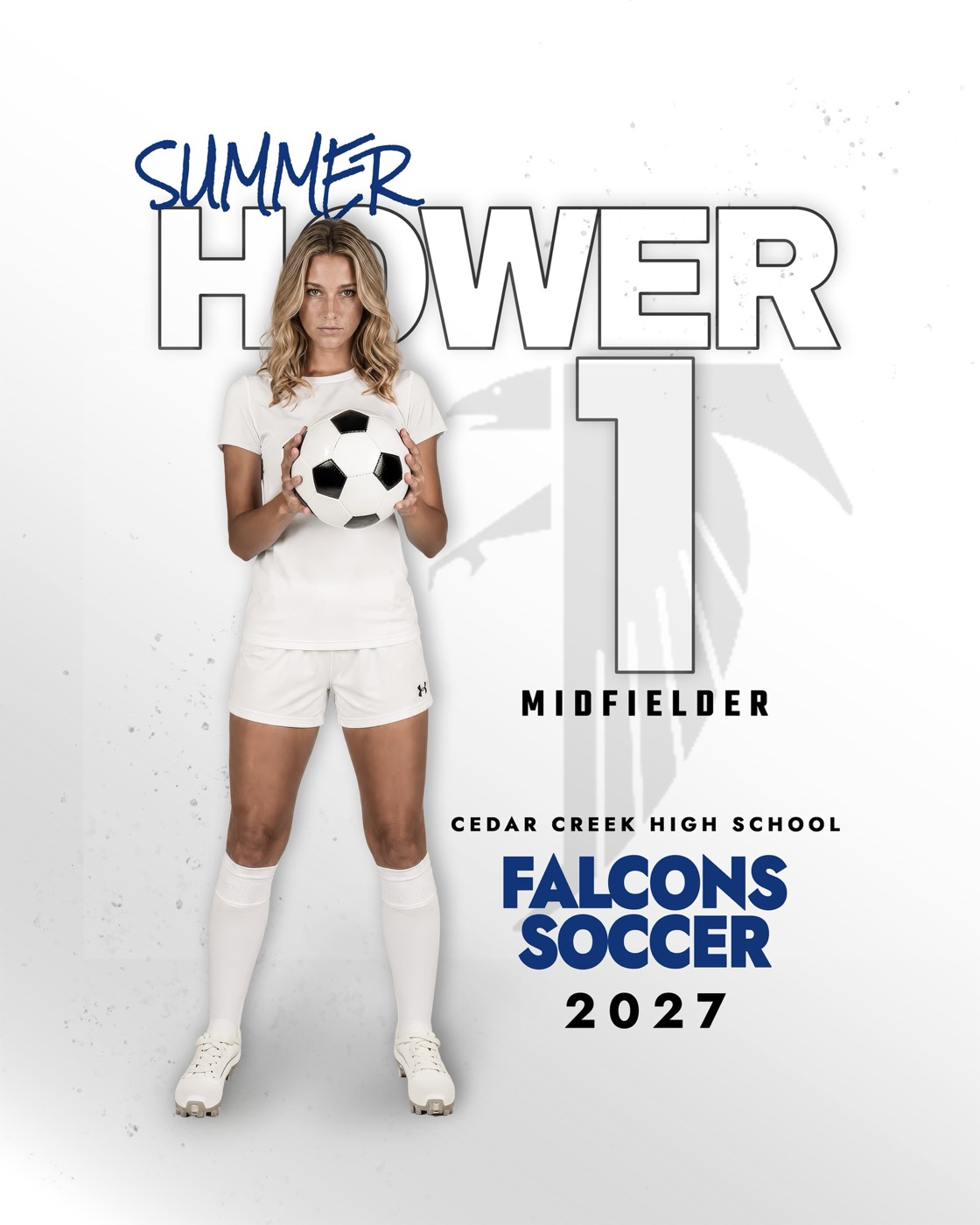
Player Poster
$20$1516 x 20 at 300 DPI
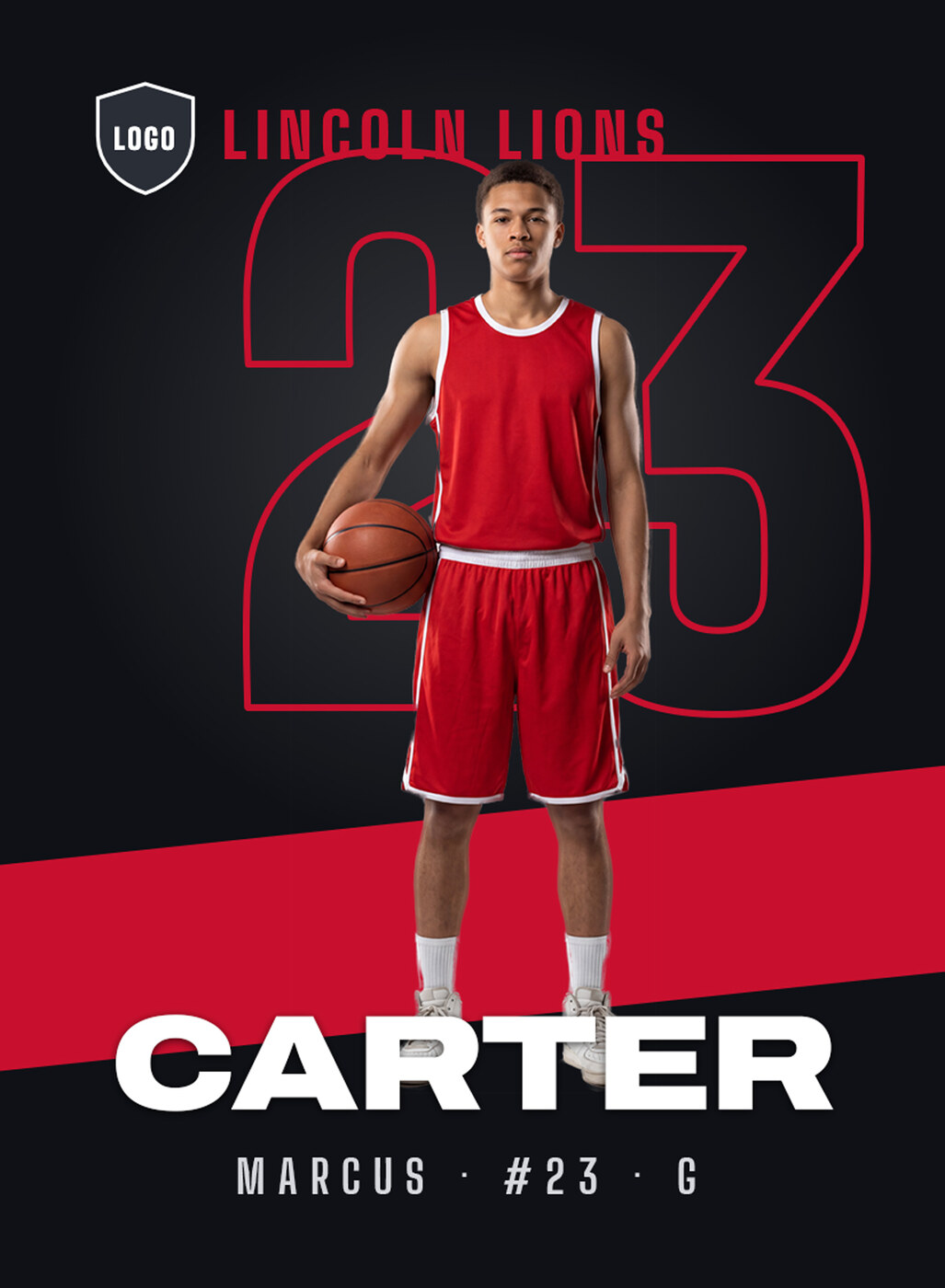
Trading Card
$20$15Spotlight design · 2.5 x 3.5 inches at 300 DPI with 1/8 inch bleed
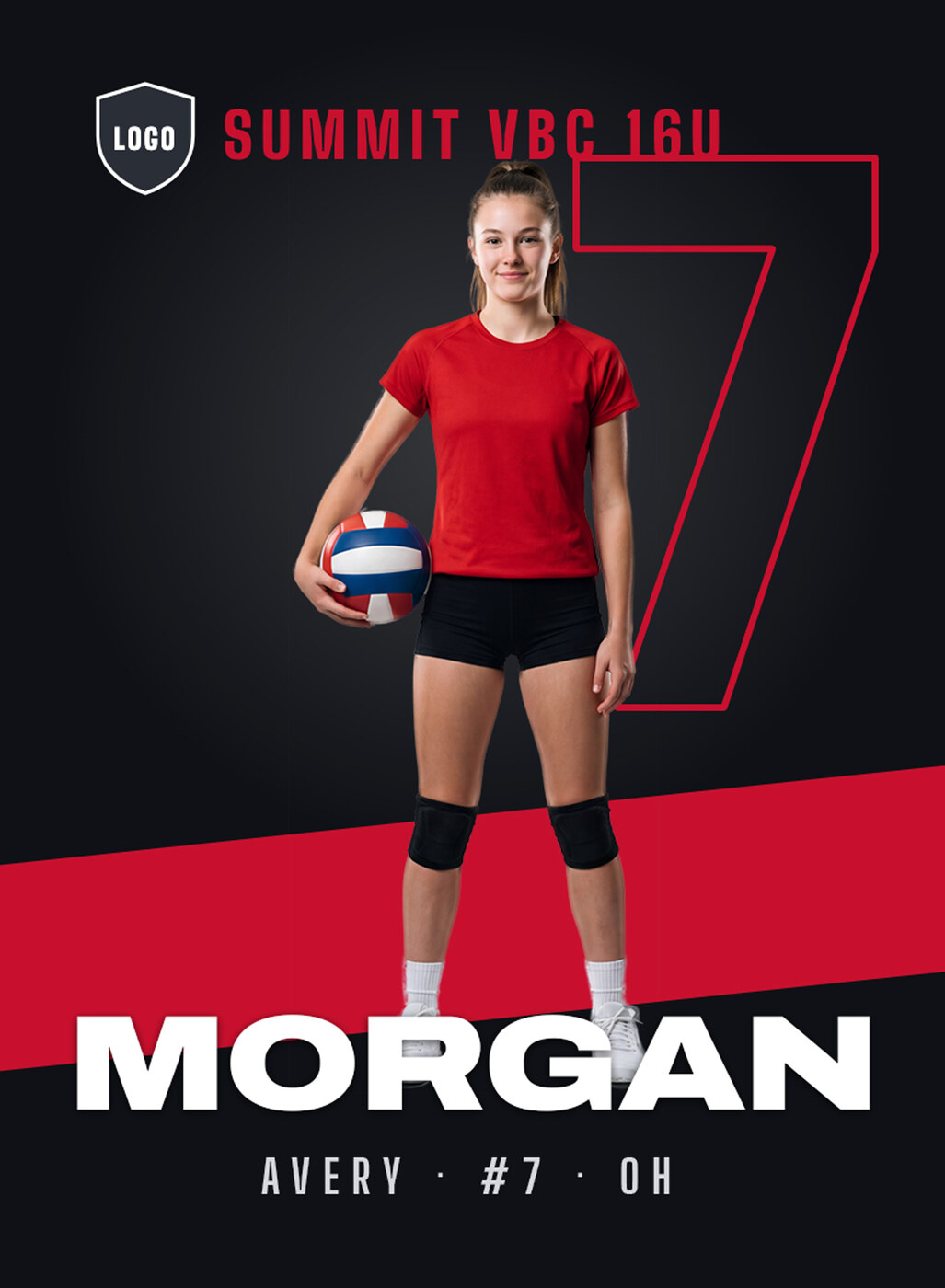
Trading Card
$20$15Spotlight design · 2.5 x 3.5 inches at 300 DPI with 1/8 inch bleed
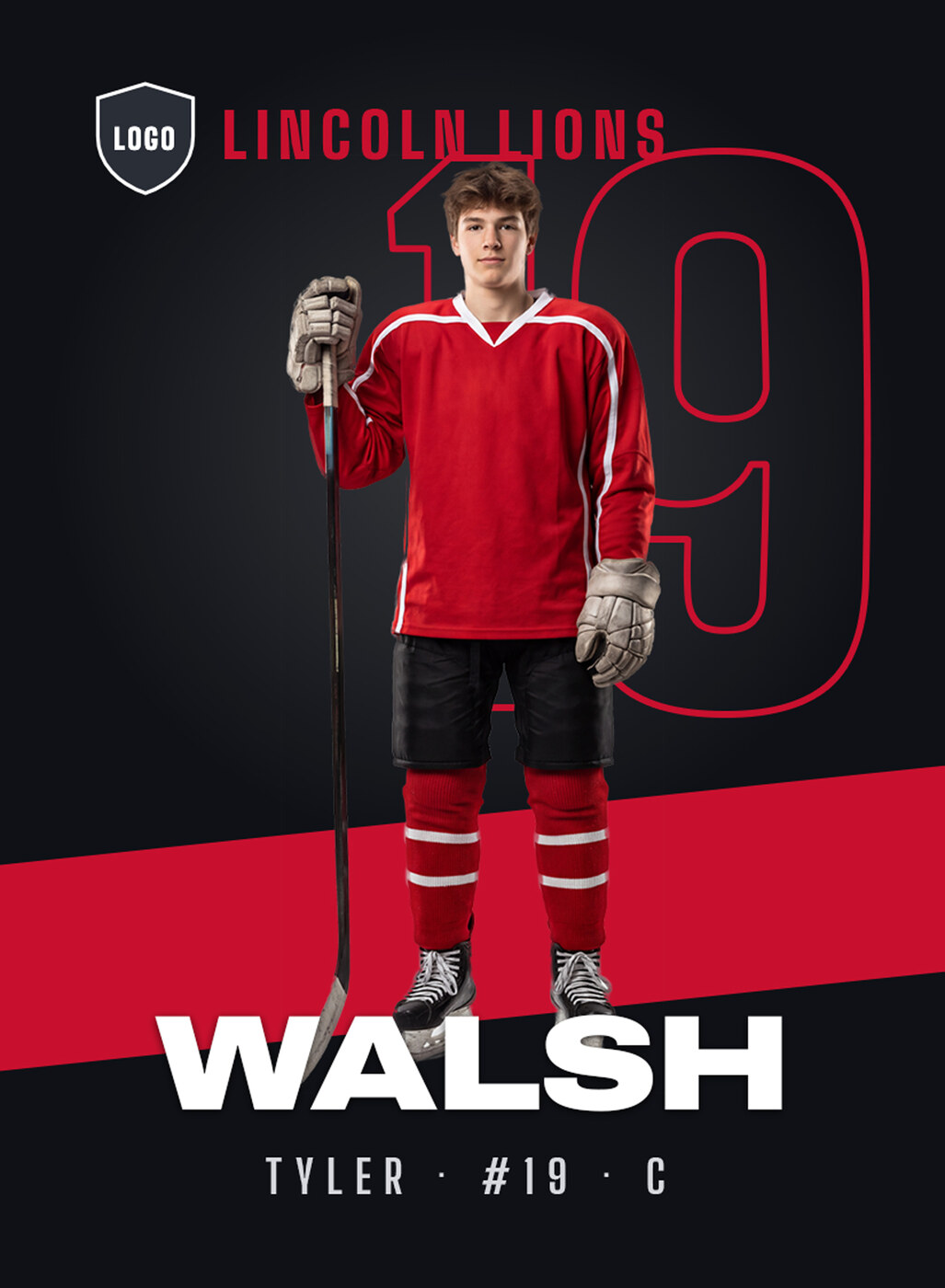
Trading Card
$20$15Spotlight design · 2.5 x 3.5 inches at 300 DPI with 1/8 inch bleed
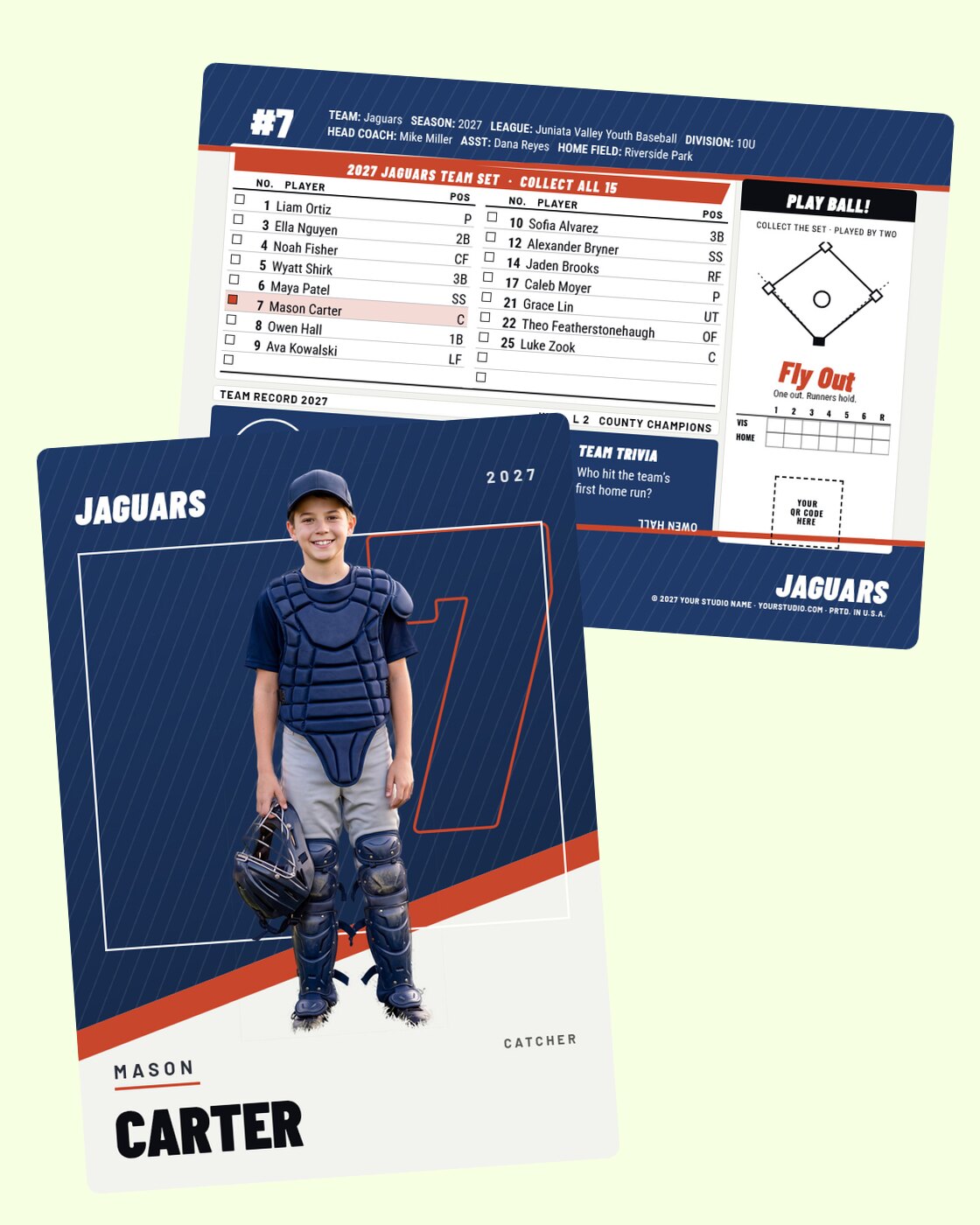
Trading Card
$20$15Modern design · 2.5 x 3.5 front and back at 300 DPI
Trading Card
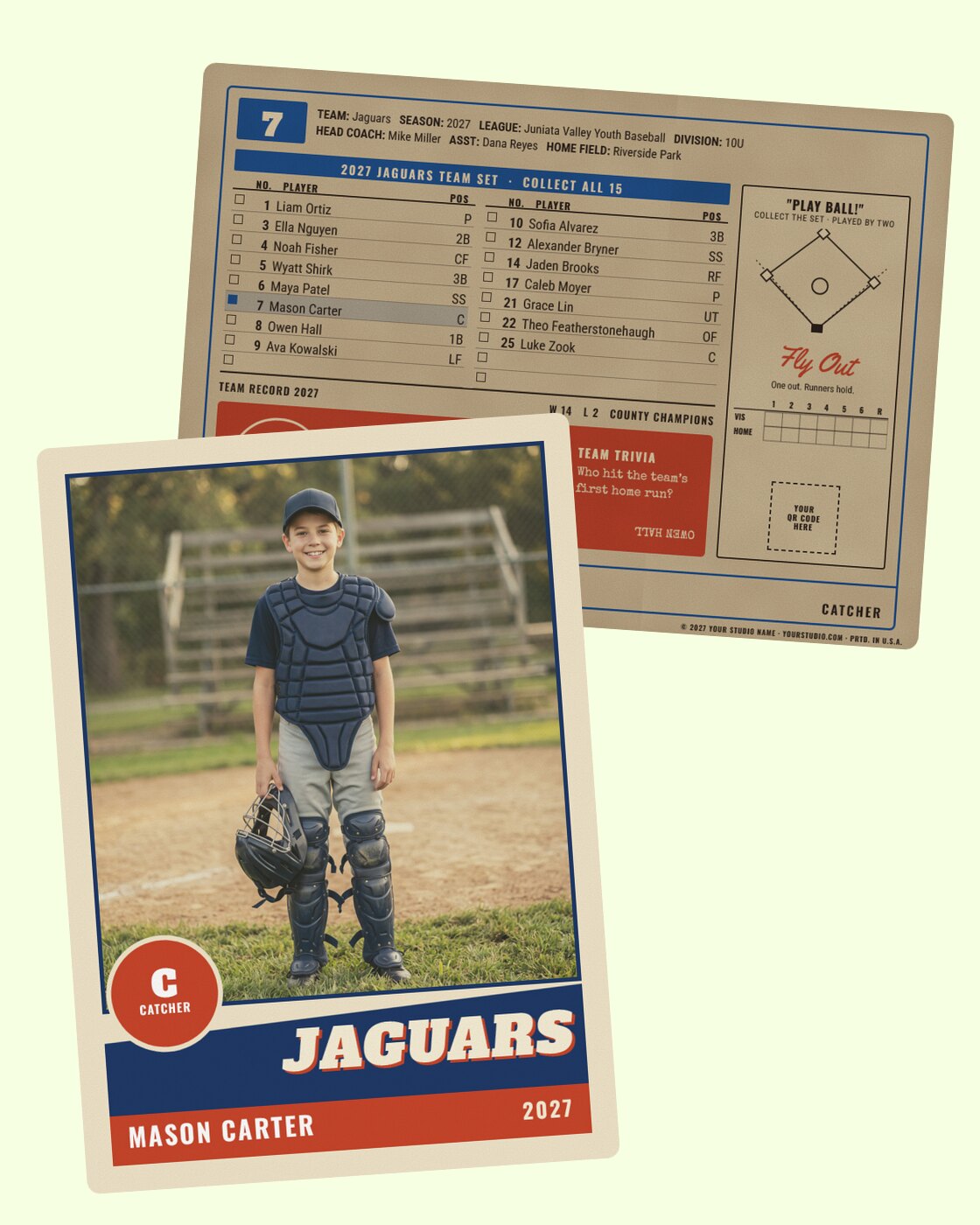
$20$15Vintage design · 2.5 x 3.5 front and back at 300 DPI
Trading Card
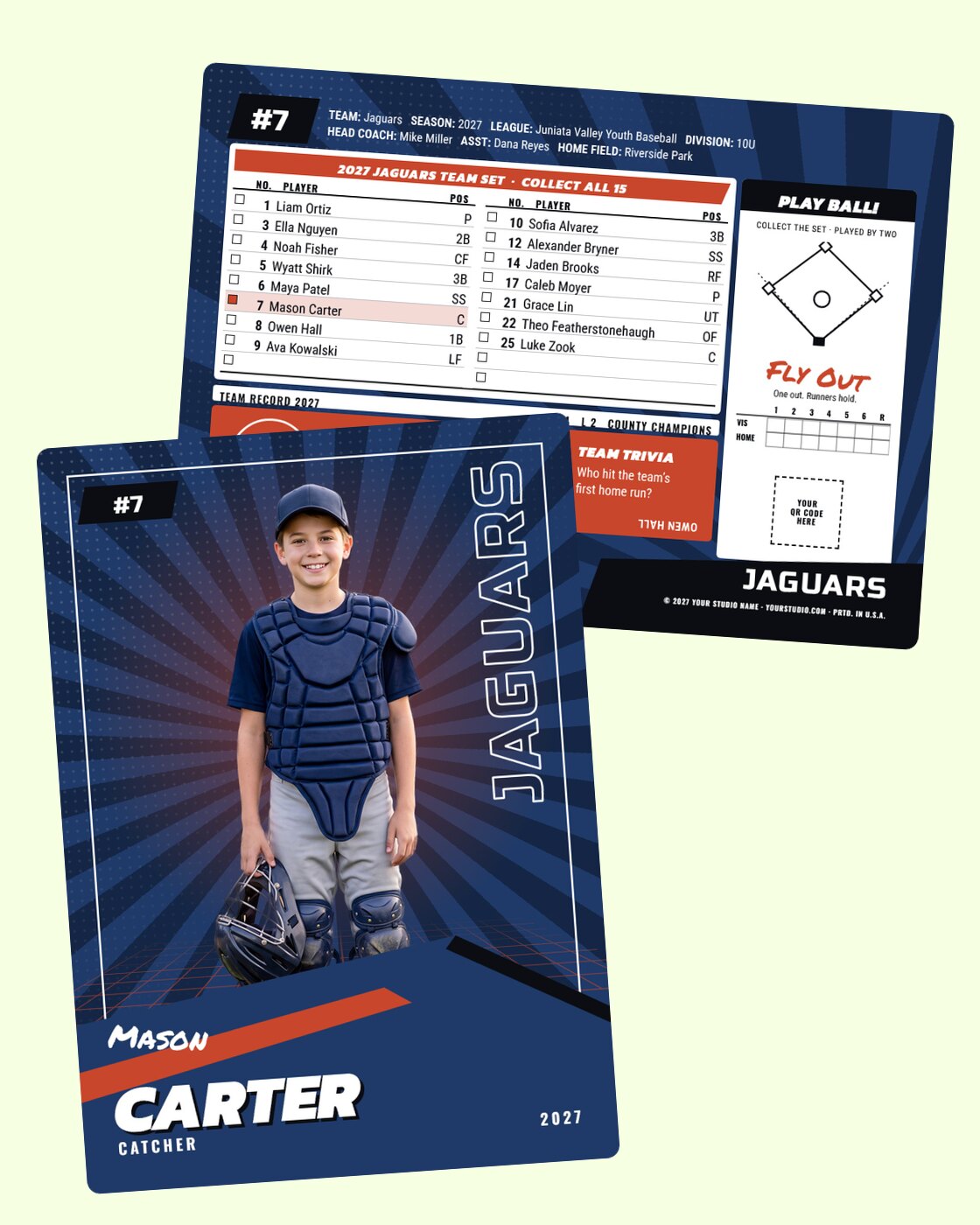
$20$1590s design · 2.5 x 3.5 front and back at 300 DPI
Bundle
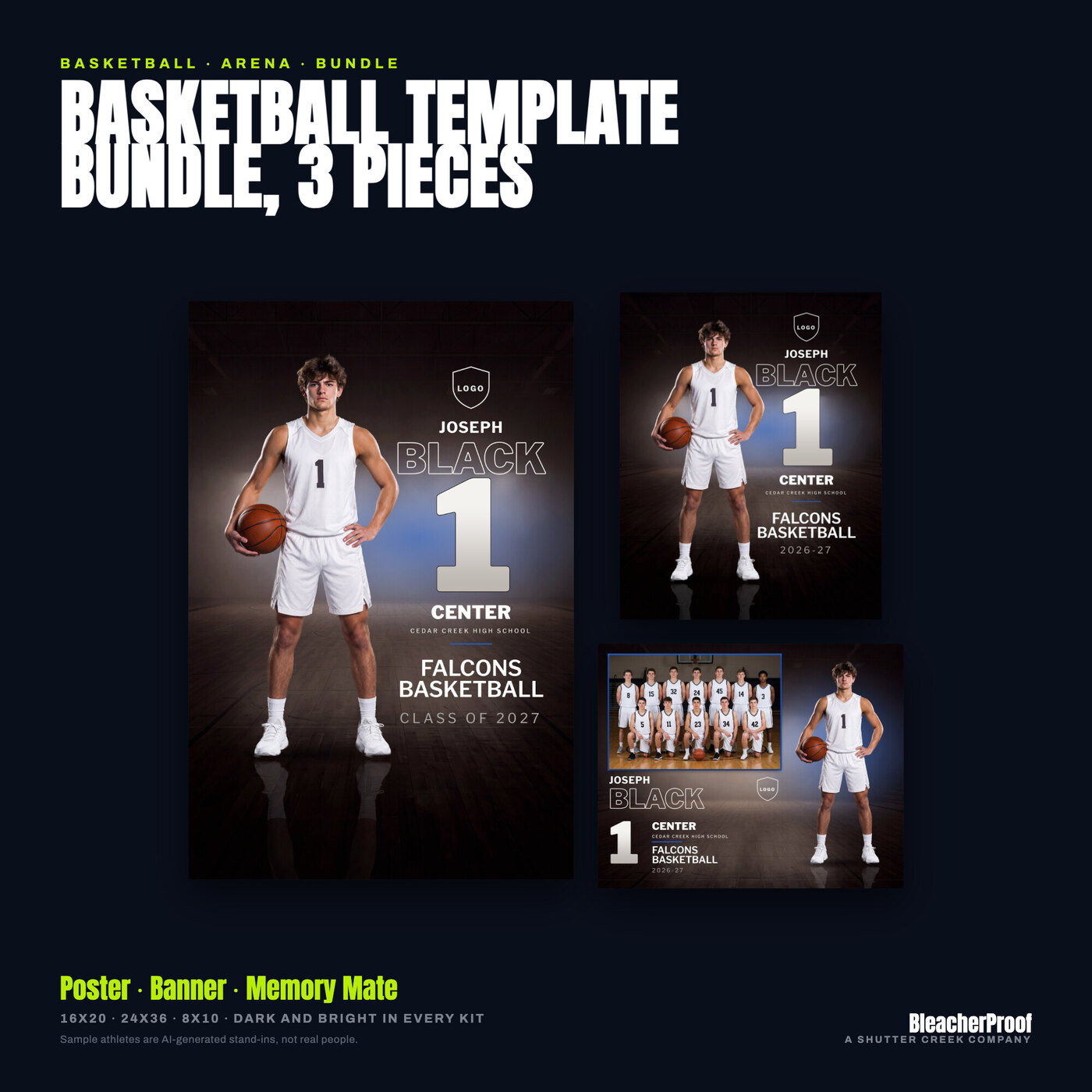
$40$30Arena design · All three: poster 16 x 20, senior banner 24 x 36, memory mate 10 x 8, each in a dark and a bright look
Bundle
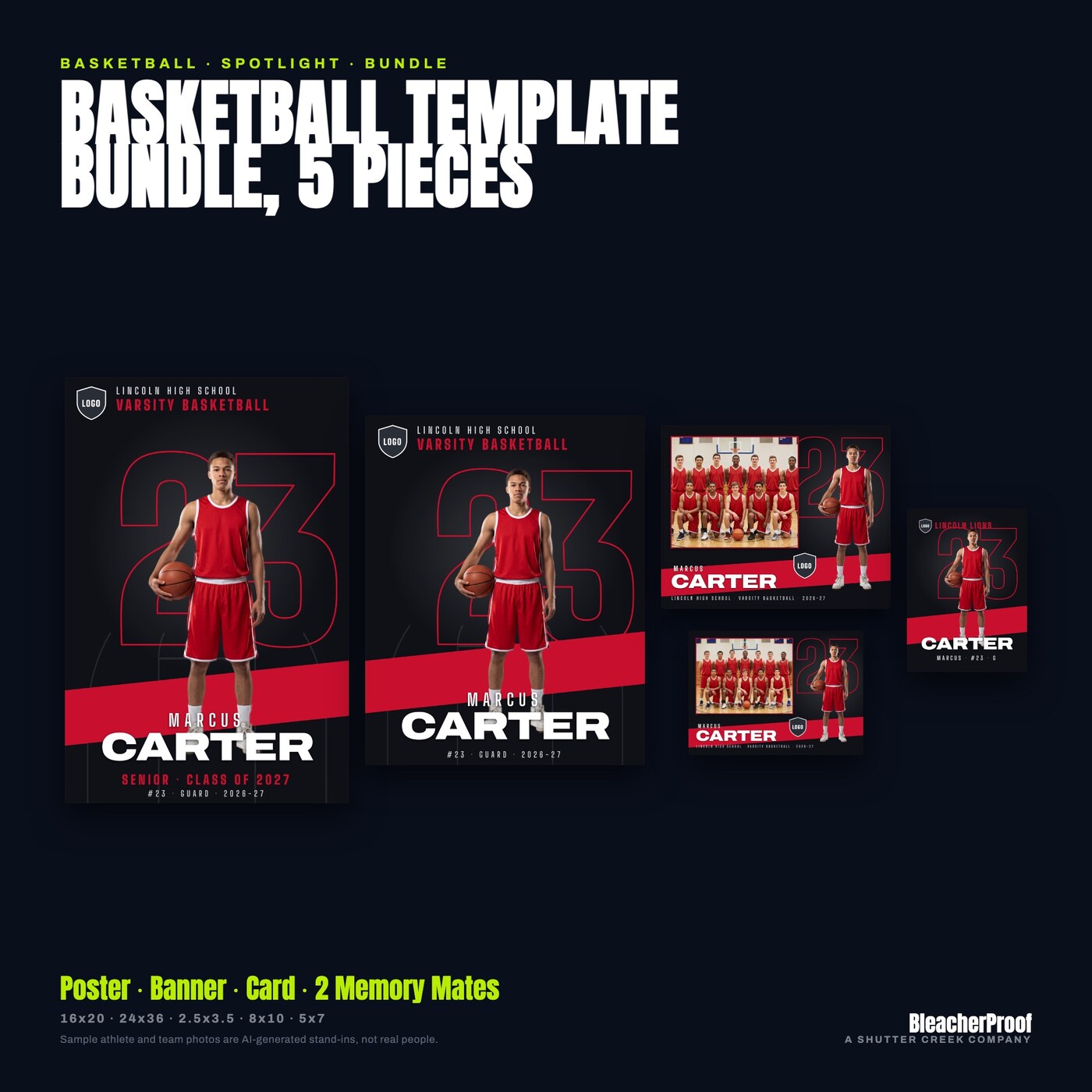
$47$35.25Spotlight design · All five: poster 16 x 20, banner 24 x 36, trading card 2.5 x 3.5, memory mates 10 x 8 and 7 x 5
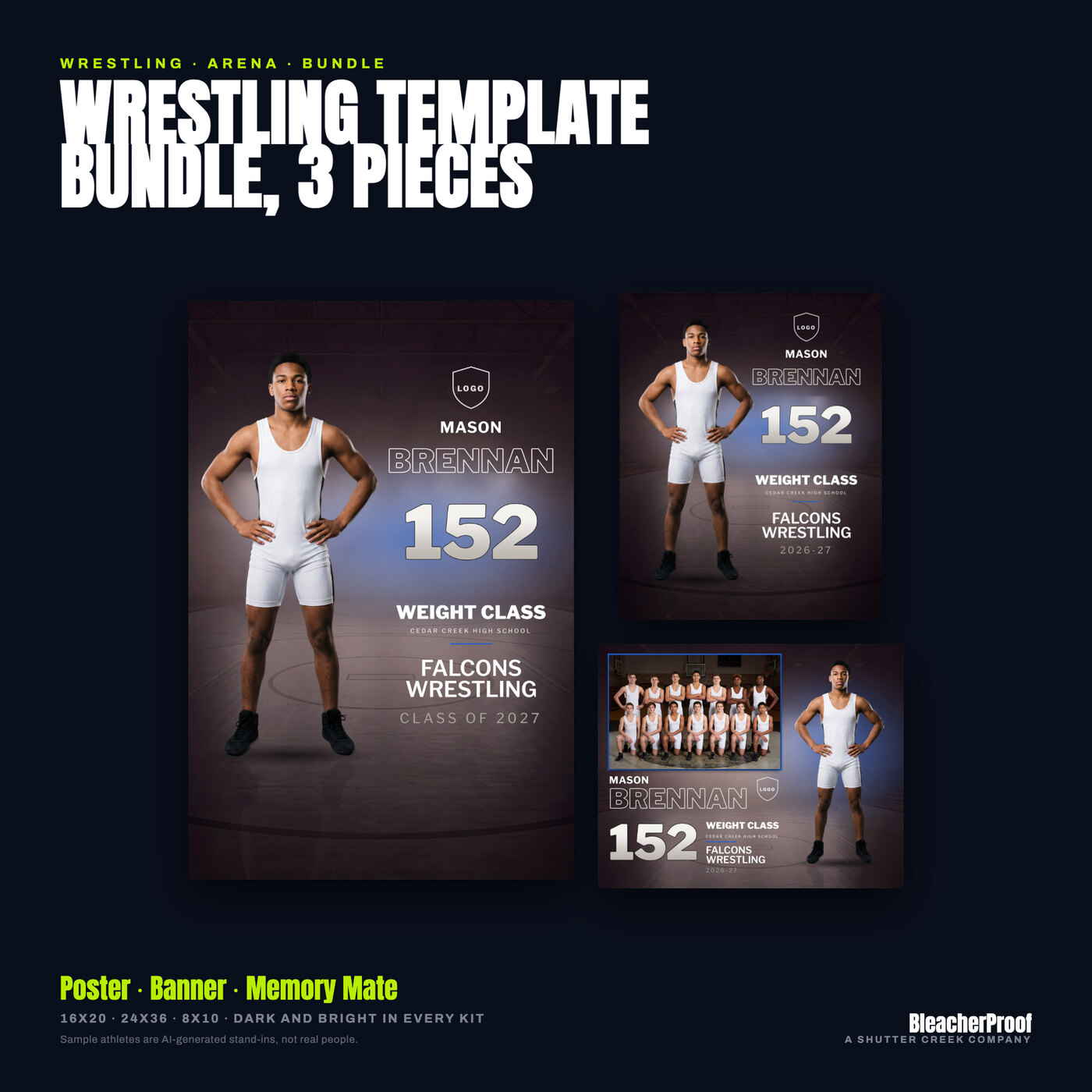
Bundle
$40$30Arena design · All three: poster 16 x 20, senior banner 24 x 36, memory mate 10 x 8, each in a dark and a bright look
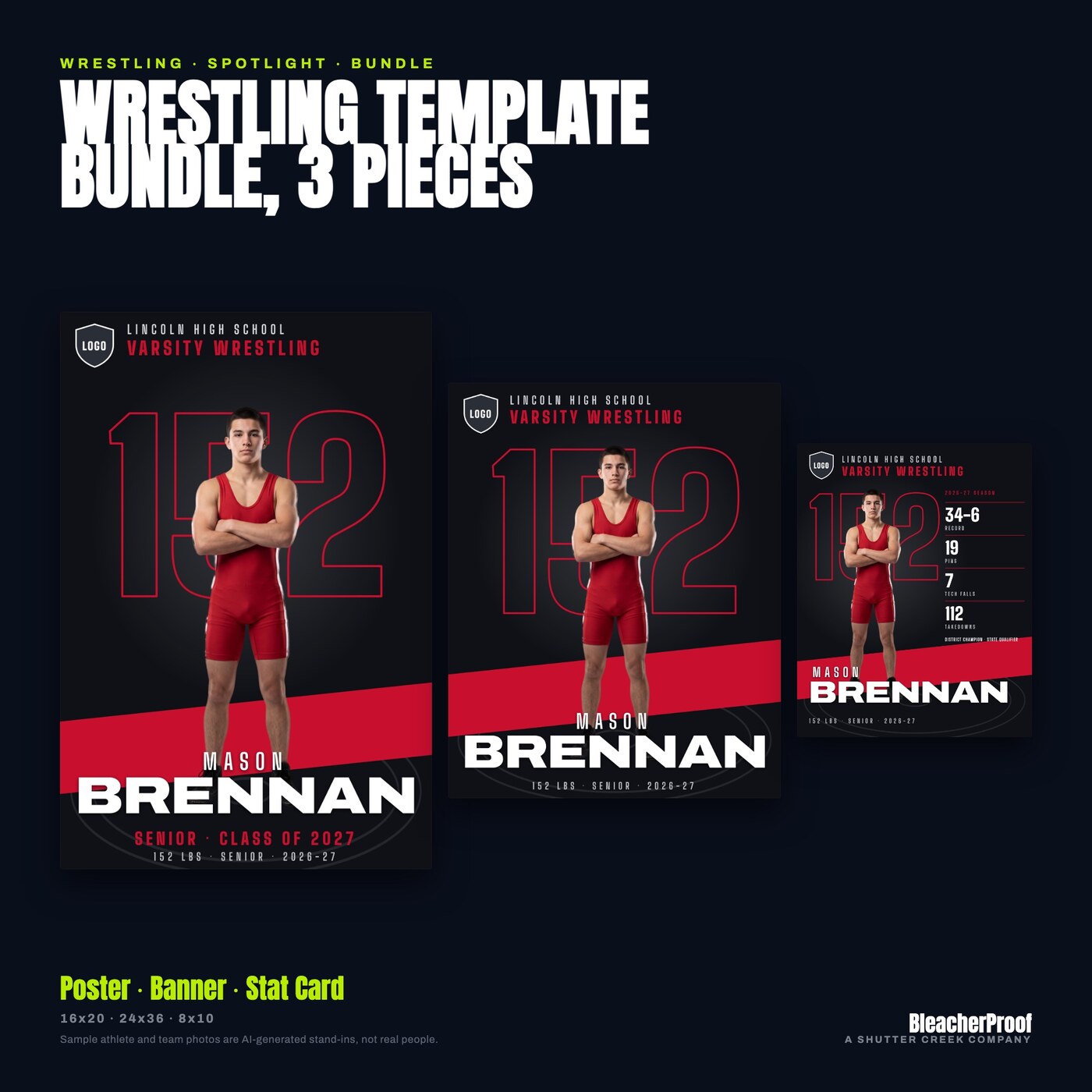
Bundle
$39$29.25Spotlight design · All three: poster 16 x 20, banner 24 x 36, stat card 8 x 10 with a 1080 x 1350 social post
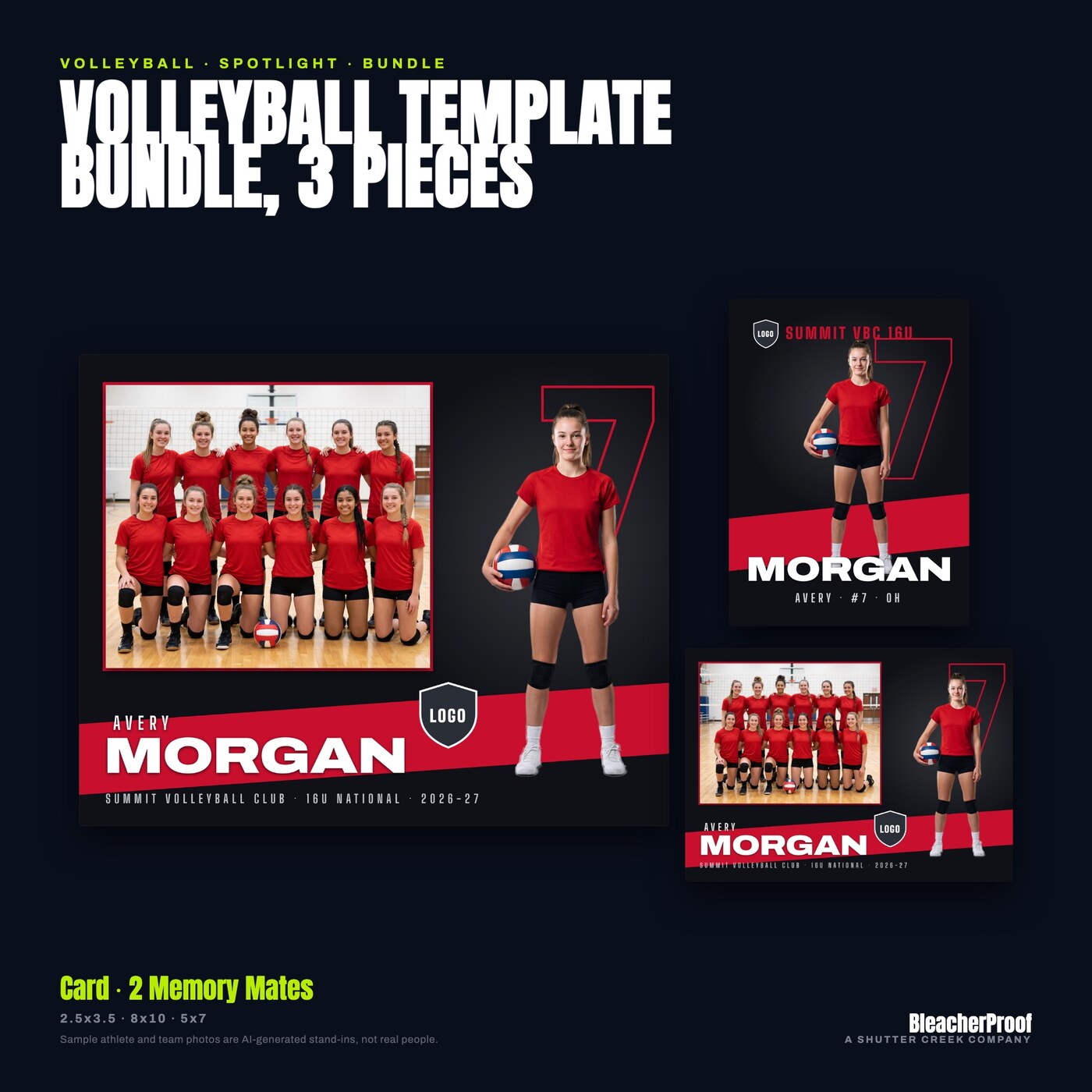
Bundle
$39$29.25Spotlight design · All three: trading card 2.5 x 3.5, memory mates 10 x 8 and 7 x 5, at 300 DPI
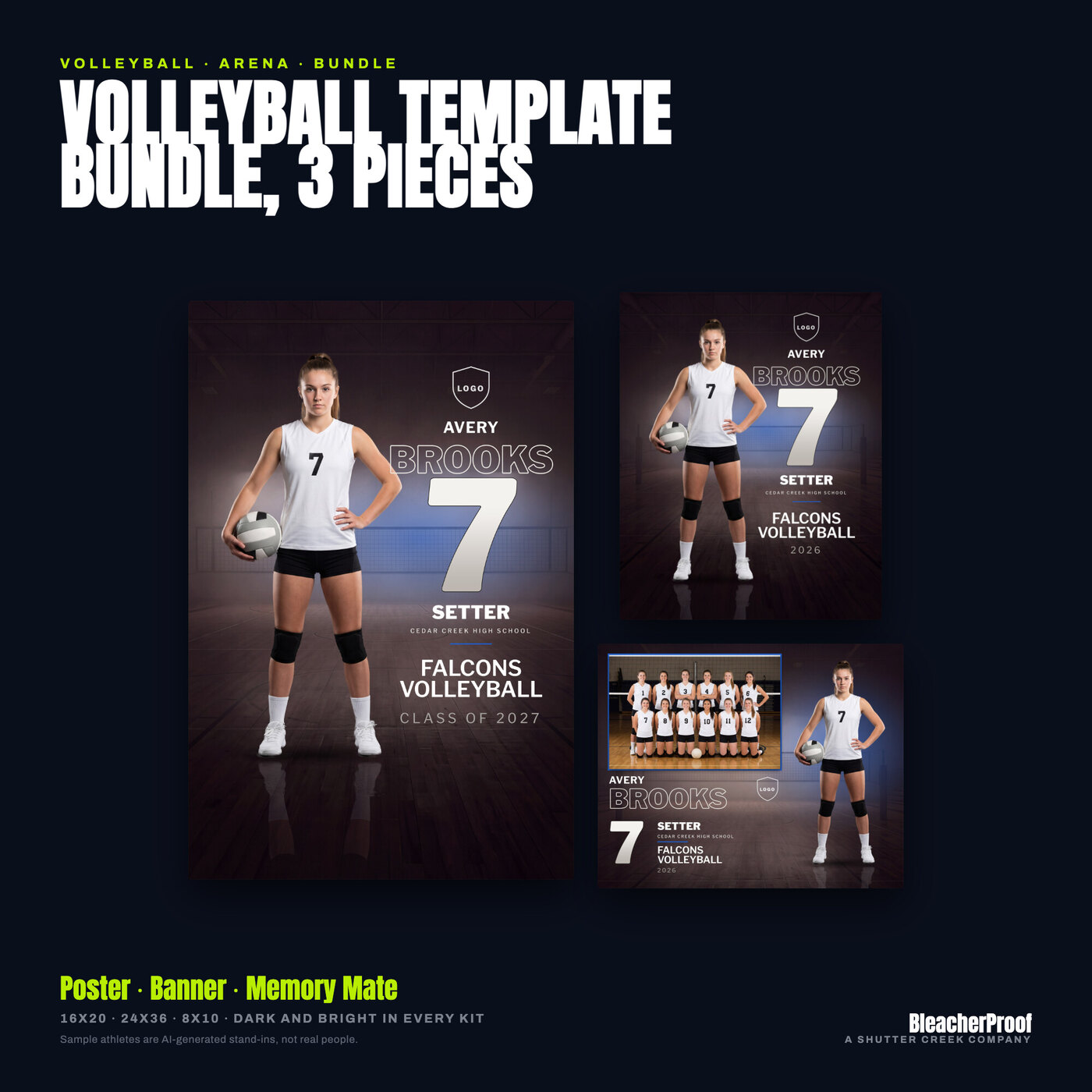
Bundle
$40$30Arena design · All three: poster 16 x 20, senior banner 24 x 36, memory mate 10 x 8, each in a dark and a bright look
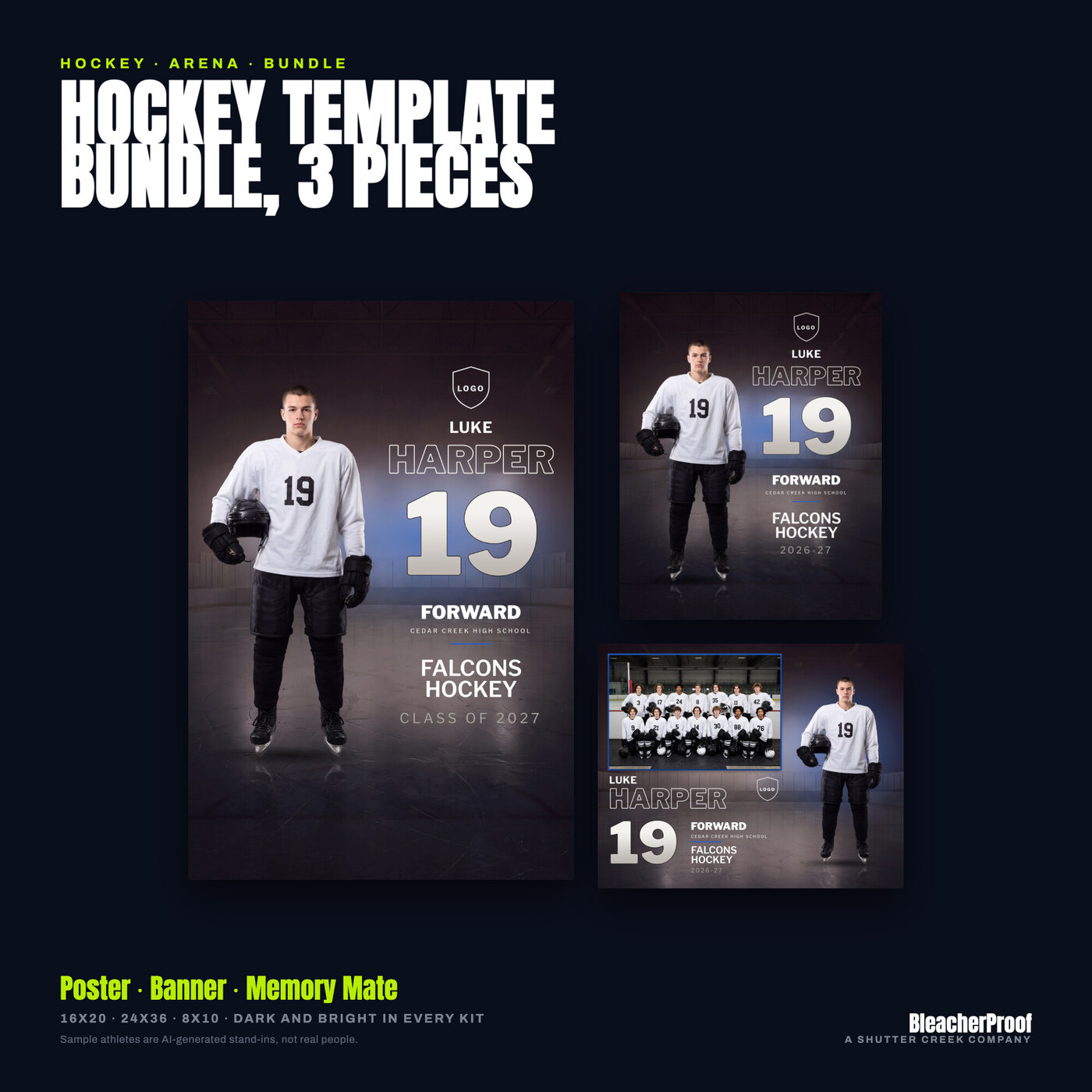
Bundle
$40$30Arena design · All three: poster 16 x 20, senior banner 24 x 36, memory mate 10 x 8, each in a dark and a bright look
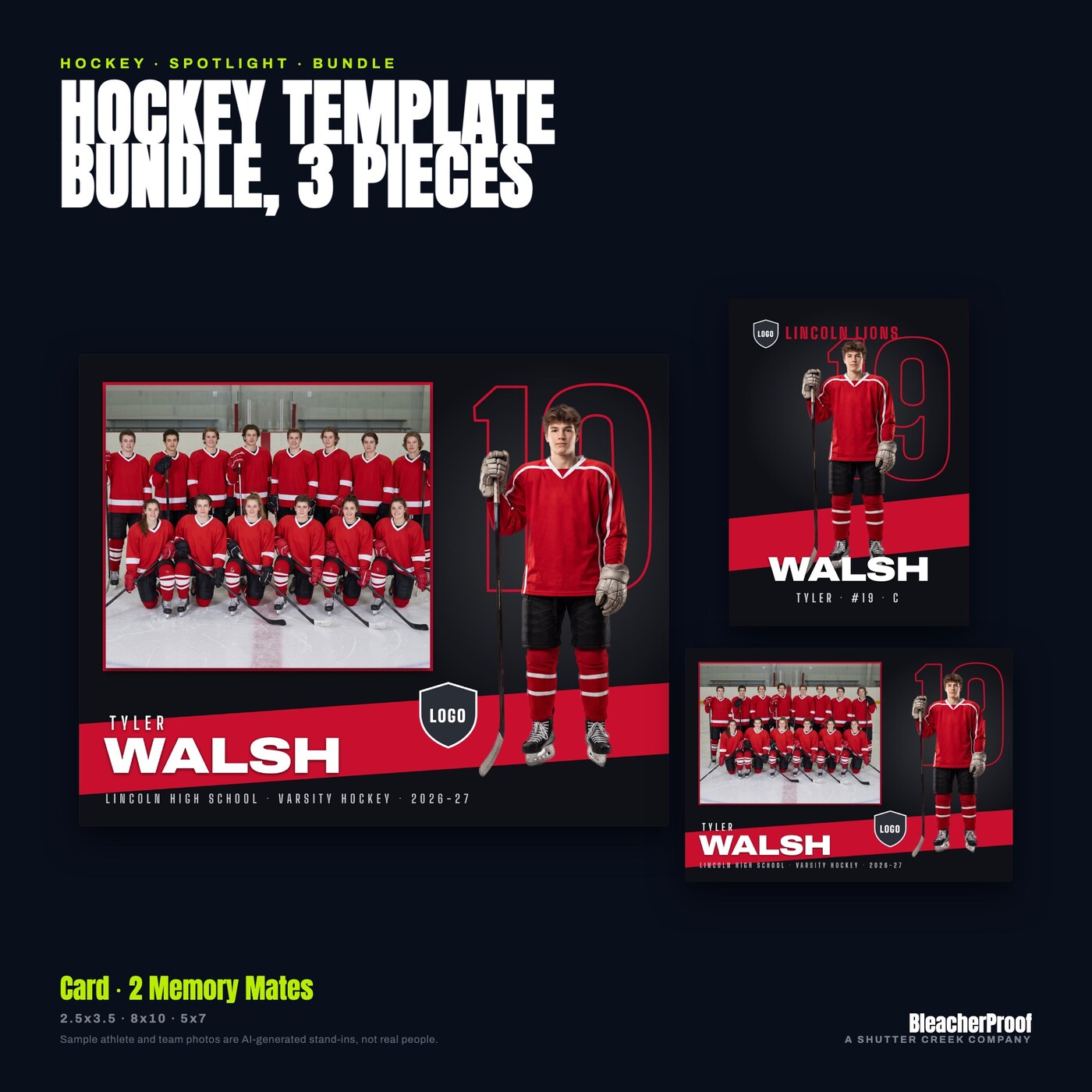
Bundle
$39$29.25Spotlight design · All three: trading card 2.5 x 3.5, memory mates 10 x 8 and 7 x 5, at 300 DPI
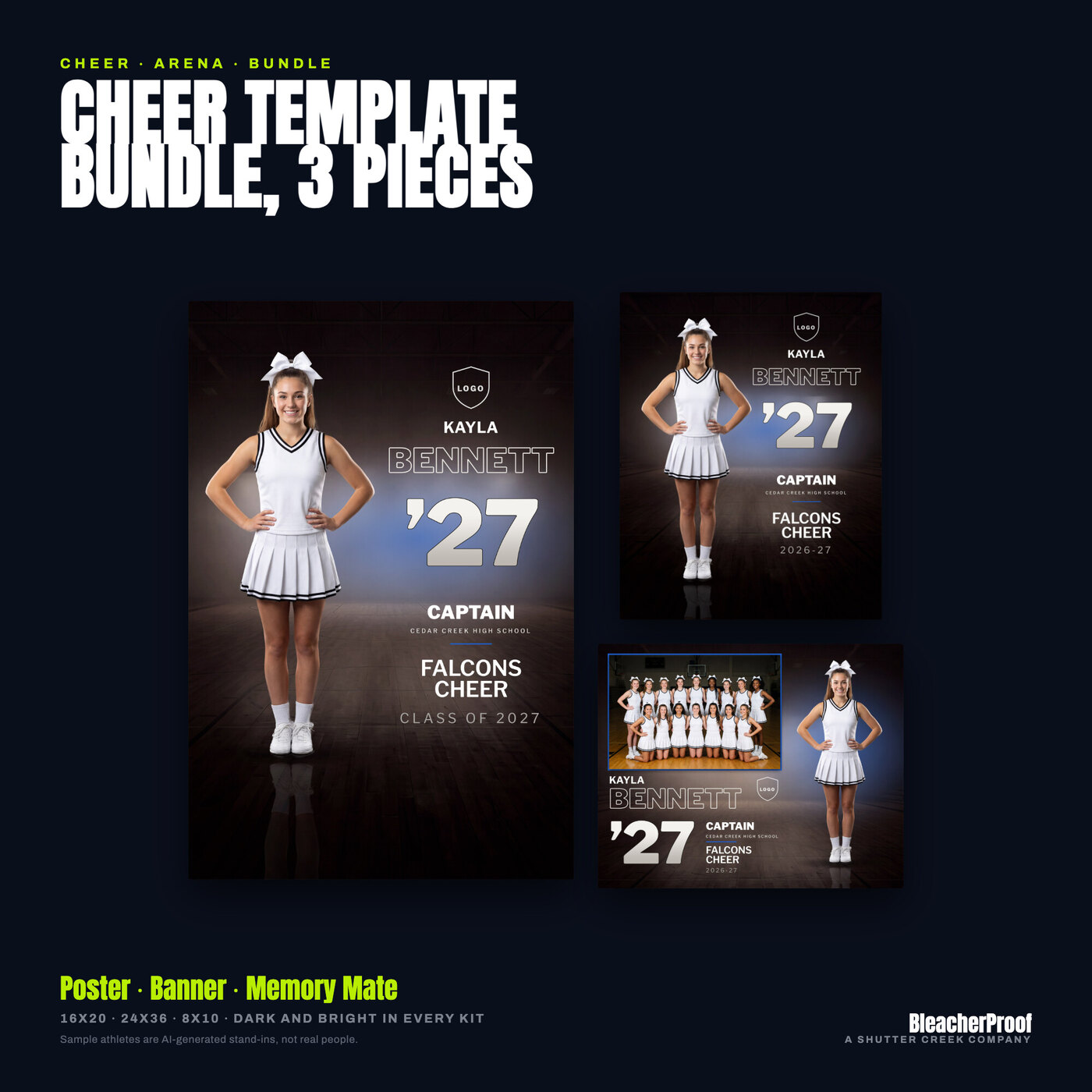
Bundle
$40$30Arena design · All three: poster 16 x 20, senior banner 24 x 36, memory mate 10 x 8, each in a dark and a bright look
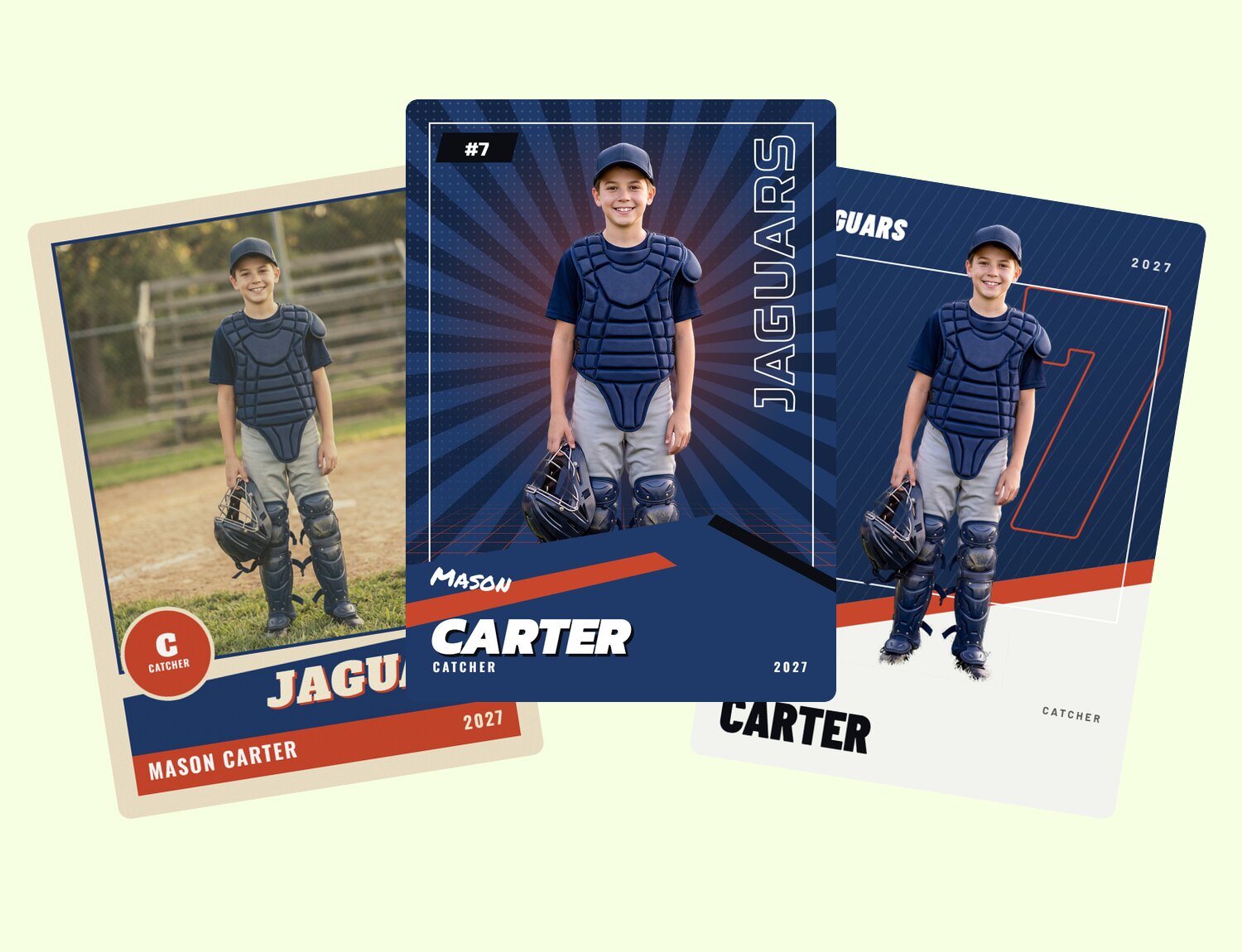
Bundle
$39$29.25Vintage, 90s and Modern designs · 3 styles, front and back, 2.5 x 3.5 at 300 DPI
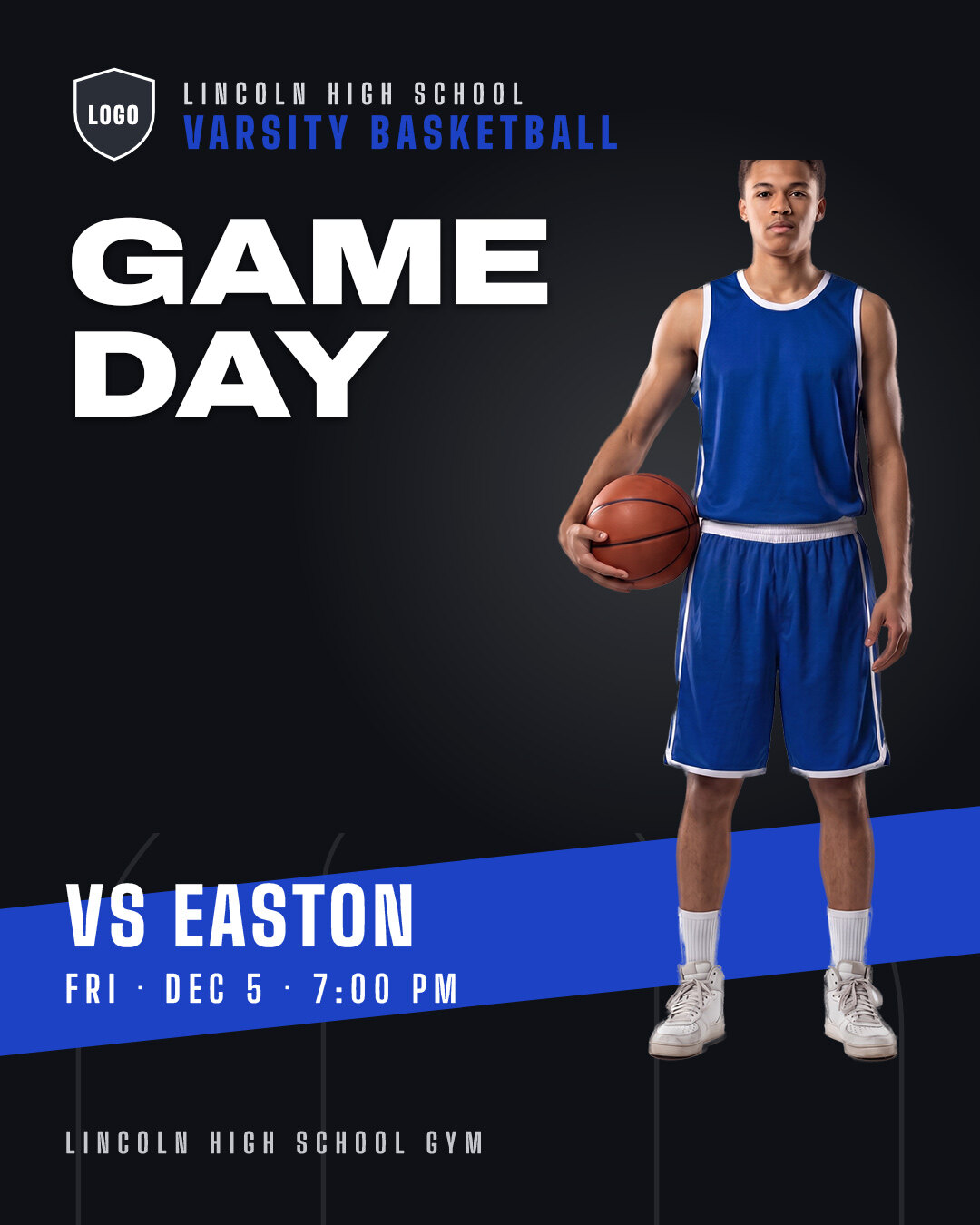
Game Day Pack
$20$15Spotlight design · 12 feed posts at 1080 x 1350, plus the same 12 as stories at 1080 x 1920
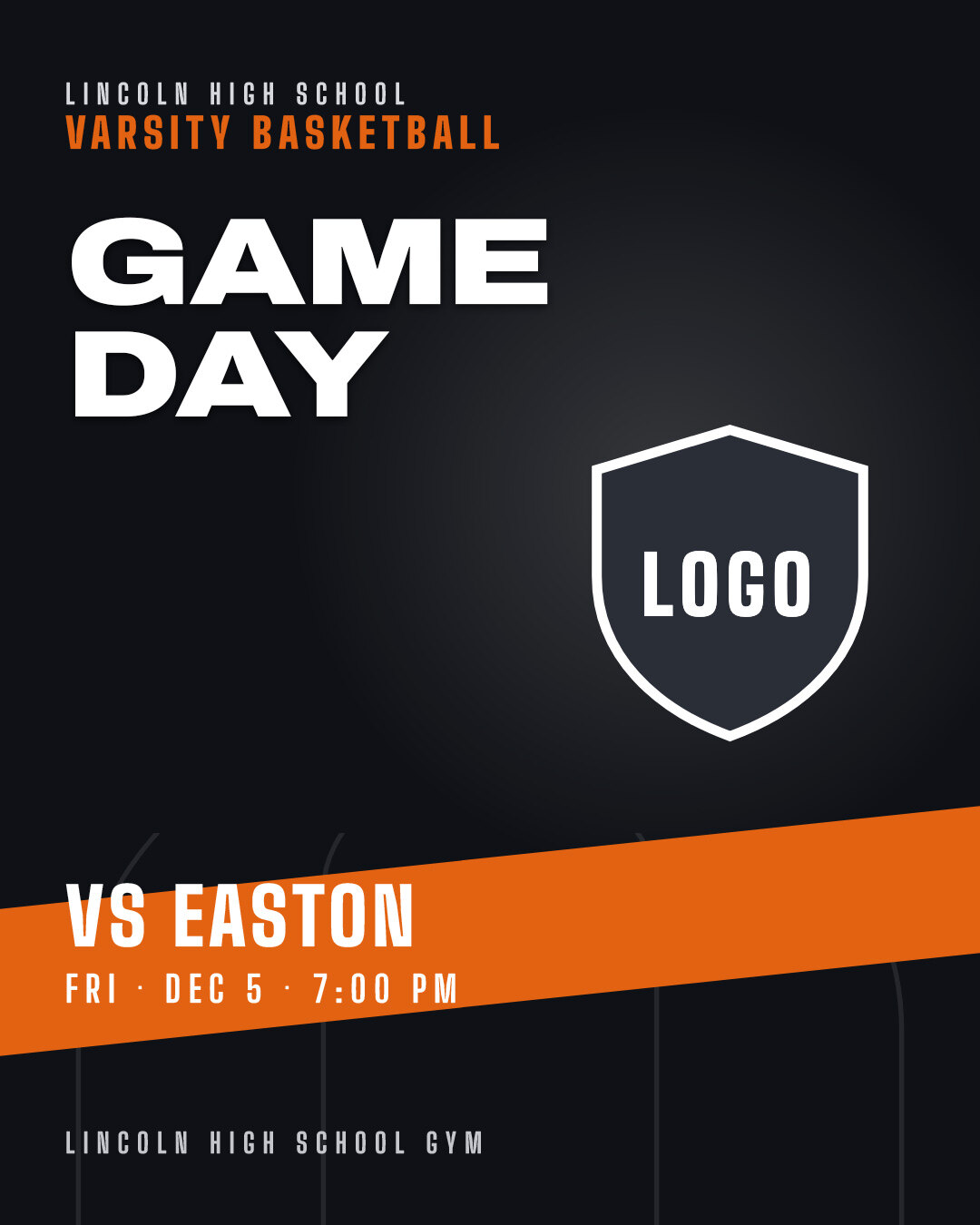
Graphics Pack
$20$15Spotlight design · 12 feed posts at 1080 x 1350, plus the same 12 as stories at 1080 x 1920
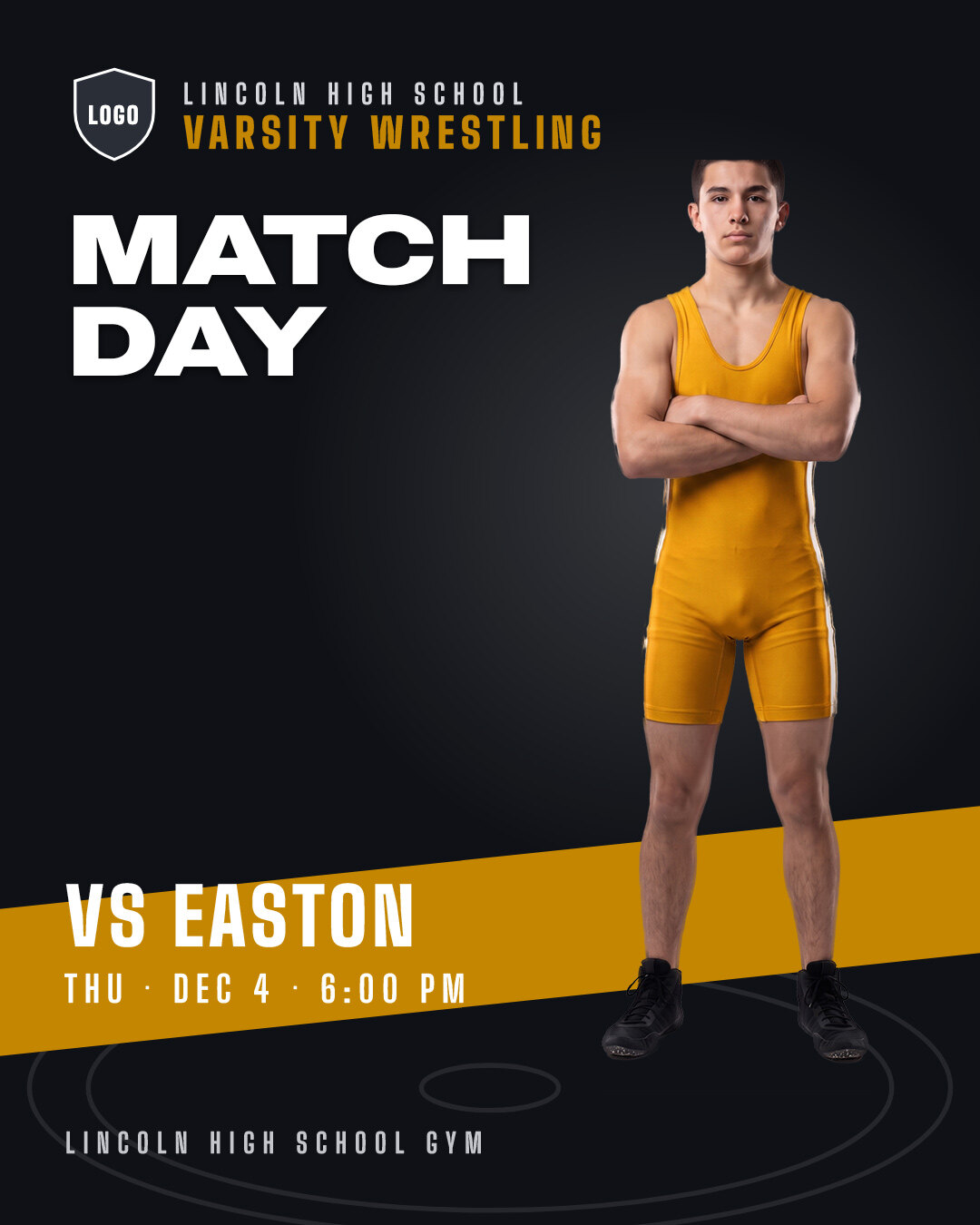
Game Day Pack
$20$15Spotlight design · 12 feed posts at 1080 x 1350, plus the same 12 as stories at 1080 x 1920
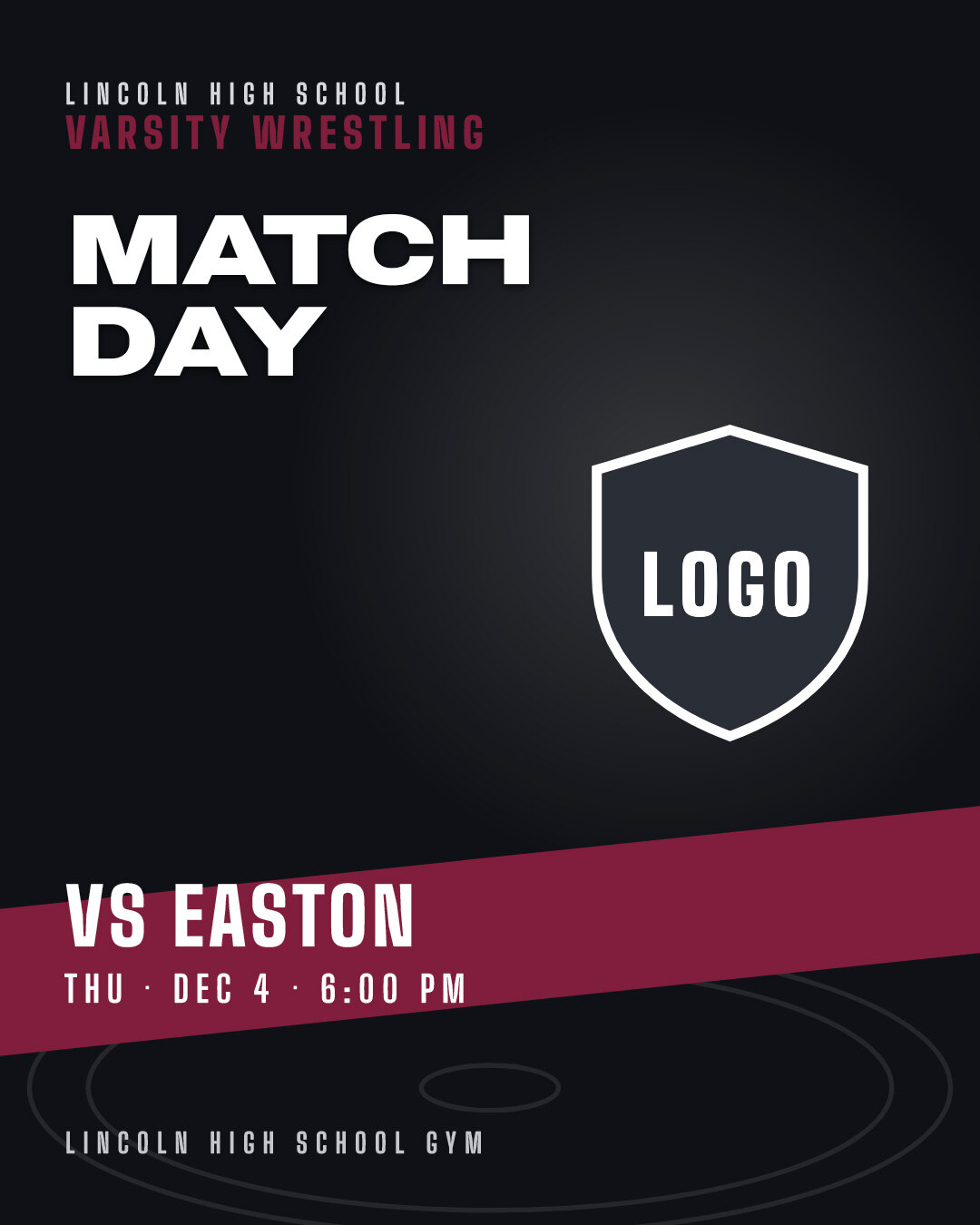
Graphics Pack
$20$15Spotlight design · 12 feed posts at 1080 x 1350, plus the same 12 as stories at 1080 x 1920
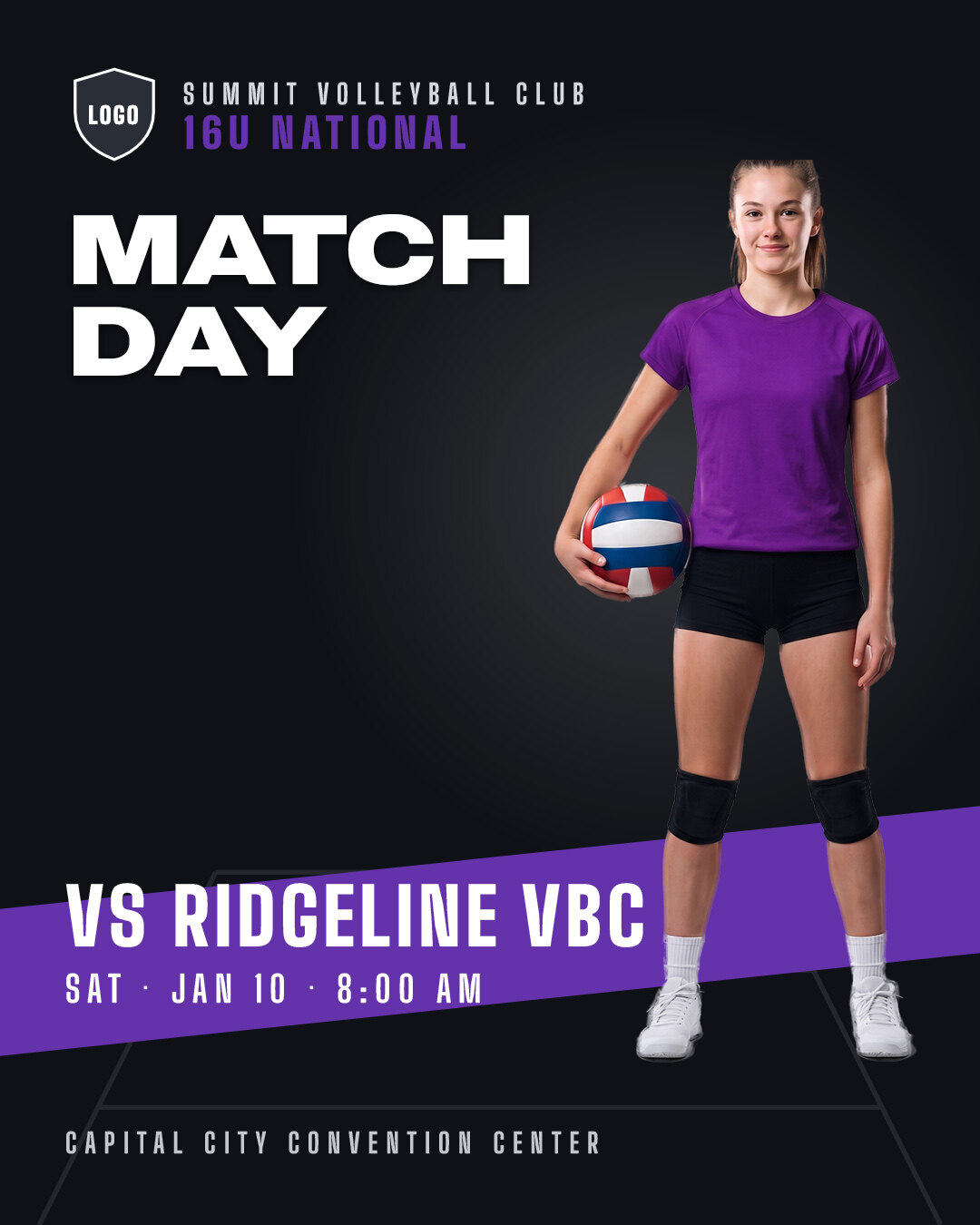
Game Day Pack
$20$15Spotlight design · 12 feed posts at 1080 x 1350, plus the same 12 as stories at 1080 x 1920
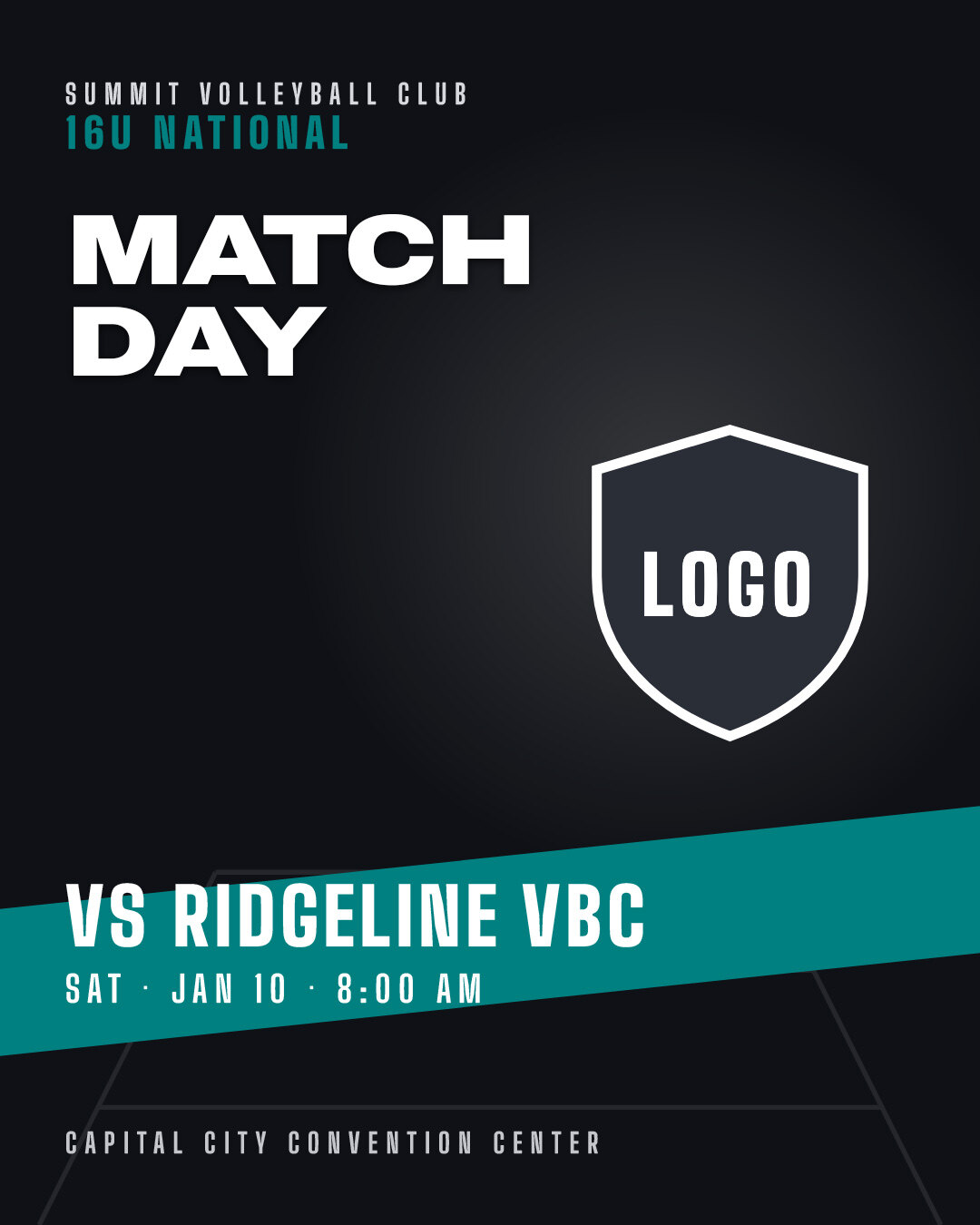
Graphics Pack
$20$15Spotlight design · 12 feed posts at 1080 x 1350, plus the same 12 as stories at 1080 x 1920
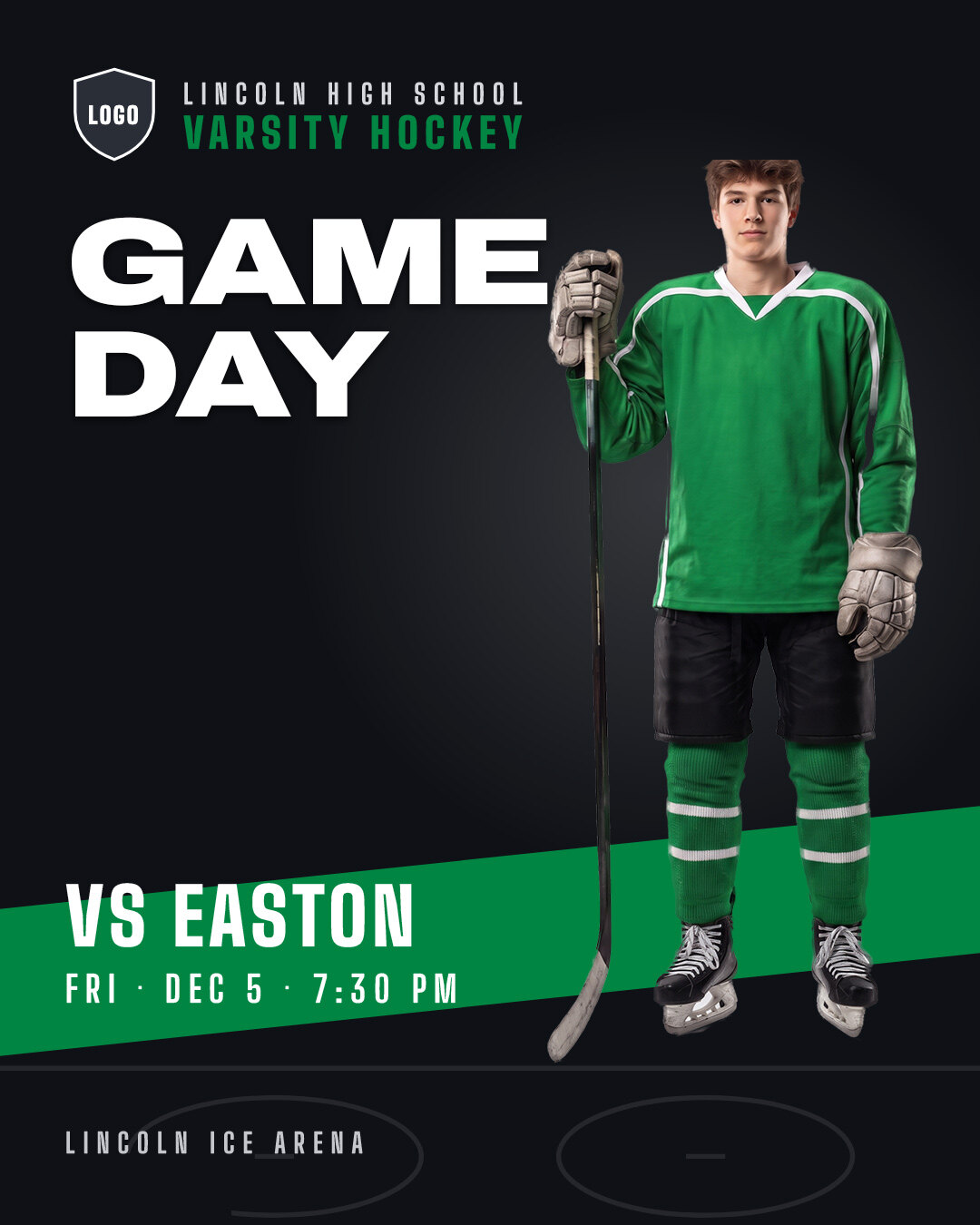
Game Day Pack
$20$15Spotlight design · 12 feed posts at 1080 x 1350, plus the same 12 as stories at 1080 x 1920
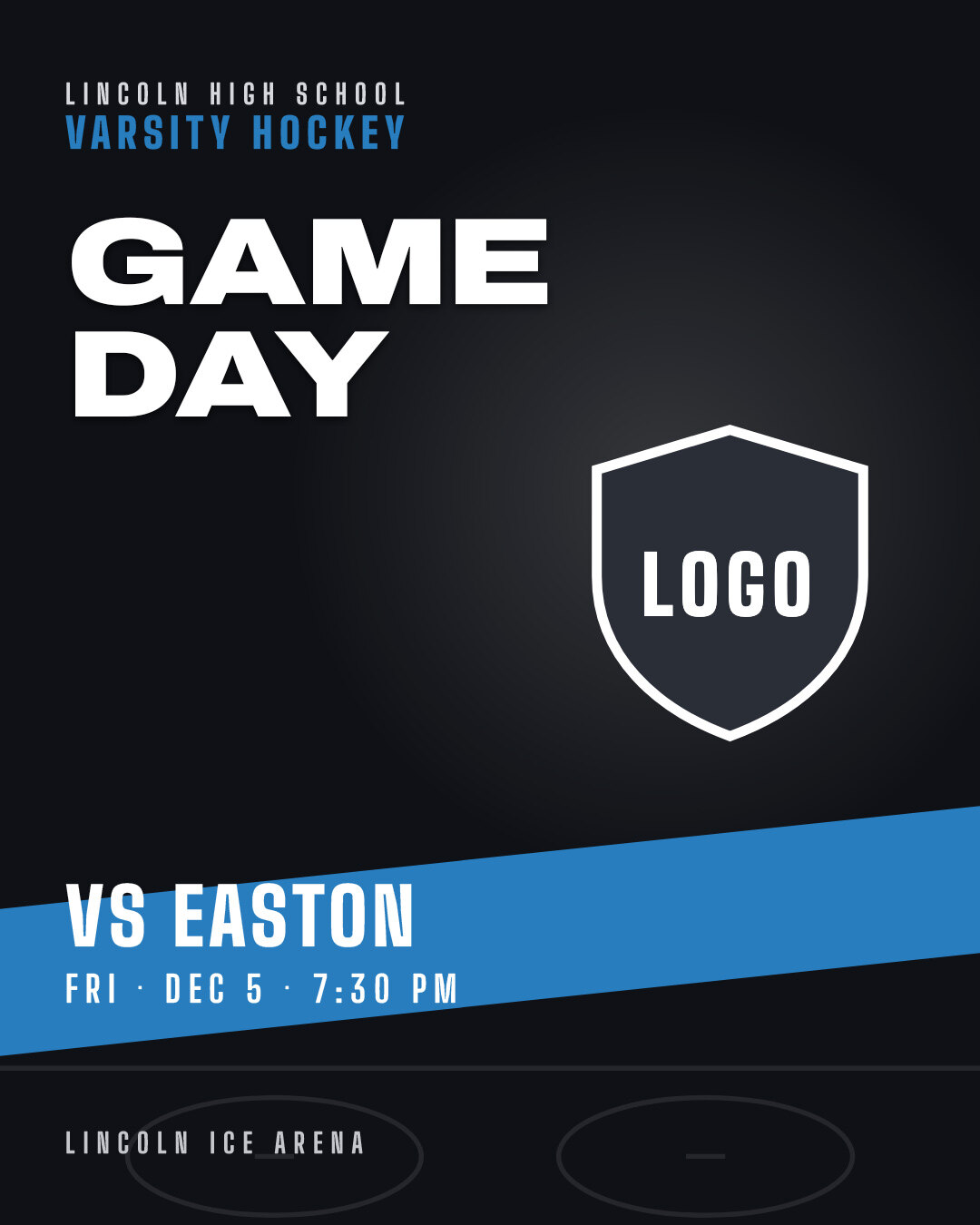
Graphics Pack
$20$15Spotlight design · 12 feed posts at 1080 x 1350, plus the same 12 as stories at 1080 x 1920


25% off launch pricing. Instant download, emailed to you. Layered PSD for Photoshop CC and newer.

Try one free.
Get our memory mate template at no cost: a layered PSD with a framed team photo, a player cutout slot, one team color square, the fonts and Player Drop. Open it, see how our files work, then shoot your season.
Download the free template →Just an email address. No card, no trial.
Three moves. Then export.
Every template works the same way, so you learn it once. No plugins and no manual to read first.
- Photos
 Smart Object · Replace contents
Drop in your athlete.
Open the photo slot, paste your cutout, save. Every layer you touch is labeled with an emoji that tells you what it wants.
- WordsBRYNERLive text layer
Type the names.
Names, numbers and team lines are live text, and the fonts ship in the download.
- ColorsColor square
Tint the team.
Color squares tint to any team color and keep the shading underneath. Then export print-ready and digital in one pass.
Open the file. It's already organized.
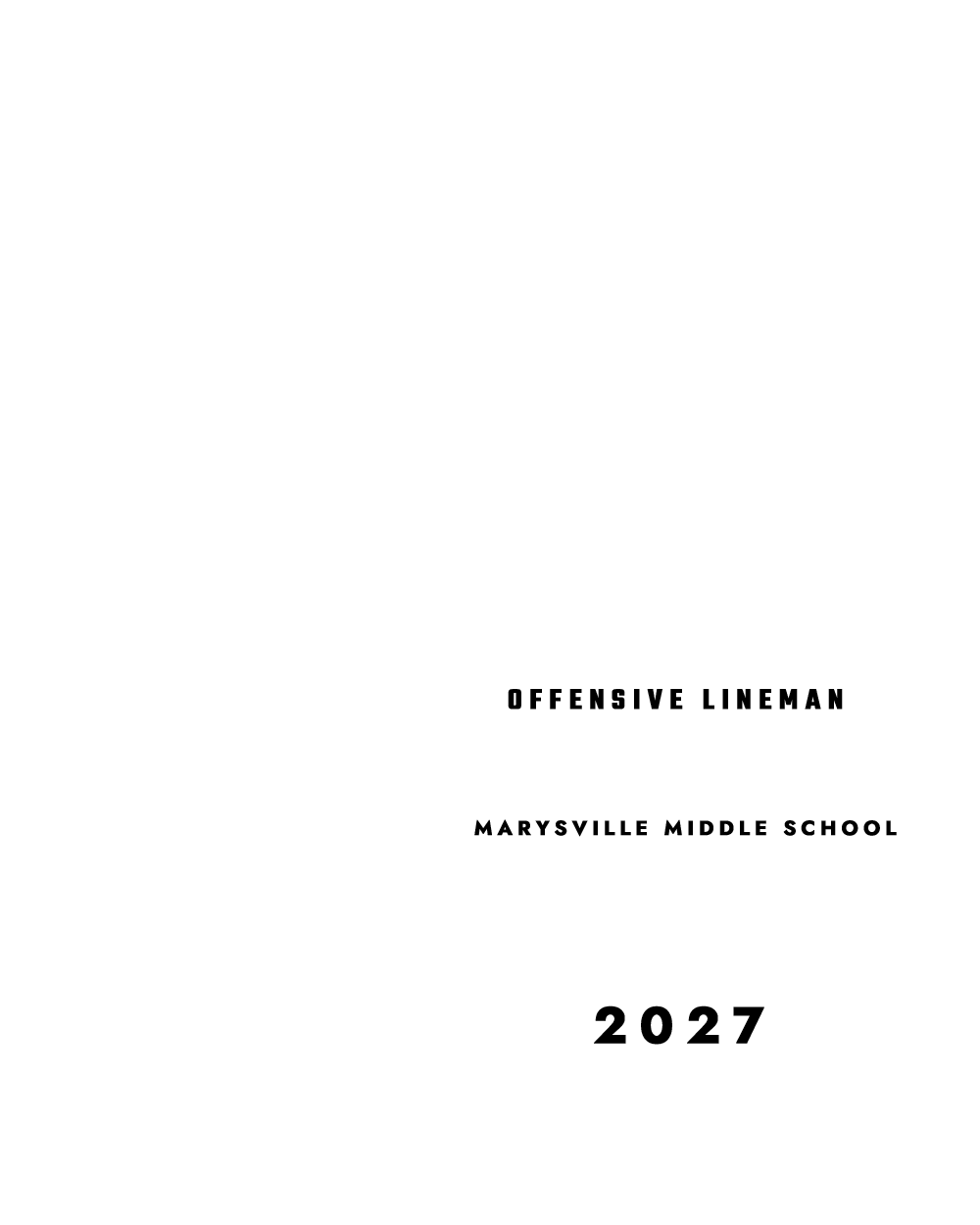
This is the Football player poster from the shop, taken apart. Tap a layer to pull it out of the stack. Pick a team color in the editor above and it follows along here.

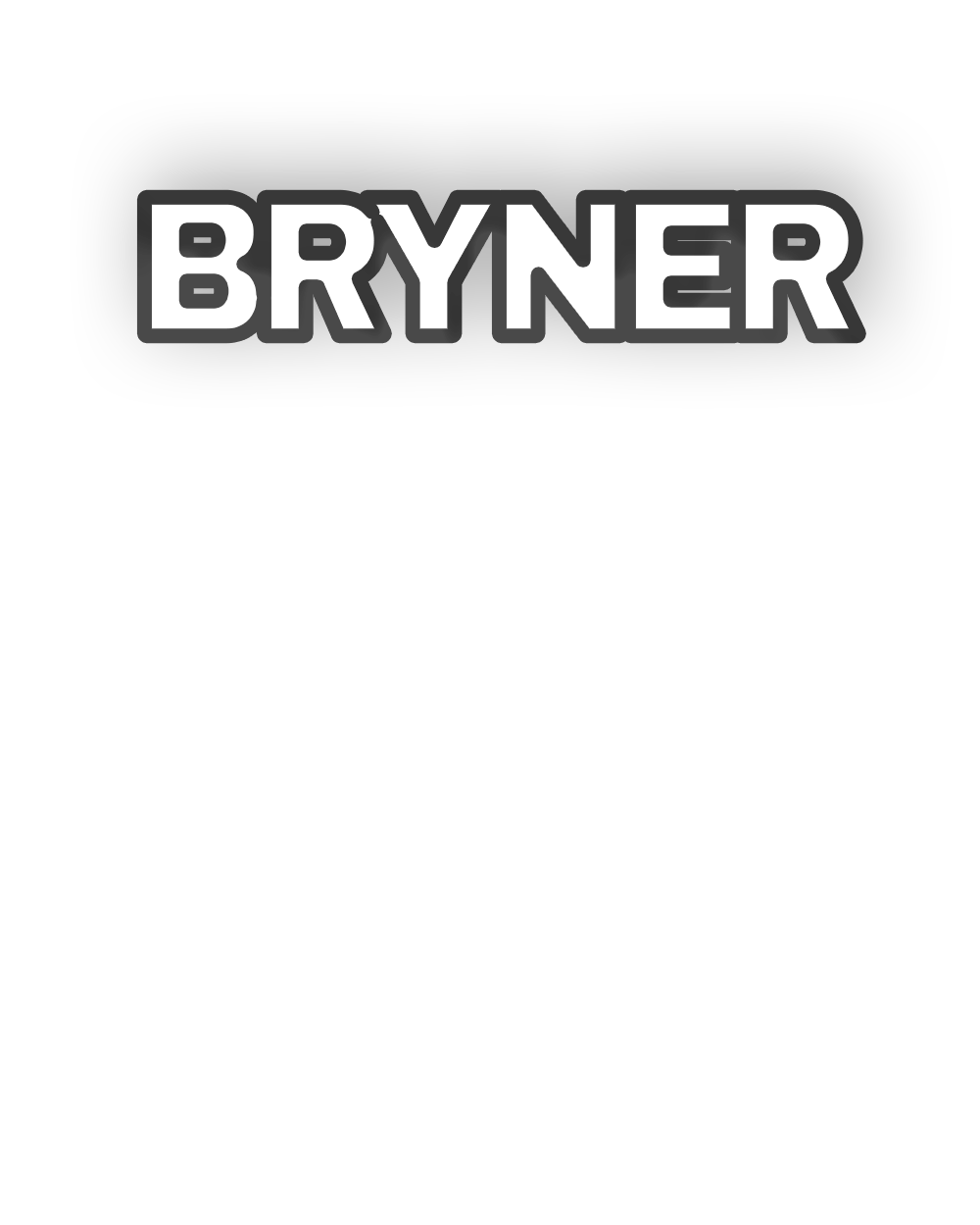

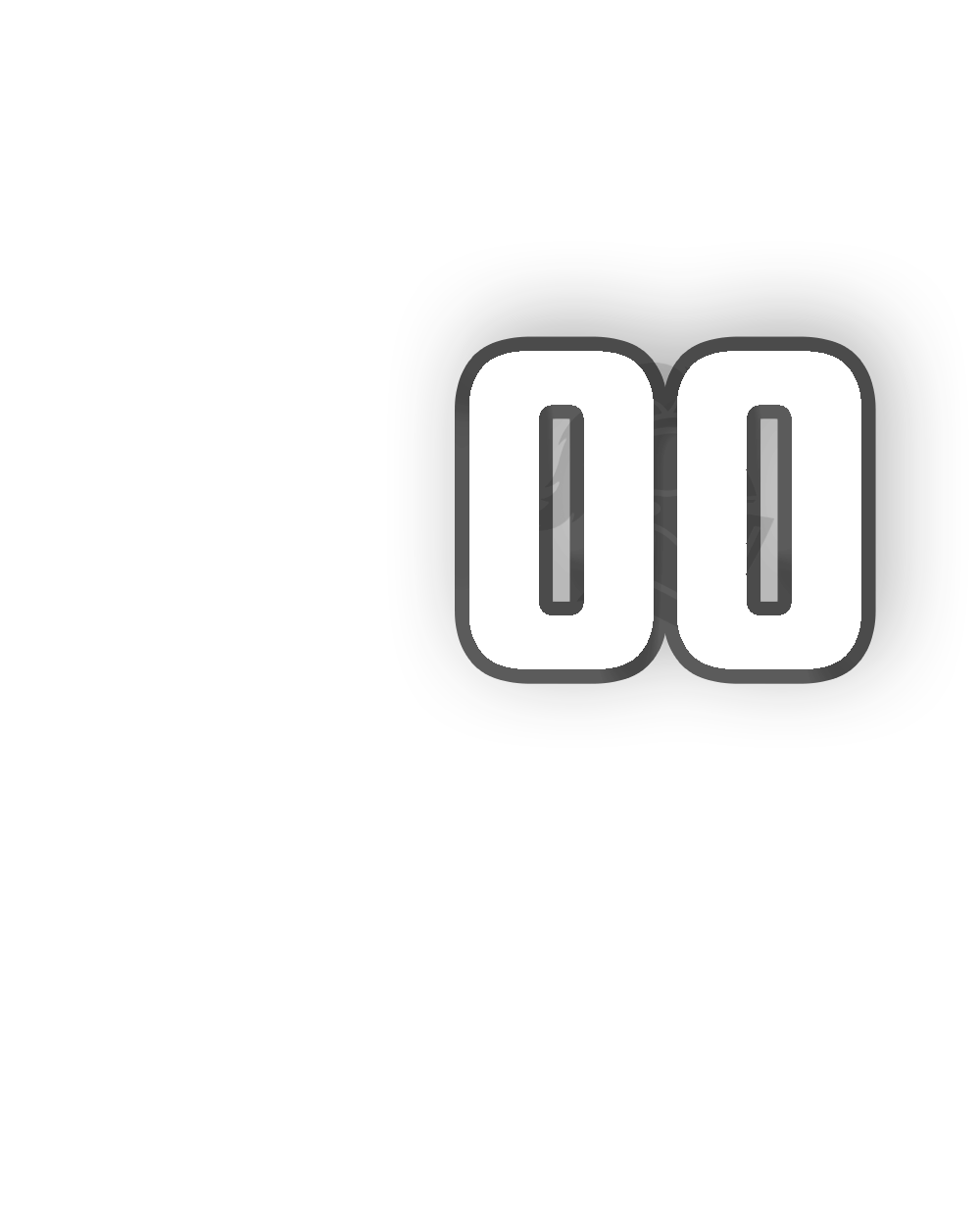
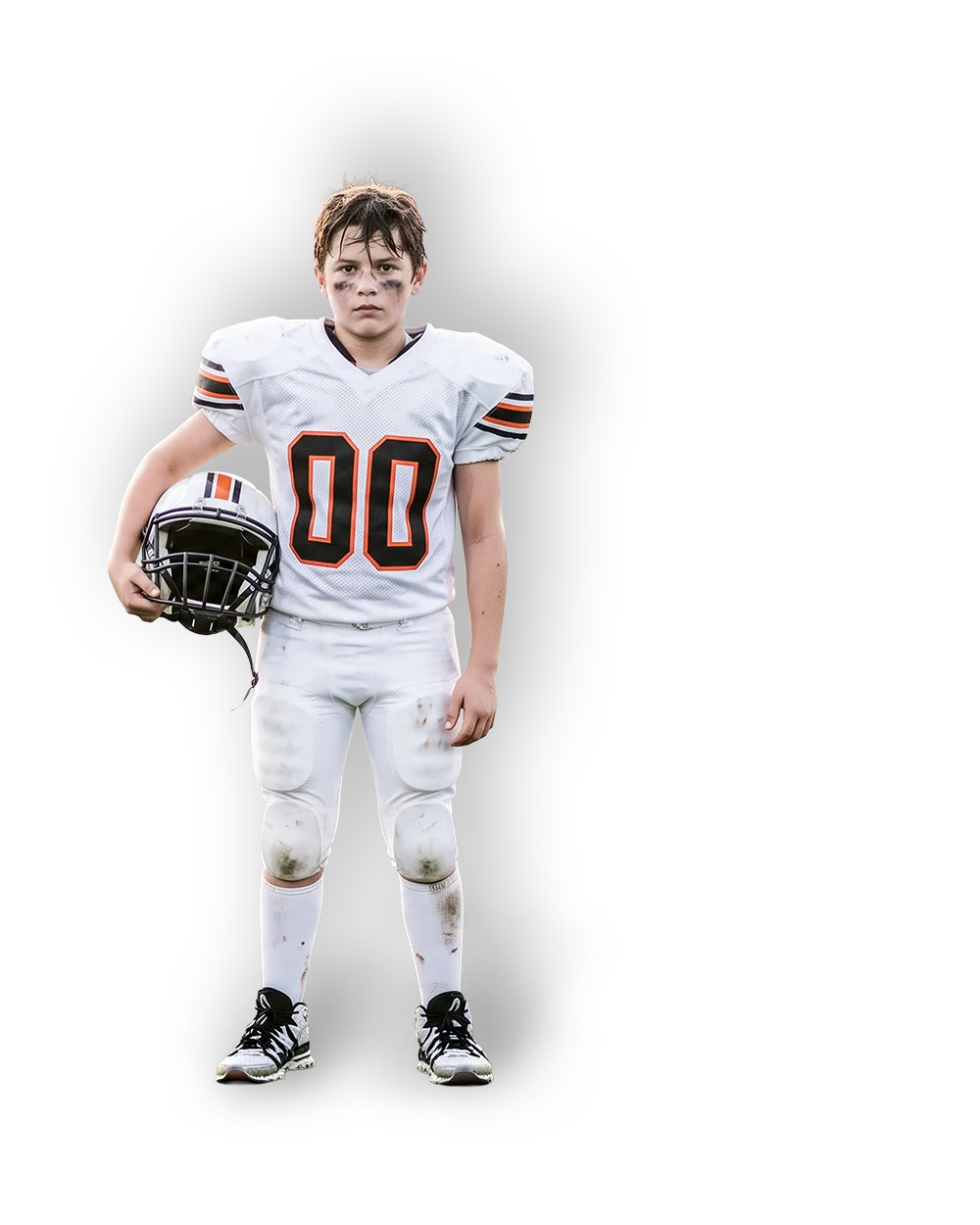
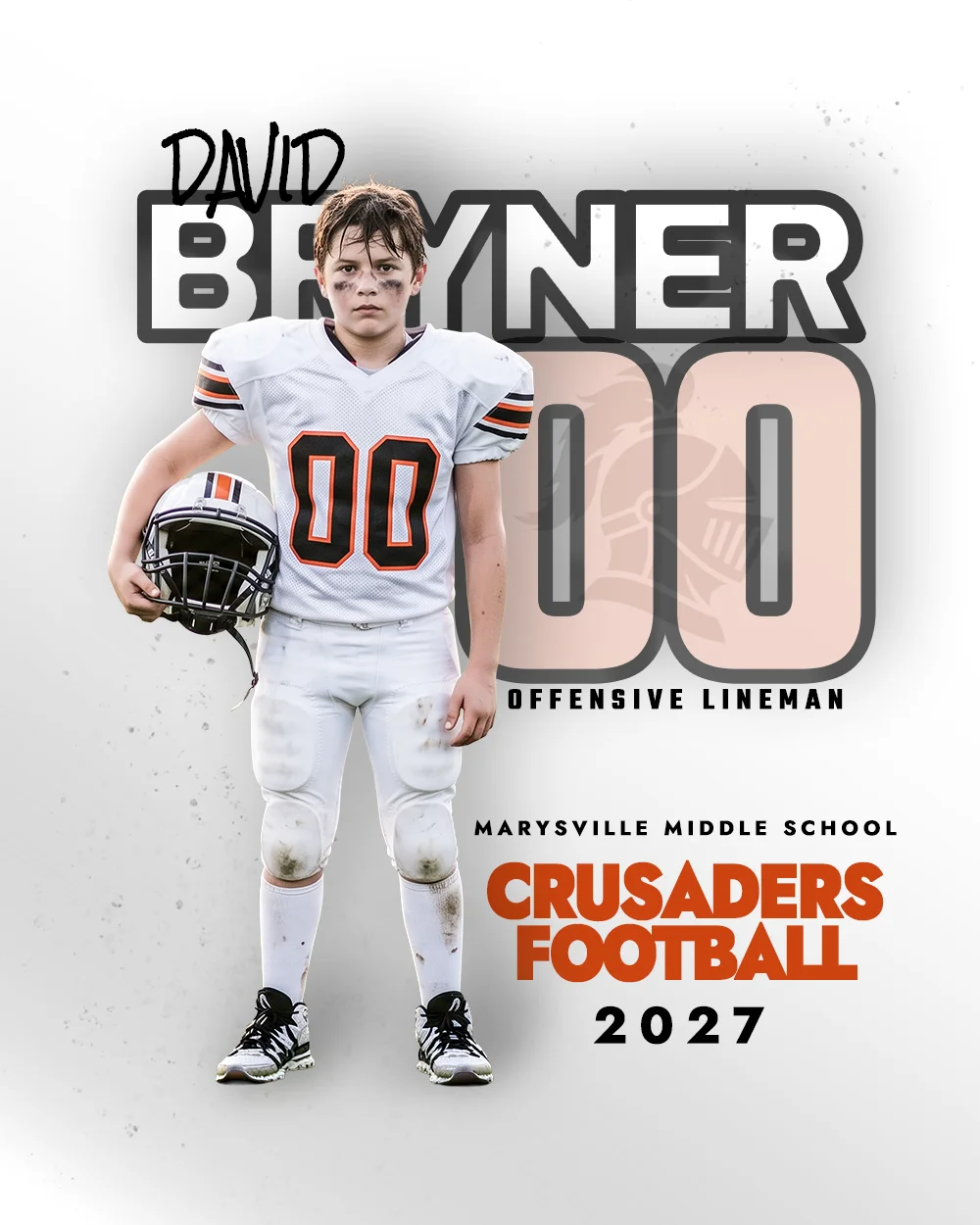
✍🏼 means it's yours to change. 🚫 means leave it alone. That's the whole system.
This exact template is in the shop. Your photo, your colors, same layers.
Get this poster templateA whole roster. One click.
Every template comes with Player Drop, which cuts out one player and places them. Player Drop Batch does the whole team: point it at a folder of photos and it builds a finished file for every player.
- Set up once. Team colors, logo and team photo in any BleacherProof template. Save.
- Name the photos.
12_Last_First.jpg. Lightroom can rename a whole shoot on export. - Run it. Every player cut out, sized, placed and named. Long names shrink to fit.
6 players in 47 seconds in our tests, with a report that flags any file worth a second look. Works with trading card fronts and backs too.
Photoshop 2021 or newer. Runs on your own computer. Also fills your own PSD if it has a Smart Object named PLAYER.
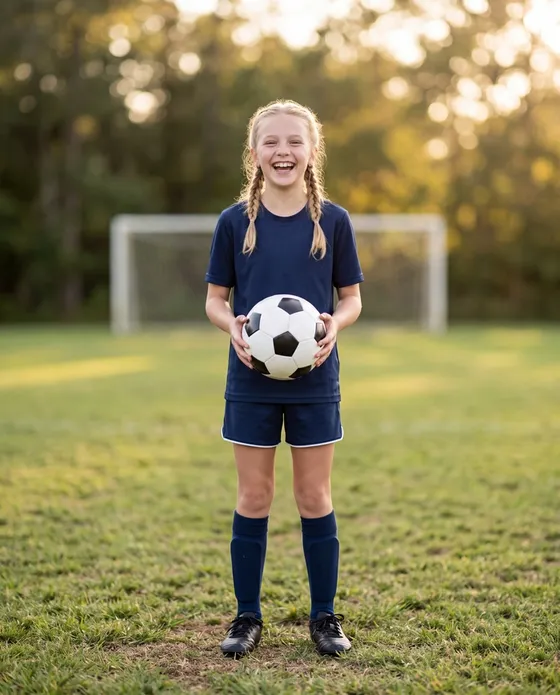
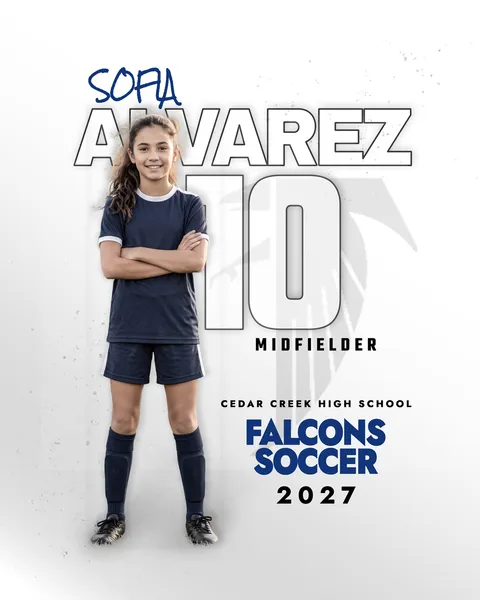
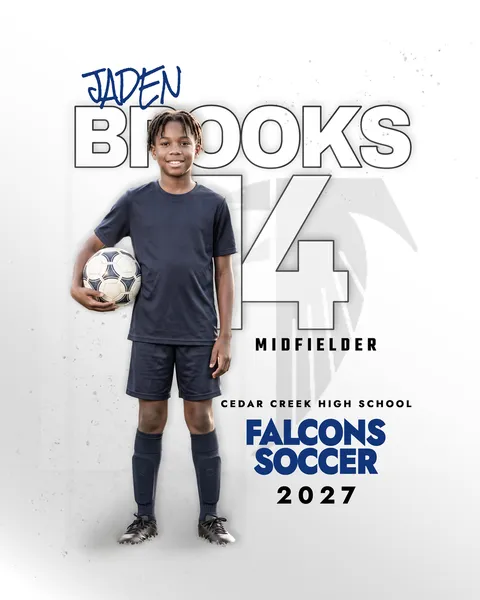
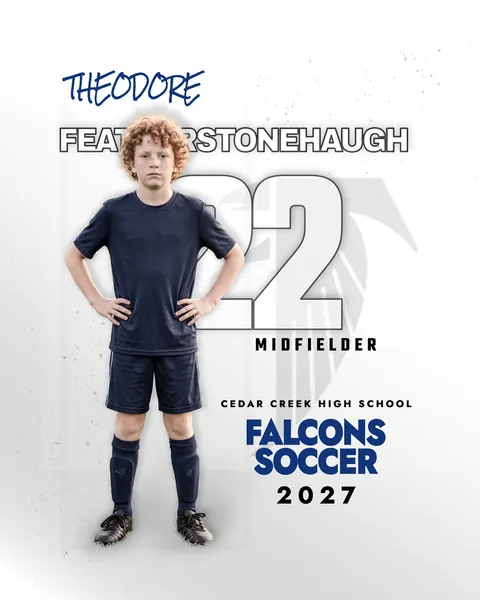
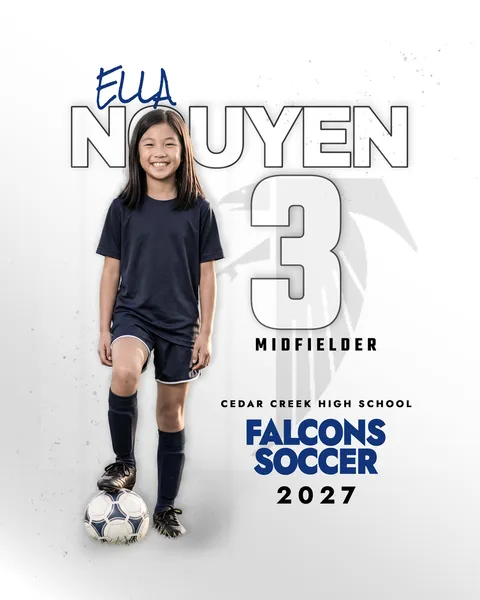
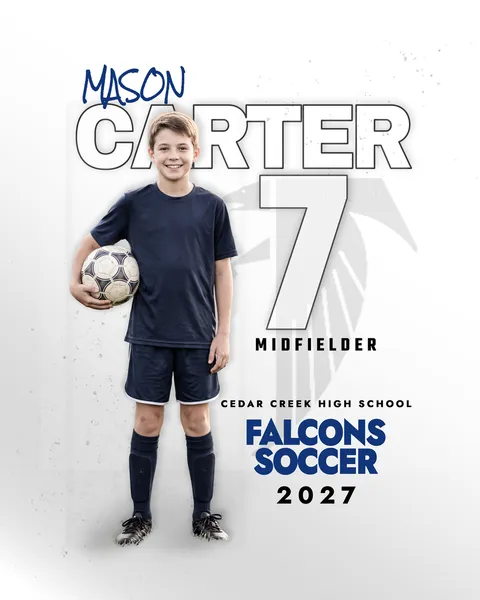
 Finished, the whole team
Players shown are AI-generated sample athletes, not real people.
Buy once. Run it all season.
One straightforward license, written for working photographers. No seat counts, no renewals, no fine print games.
Unlimited client sessions
Use every template on as many athletes, teams, and sessions as you shoot. No per-use fees, ever.
Fully layered PSDs
Organized groups, smart-object drop zones, and editable text. Adobe Photoshop CC or newer.
Print and digital delivery
Hand off finished composites in print-ready and web sizes, however your clients order.
Sell your composites
Charge your clients whatever you want and keep every dollar. The composites you deliver are yours to sell, no royalties owed.
The one rule
The templates are yours to use, not to resell, redistribute, or share as templates. Deliver all the composites you want. Just keep the PSDs on your side of the bench.